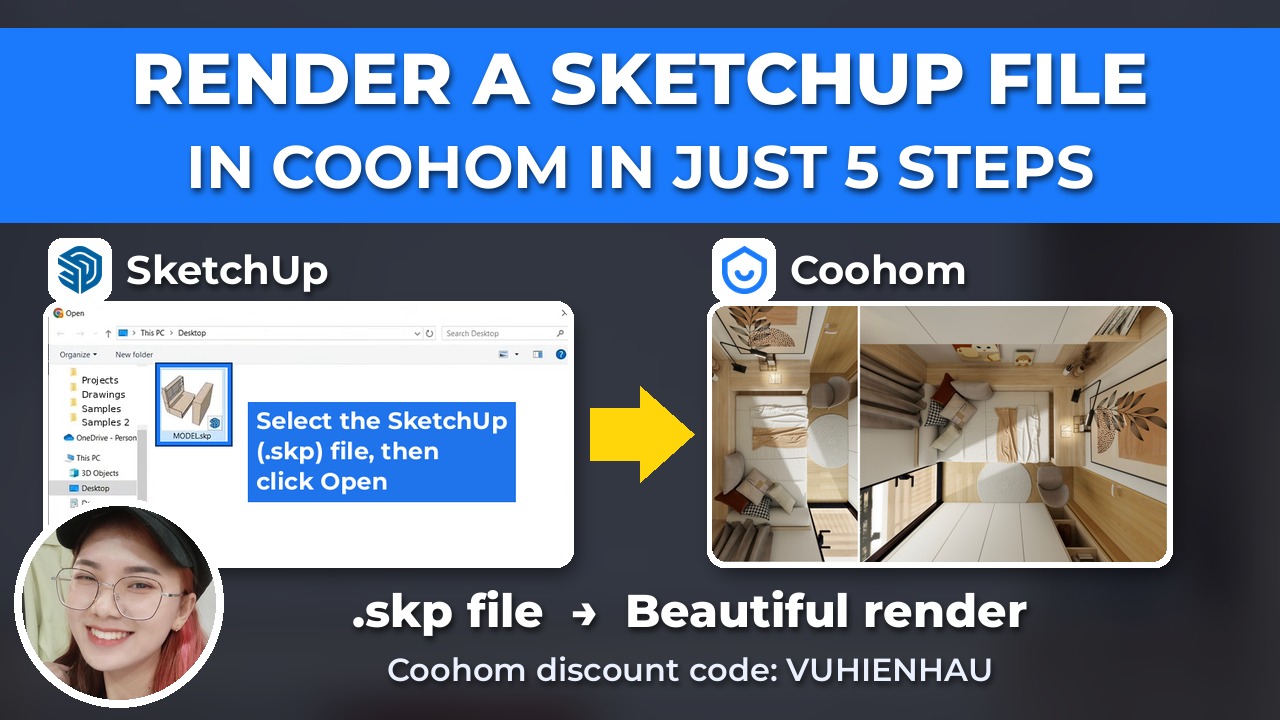
Have you built a model in SketchUp and want a great-looking render to send to your client? With Coohom, you just upload the SketchUp file, add furniture from the library and click render. Here’s a 5-step walkthrough.
🎁 Coohom discount code: VUHIENHAU – enter this code at checkout to get an extra 10% off Coohom.
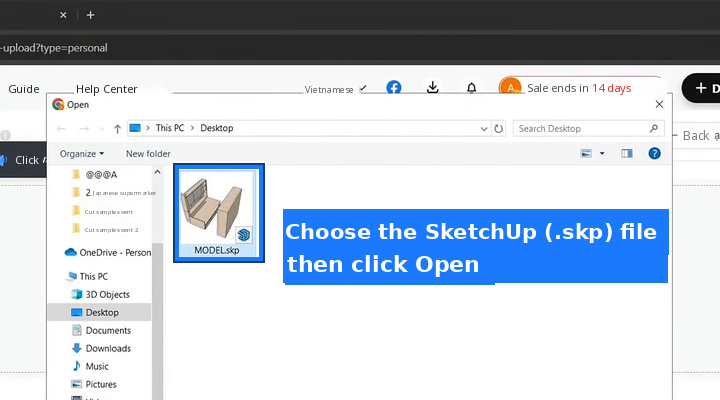
Step 1: Upload the SketchUp (.skp) file to Coohom
Upload your SketchUp file (with the .skp extension) to Coohom: select the file and click Open. Then use Coohom’s wall and door drawing tools to complete the space. For what to watch out for when preparing your SketchUp file, see this post: https://vuhienhau.com/en/what-you-need-to-upload-a-sketchup-file-to-coohom-for-rendering/
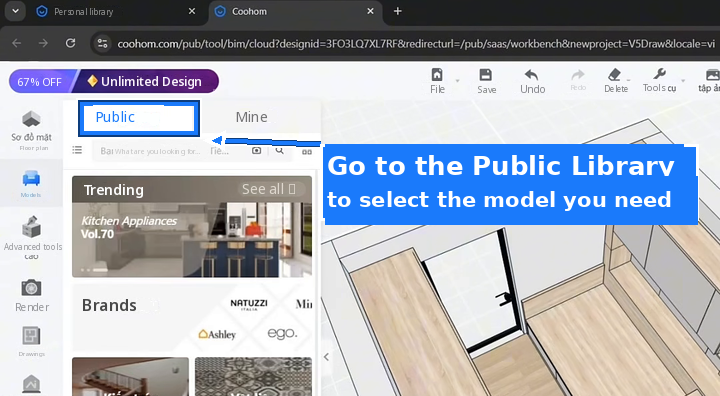
Step 2: Open the Public library
In the left panel, choose the Public tab to open Coohom’s built-in model library.
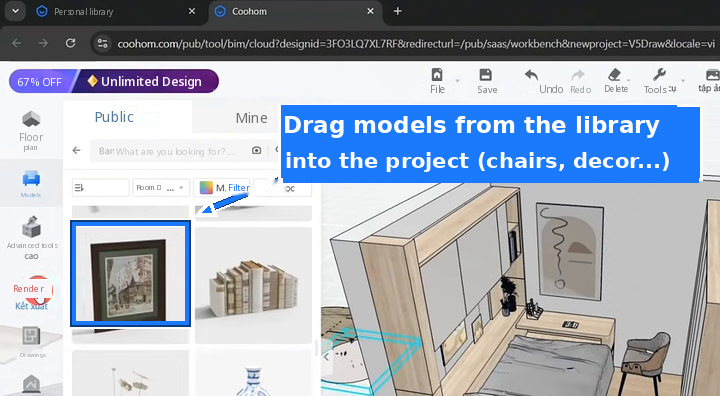
Step 3: Drag and drop models into the project
Drag and drop the models you need into the project. For example, I added chairs and some decor items.
Step 4: Set the camera angle and render
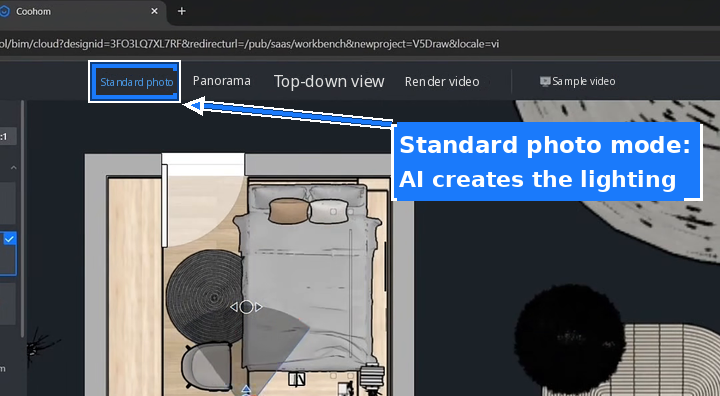
Set the camera angle, then click render. Coohom has AI that sets up the lighting automatically, so you don’t need to arrange lights yourself. I used the Standard photo mode.
Step 5: Download the render and show your client
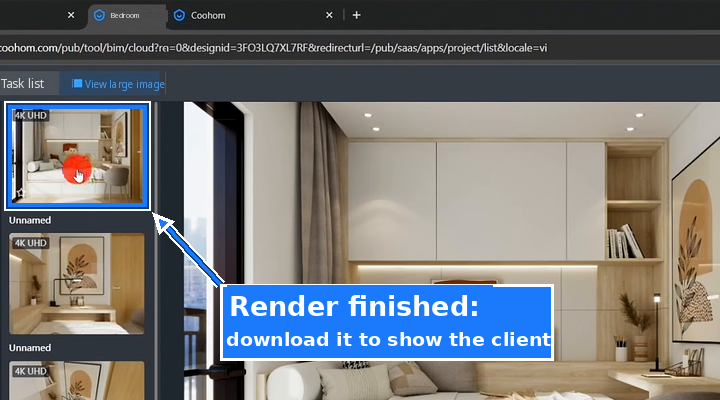
Once rendered, the image appears in your project list. Download the image and send it to your client so they can picture how their house will look.
Coohom Pro at a great price – see the Coohom buying guide: https://vuhienhau.com/en/buying-support-coohom-pro-and-elite/
Good luck!
Detailed video tutorial:
Watch a quick tutorial video on Facebook 👉 https://www.facebook.com/reel/1147832090531171
I can help you buy Coohom Pro for $102.58/year and Elite for $430/year. If you’re interested, message me on WhatsApp: +84359864135. Apply the code VUHIENHAU to get a discount when buying Coohom.
You May Also Like:


_____________________________________
🔥 COOHOM COURSE – BASIC + ADVANCED + RENDERING:
Learn presentation rendering and 3D modeling for both interiors and exteriors. Design a complete house by the time you finish the course.
👉 Tuition: $69
👉 Course information: https://vuhienhau.com/en/course/advanced-coohom/
👉 Enroll via our Facebook Fanpage: https://facebook.com/VuHienAcademy or WhatsApp: +84359864135