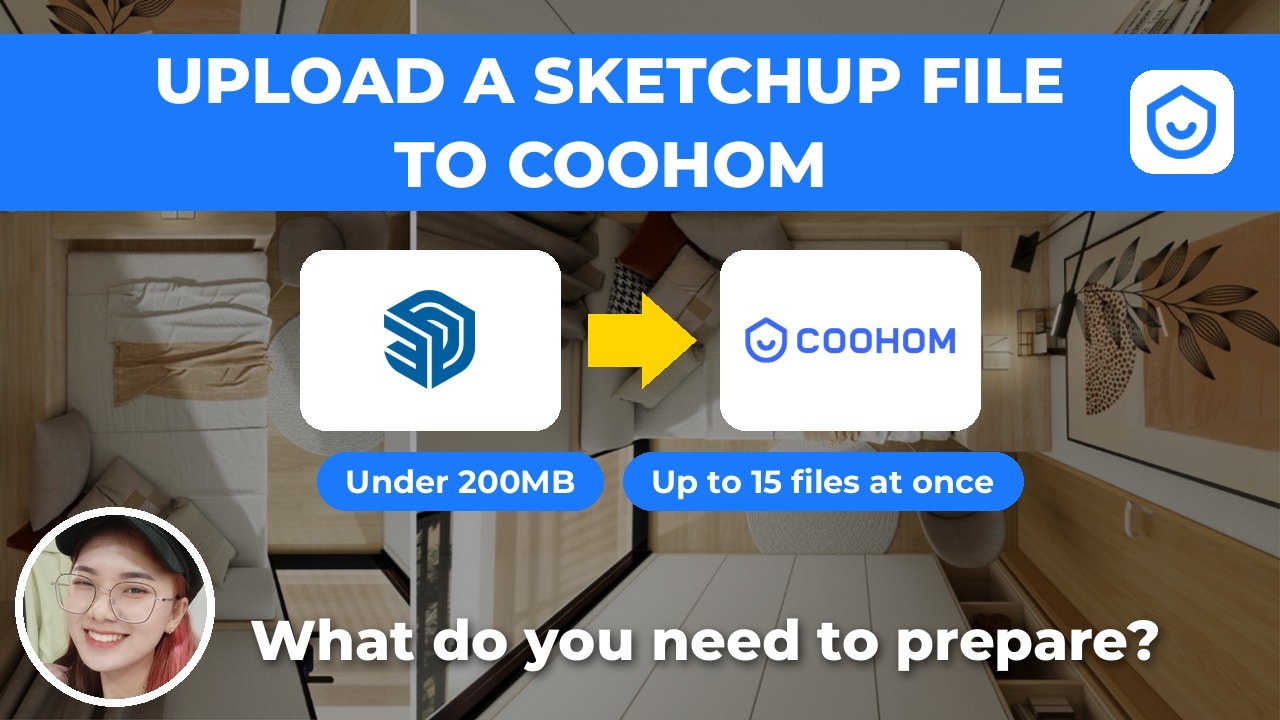
Coohom has been quite popular lately because all you need is a low-spec laptop with an internet connection to render. It even has built-in AI that sets up the lighting automatically, saving time and making rendering easier than ever. So what do you need to prepare to upload a SketchUp file to Coohom for rendering? Let’s take a look
SketchUp Vietnam has launched the new Training Enterprise plan for just $141/year. Learn more about the plan here: https://vuhienhau.com/en/what-is-sketchup-training-enterprise-price-features-how-to-buy/
1. The SketchUp file
First, prepare your SketchUp file. Note that the SketchUp file must be under 200MB to be uploaded to Coohom
Some tips/tricks for uploading:
- If your SketchUp file is larger than 200MB, you can split it into several files and upload them
- You can upload up to 15 files at once
- You can upload a whole project or individual models, then render right in Coohom
- Coohom also supports the MAX, RAR, ZIP, FBX and GLB formats. You can flexibly upload other files too
To see the steps for uploading a SketchUp file to Coohom and rendering it, watch this review video: https://www.facebook.com/share/r/1CAy9WWn93/
2. A Coohom Pro account
If you want to render 4K-quality images without a watermark, you need to buy a Pro account. Coohom Pro costs $12.28 for a single month, or $102.58/year. Apply the discount code VUHIENHAU to get an extra 10% off ($92.32/year after the code)
For more on how to buy, see this post: https://vuhienhau.com/en/how-to-buy-coohom-pro-with-discount-code/
I can also help you buy Coohom Pro for $102.58/year. Message me on WhatsApp to help you buy: +84359864135
3. Learning Coohom
You can learn Coohom on the Coohom Vietnam YouTube channel. Or check out my $69 course: https://vuhienhau.com/en/course/advanced-coohom/
In the course I cover everything about Coohom. There’s a whole module that shows you how to upload a SketchUp file to Coohom to render, set up lighting, redo materials and arrange decor models in a room.
The course shows you how to upload files to Coohom to build a small bedroom, a small kitchen, an exterior, and more.
You May Also Like:

_____________________________________
🔥 COOHOM COURSE – BASIC + ADVANCED + RENDERING:
Learn presentation rendering and 3D modeling for both interiors and exteriors. Design a complete house by the time you finish the course.
👉 Tuition: $69
👉 Course information: https://vuhienhau.com/en/course/advanced-coohom/
👉 Enroll via our Facebook Fanpage: https://facebook.com/VuHienAcademy or WhatsApp: +84359864135