
While working in AutoCAD, some users may run into font problems, such as fonts not displaying correctly, broken fonts, or fonts not being recognized. This can cause real obstacles when designing and working with drawings. However, there are a few simple and effective ways to fix font errors in AutoCAD.
📌 New: I’ve just released the VFCC AutoCAD font-fix lisp, which fixes font errors in bulk with 1 click: the FONTSYNC command scans the drawing for every missing font & installs them automatically, and the FONTFIX command syncs the whole drawing to a single font. Price: $10/computer.
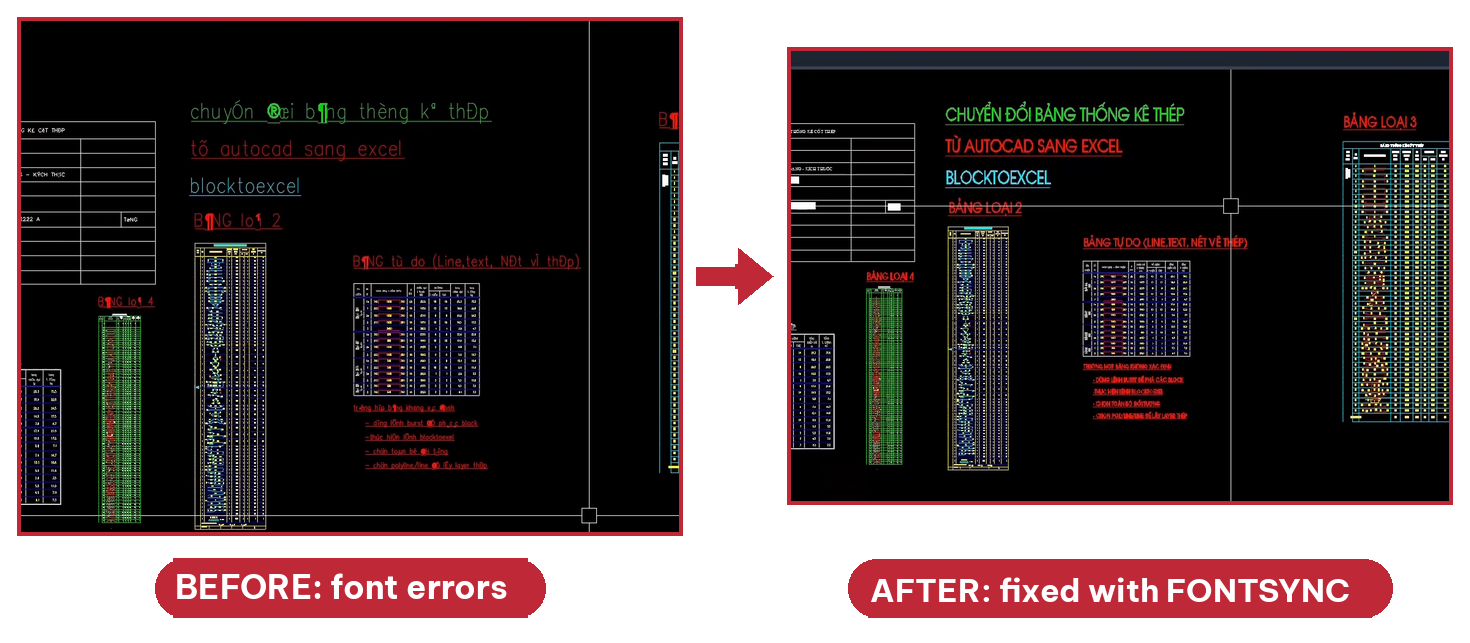
👉 VFCC lisp details: https://vuhienhau.com/en/fix-autocad-font-errors-in-bulk-with-1-click-vfcc-lisp/
👉 Buy the VFCC lisp: https://vuhienhau.com/san-pham/vfcc-sua-loi-font-autocad/ or message me on WhatsApp: +84359864135

I. What is a font error in CAD?
A font error is when text content is displayed as symbols and can’t be read.
There are 2 main causes of font errors:
– AutoCAD is missing a CAD font or a Windows font.
– The text content doesn’t support accents, special characters or uppercase letters.
II. How to fix font errors in CAD
Step 1: Download the full font set
Step 2: After downloading, extract the file
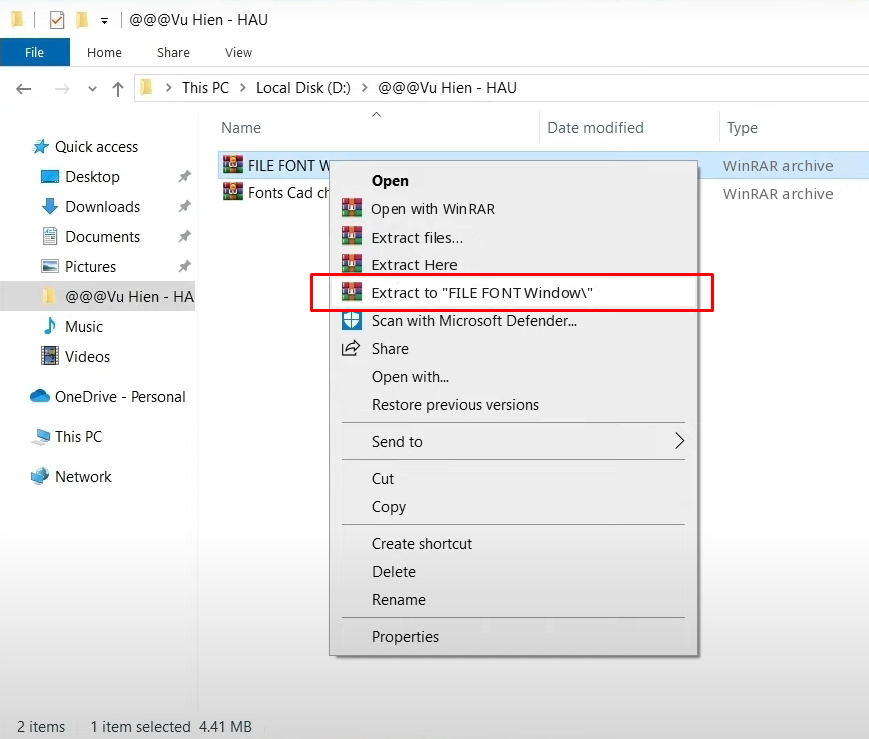
Step 3: Install the fonts for AutoCAD
– Copy all the fonts in the “Font Autocad – VHAU” folder you just extracted into AutoCAD’s font folder at the path:
C:\Program Files\Autodesk\AutoCAD 20xx\Fonts or C:\Program Files (x86)\Autodesk\AutoCAD 20xx\Fonts depending on whether your operating system is 64-bit or 32-bit.
Step 4: Install the fonts for Windows
– Select all the fonts in the “Font Window – VHAU” folder you just extracted, then install them by right-clicking and choosing “Install for all user”
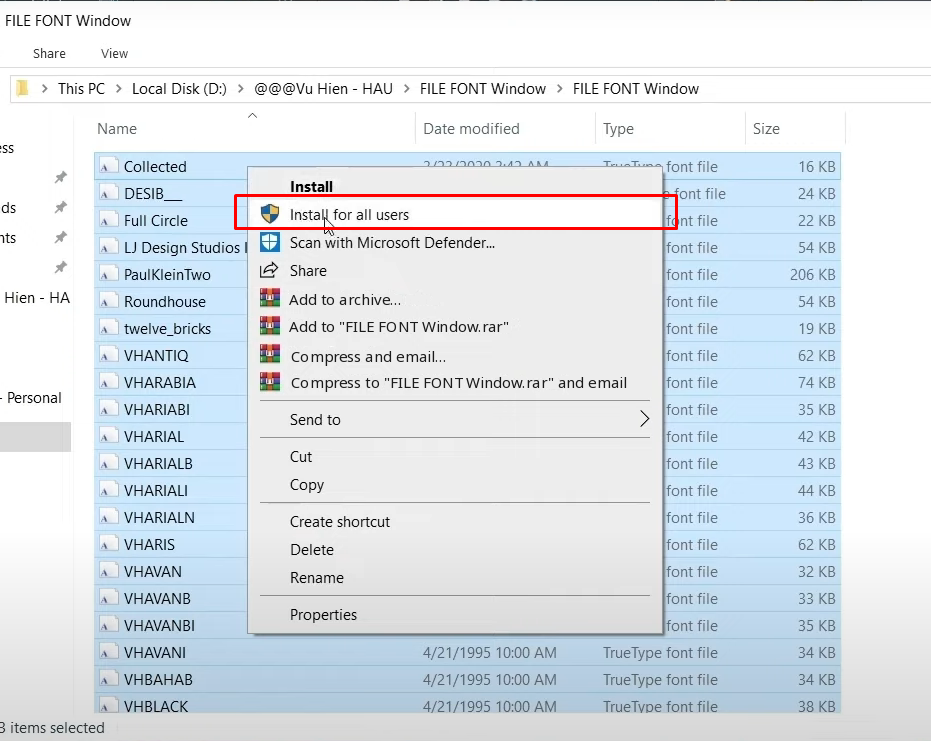
Then restart your computer so the changes take effect more reliably.
Detailed video tutorial:
Good luck!
If you found this article helpful, you can support me by buying the Complete AutoCAD Resource Pack. It includes books, libraries, fonts, hatches, lisp, templates, sample projects, ISO standards and more, which I’ve put together and curated from my years of teaching and real-world work. Price: $15. Buy and pay at this link: 👉https://vuhienhau.com/en/san-pham/complete-autocad-resource-pack/
You May Also Like:
 Complete AutoCAD Resource Pack$15View now
 [ATOC] Auto Drawing List$25 $10View now
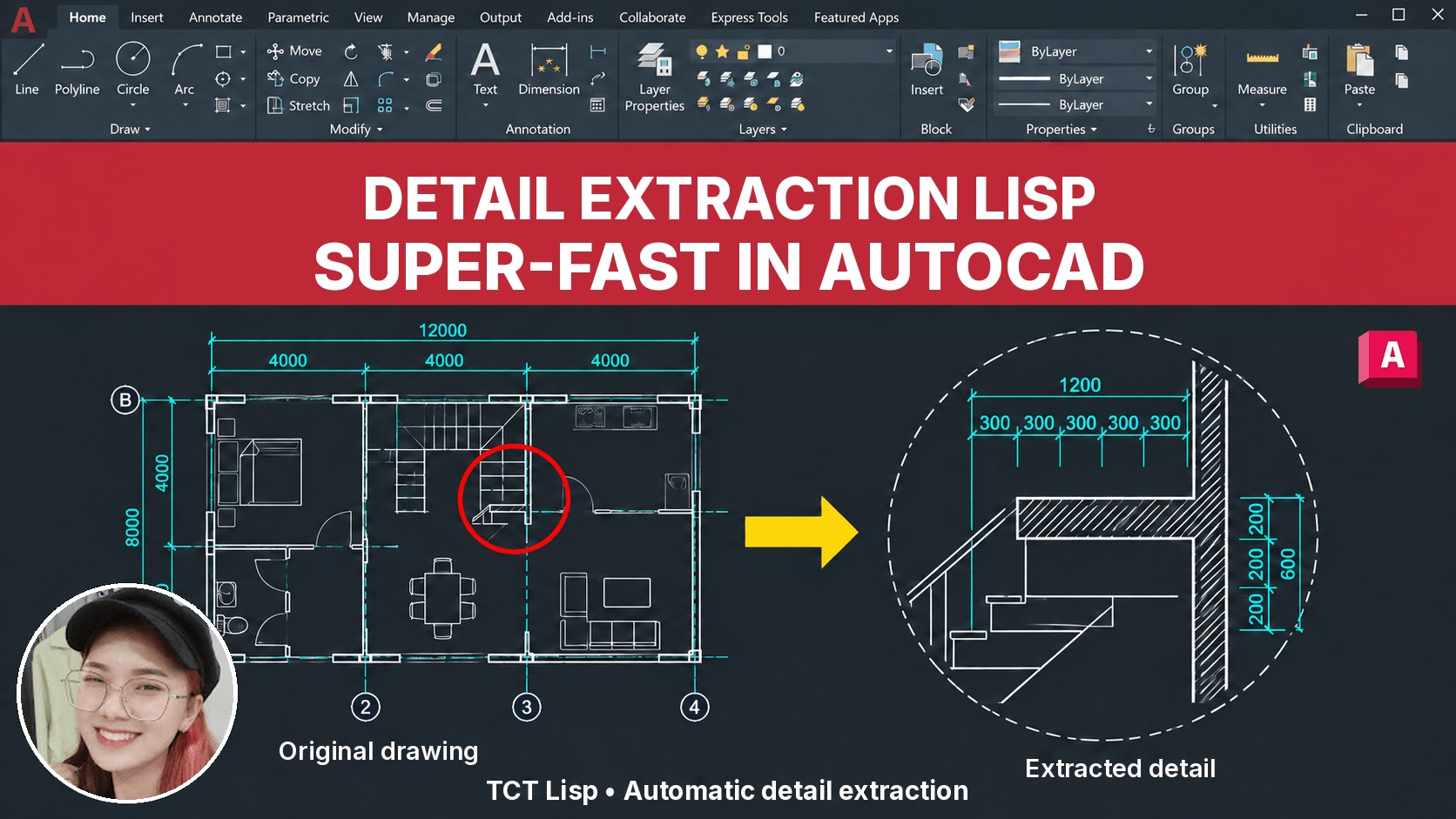 [TCT] Detail Extraction$25 $10View now
 [QD] Fast Dimensioning$25 $10View now
 BECOME A PROFESSIONAL AUTOCAD USER$109 $69View now
 [D2P] Batch Plot$25 $10View now
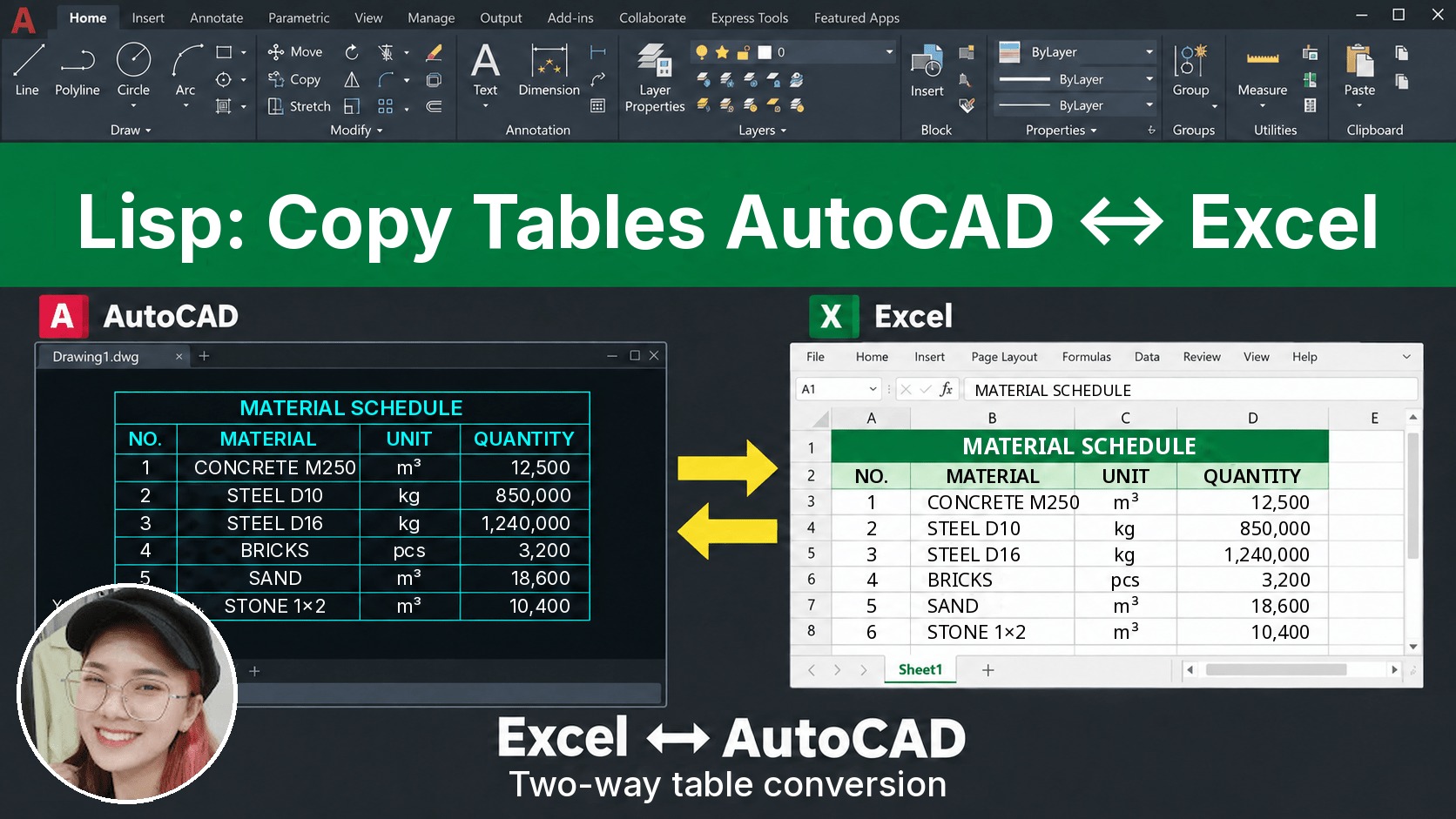 [D2X] Copy/Convert Tables Between AutoCAD & Excel$25 $10View now
_____________________________________
🔥 PRACTICAL PROFESSIONAL AUTOCAD COURSE A-Z:
Learn tips, tricks, lisp and the right mindset to draw fast and manage your drawings professionally. After finishing the course, you’ll be able to produce any drawing you want.
👉 Tuition: $69
👉 Course information: https://vuhienhau.com/en/course/become-a-cadman/
👉 Enroll via our Facebook Fanpage: https://facebook.com/VuHienAcademy or WhatsApp: +84359864135