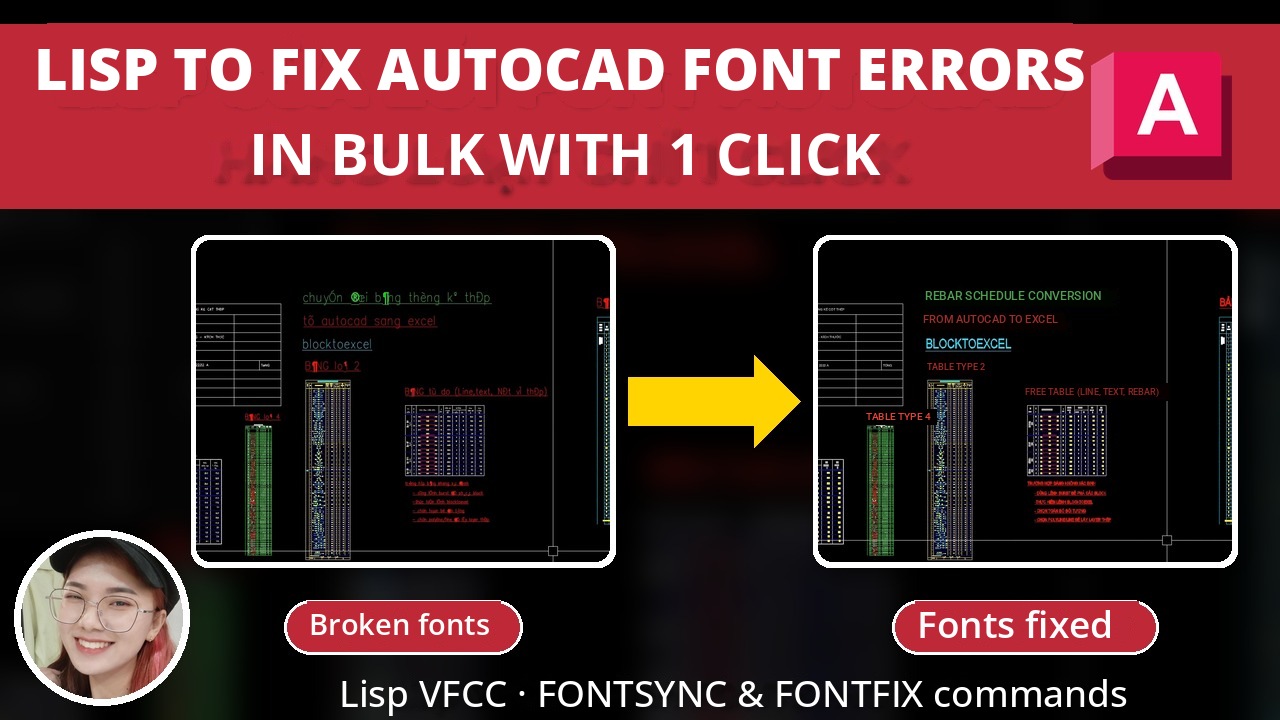
You open a CAD file downloaded from the internet or sent by someone else, and all the fonts are broken, and they’re still broken after several attempts to fix them? The VFCC AutoCAD font-fix lisp fixes font errors in bulk with just 1 click; you don’t need to do anything else.
📌 The lisp has 2 commands: FONTSYNC scans the drawing for every missing font & installs them for you, and FONTFIX syncs the whole drawing to a single font. Whether they’re industry-specific SHX fonts or TrueType fonts, the lisp fixes them all.
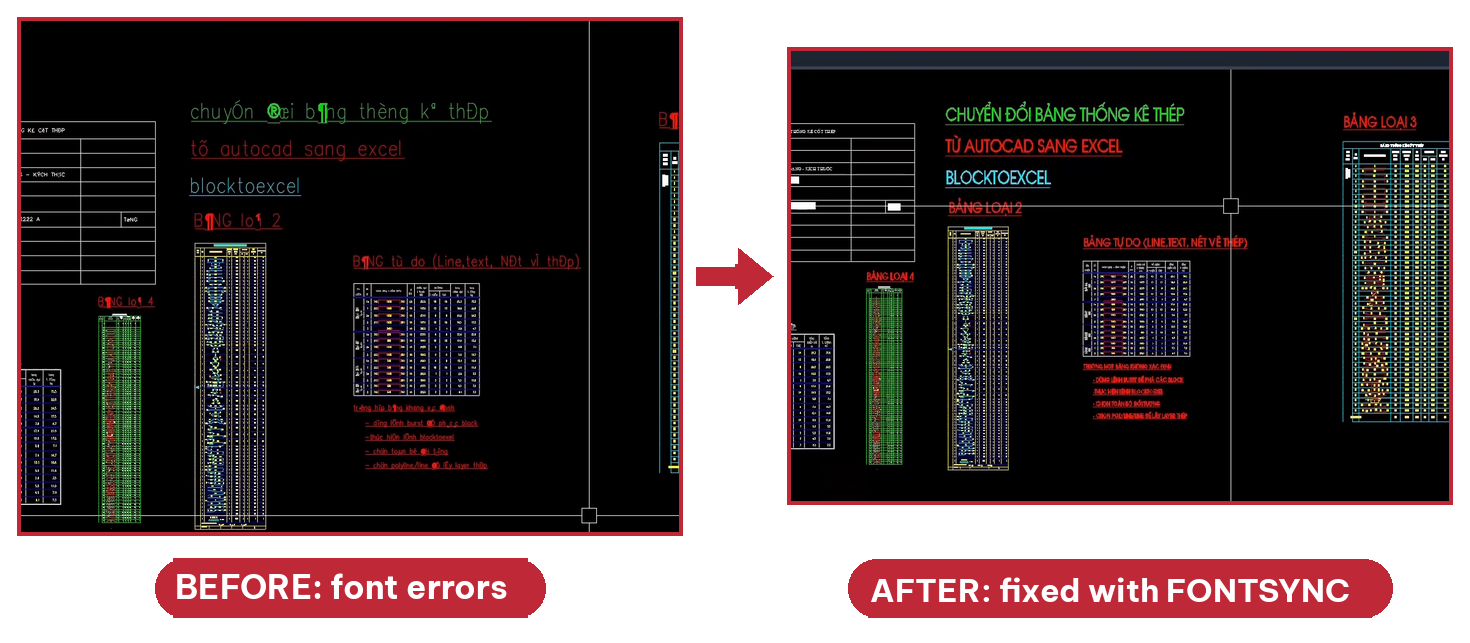
🎬 Watch the VFCC lisp review video on Facebook: https://www.facebook.com/reel/1669956321495780/
I. The FONTSYNC command: install missing fonts automatically
- Open the drawing with font errors and type the command FONTSYNC → Enter.
- The AJS FontSync Wizard panel appears and starts running automatically after a few seconds. If you want to run it right away, click Sync now.
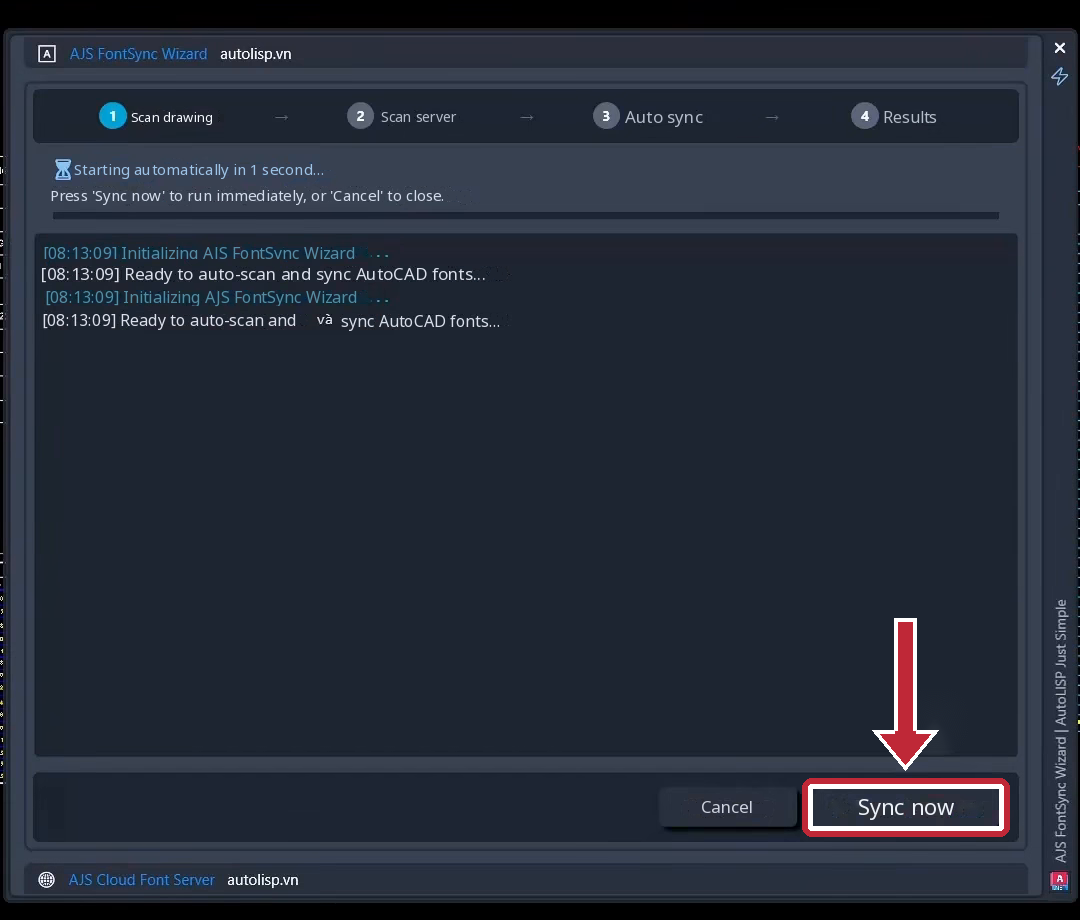
- The lisp scans the drawing for every missing font (in the video it finds 10 missing fonts), then downloads & installs them for you.
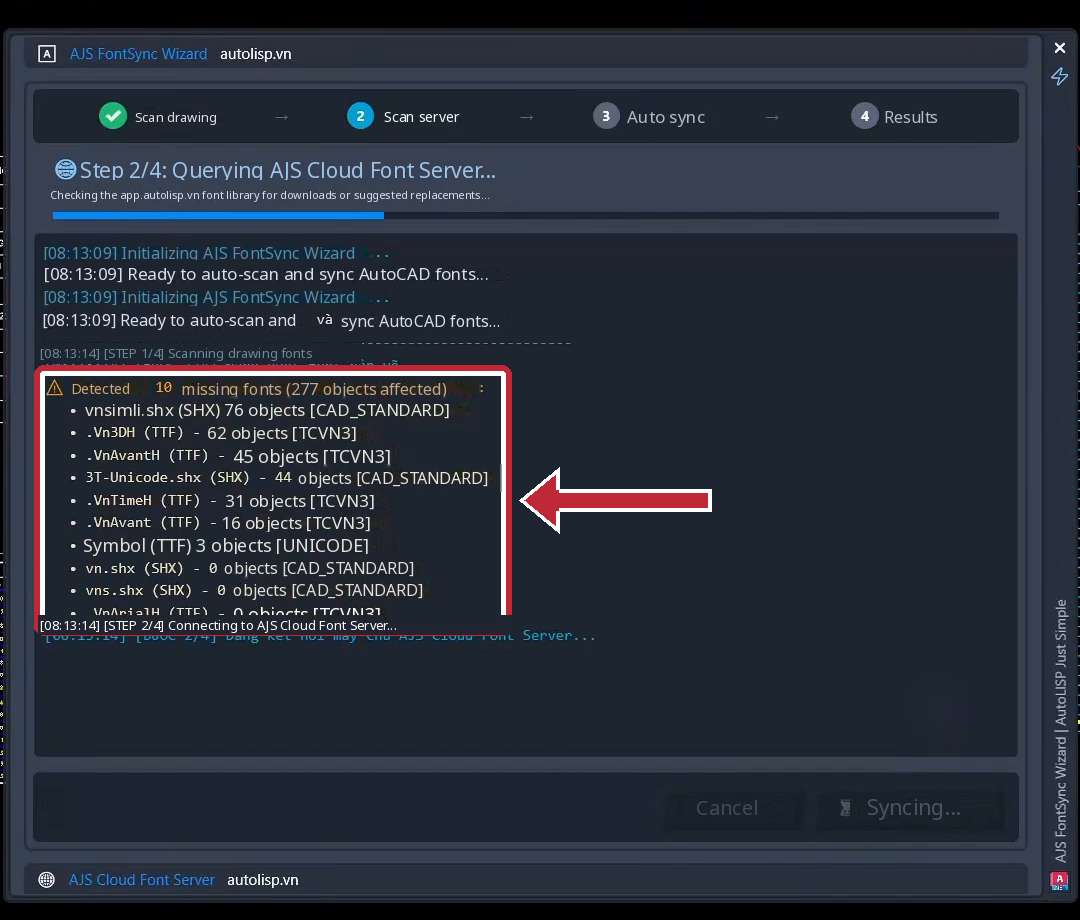
- When it’s done, the panel closes by itself, or you can close it.
- Close AutoCAD, reopen the file, and the font errors are gone.
II. The FONTFIX command: sync the whole drawing to 1 font
If you want to convert every font in the drawing to a single font for consistency, use the FONTFIX command:
- Type the command FONTFIX → Enter.
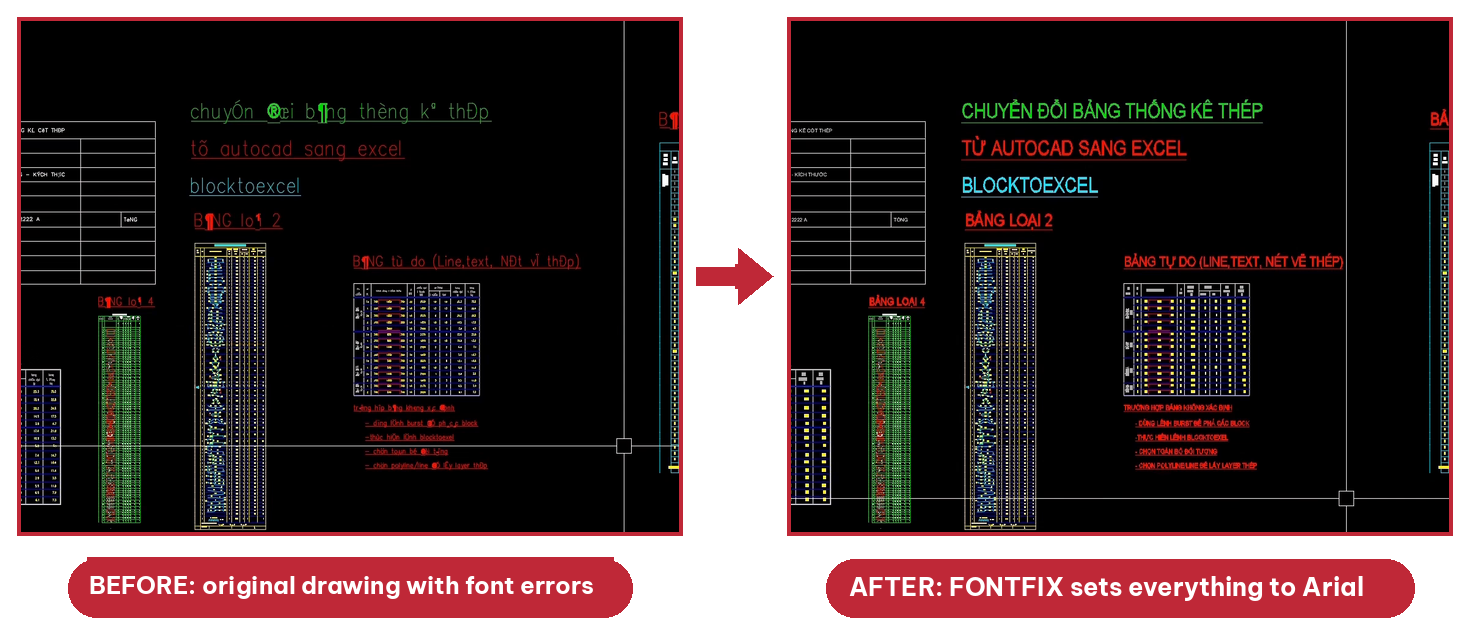
- Choose the font you want: Times New Roman, Arial, VNI-Times, .VnTime… or another font installed on your computer. In this example I choose Arial.
- Click Entire drawing to sync the whole drawing (or Select objects if you only want to change part of it).
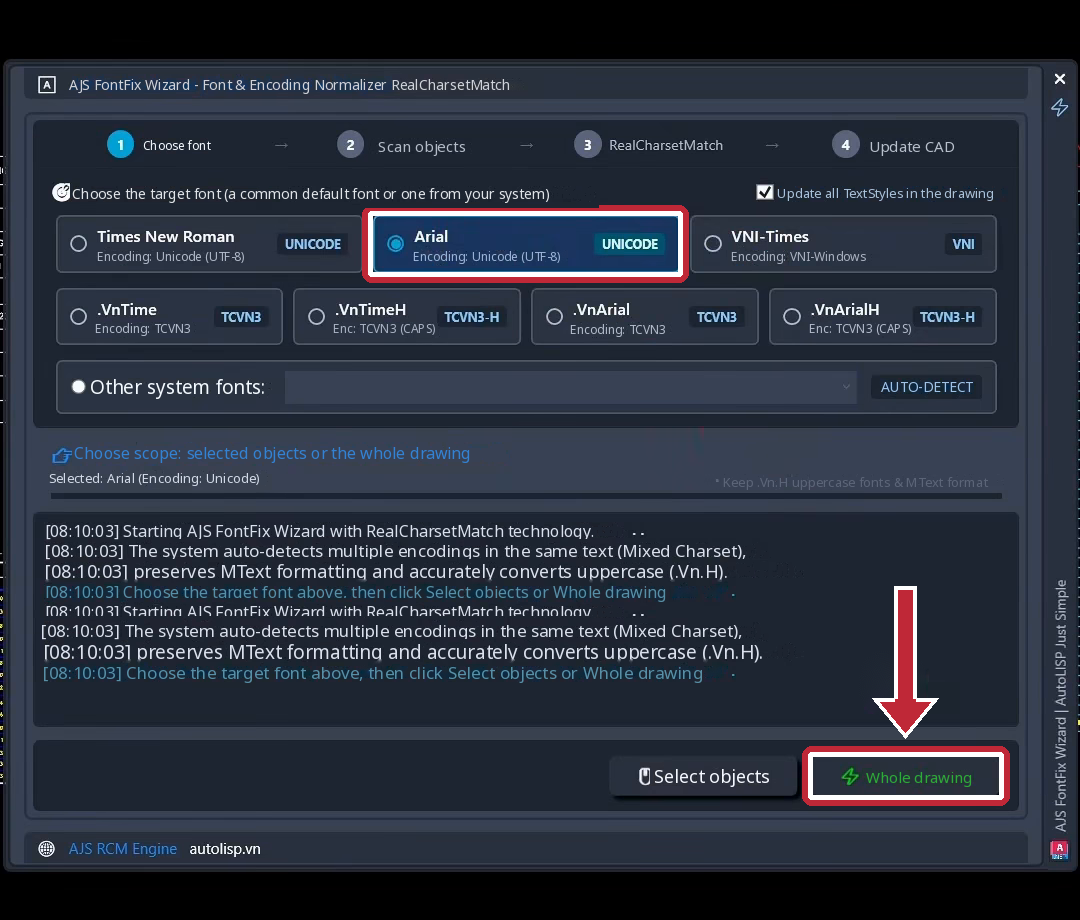
The whole drawing is instantly synced to Arial, easy to read & with no font errors. With this method you see the result right away, without closing AutoCAD.
The VFCC AutoCAD font-fix lisp is a complete solution for font problems: replacing fonts in bulk, converting character encodings…
VFCC lisp price and how to buy
I sell the VFCC lisp for $10/computer. My lisps are tied to your hardware: if you reinstall Windows or AutoCAD, you can keep using it as normal; it only stops working if you change your computer’s hardware.
👉 Buy the VFCC lisp here: https://vuhienhau.com/san-pham/vfcc-sua-loi-font-autocad/ or message me on WhatsApp: +84359864135.
See also how to fix AutoCAD font errors manually: https://vuhienhau.com/en/how-to-fix-font-errors-in-autocad/
See also my roundup of useful AutoCAD lisps: https://vuhienhau.com/en/useful-autocad-lisps-roundup-download-links-and-user-guides/ on my website.
Good luck!
Detailed video tutorial:
If you found this article helpful, you can support me by buying the Complete AutoCAD Resource Pack. It includes books, libraries, fonts, hatches, lisp, templates, sample projects, ISO standards and more, which I’ve put together and curated from my years of teaching and real-world work. Price: $15. Buy and pay at this link: 👉https://vuhienhau.com/en/san-pham/complete-autocad-resource-pack/
You May Also Like:
 Complete AutoCAD Resource Pack$15View now
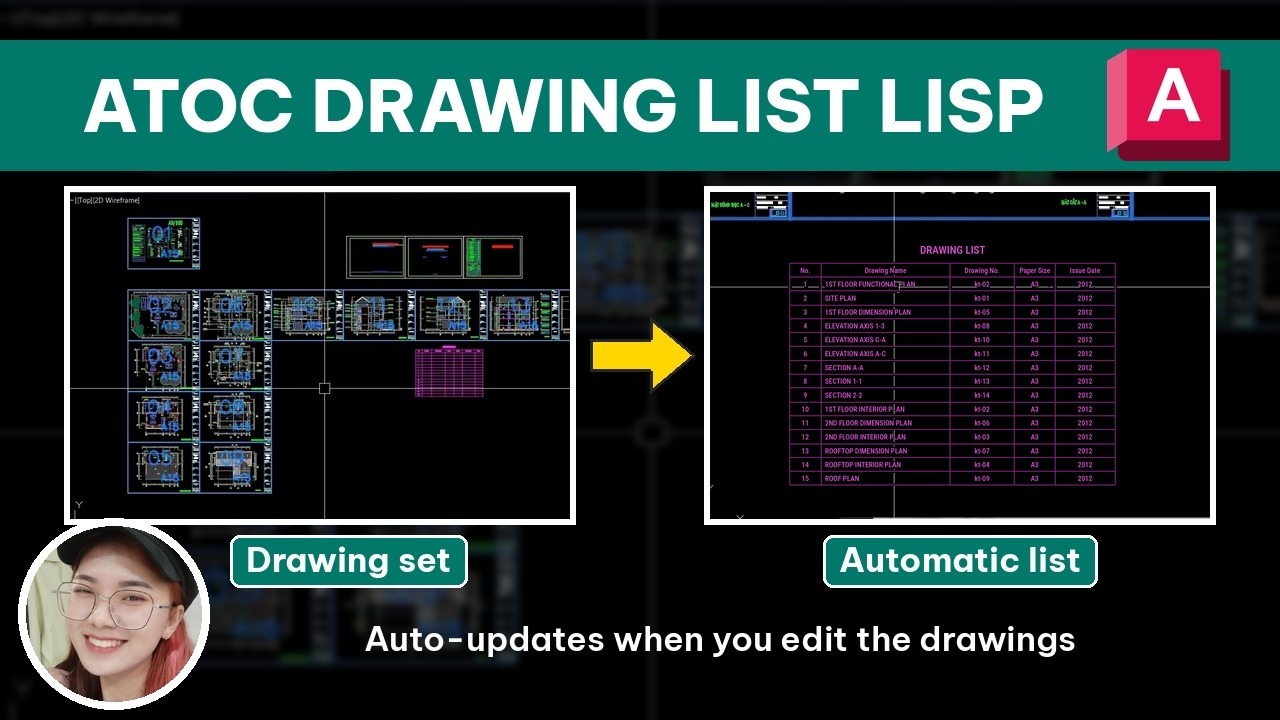 [ATOC] Auto Drawing List$25 $10View now
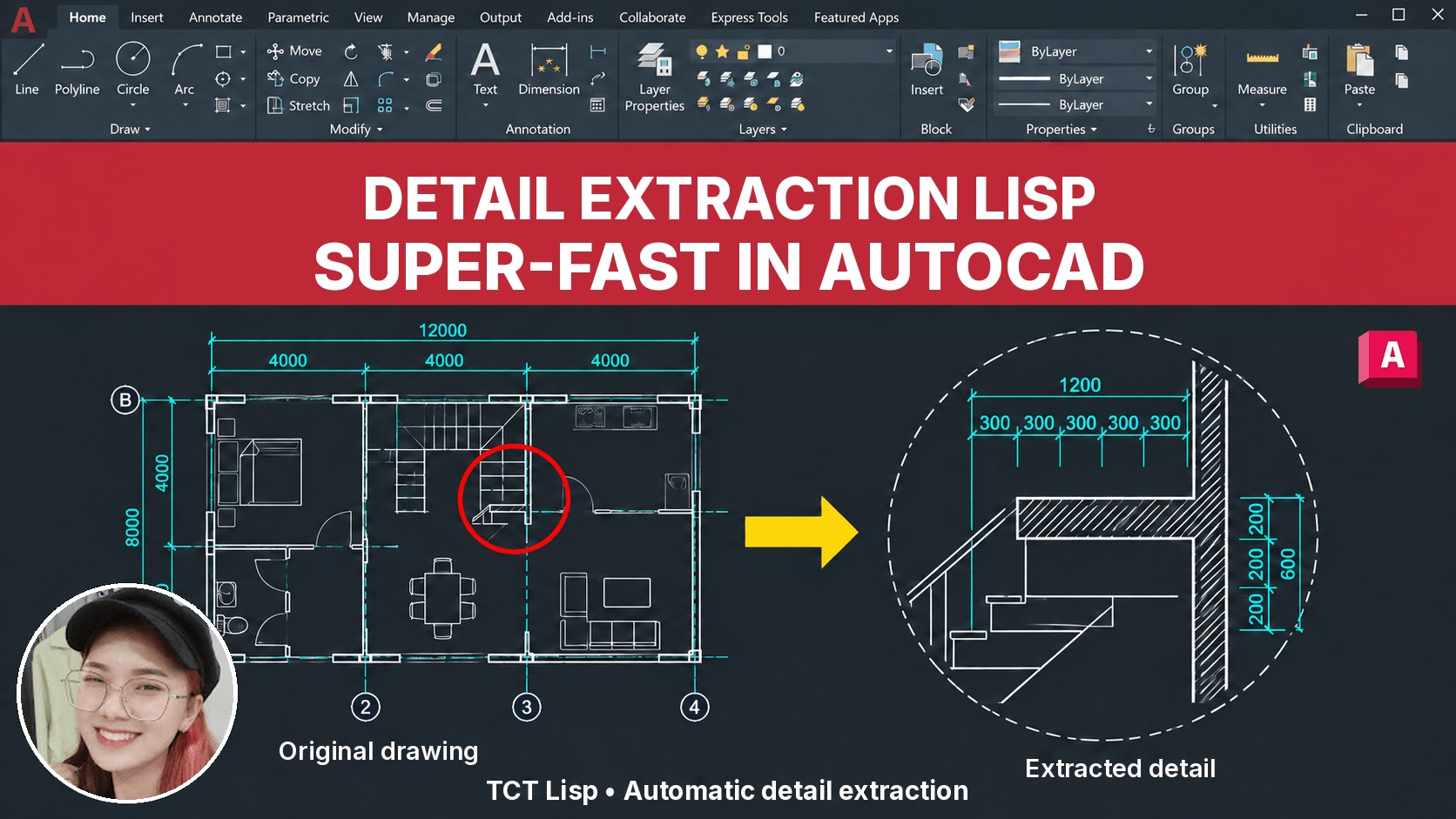 [TCT] Detail Extraction$25 $10View now
 [QD] Fast Dimensioning$25 $10View now
 BECOME A PROFESSIONAL AUTOCAD USER$109 $69View now
 [D2P] Batch Plot$25 $10View now
 [D2X] Copy/Convert Tables Between AutoCAD & Excel$25 $10View now
_____________________________________
🔥 PRACTICAL PROFESSIONAL AUTOCAD COURSE A-Z:
Learn tips, tricks, lisp and the right mindset to draw fast and manage your drawings professionally. After finishing the course, you’ll be able to produce any drawing you want.
👉 Tuition: $69
👉 Course information: https://vuhienhau.com/en/course/become-a-cadman/
👉 Enroll via our Facebook Fanpage: https://facebook.com/VuHienAcademy or WhatsApp: +84359864135