VinaCAD is a replacement for AutoCAD developed by Vietnamese people to optimize licensing costs. It also offers a Vietnamese-language interface and built-in lisp to help users work more efficiently.
I’m Vu Hien – HAU, VinaCAD’s exclusive discount-code KOL. In this post I cover everything from what VinaCAD is, its plans, system requirements and a cost comparison with AutoCAD, to how to buy a VinaCAD license with a VAT invoice, at $81/license/year with code VUHIENHAU.
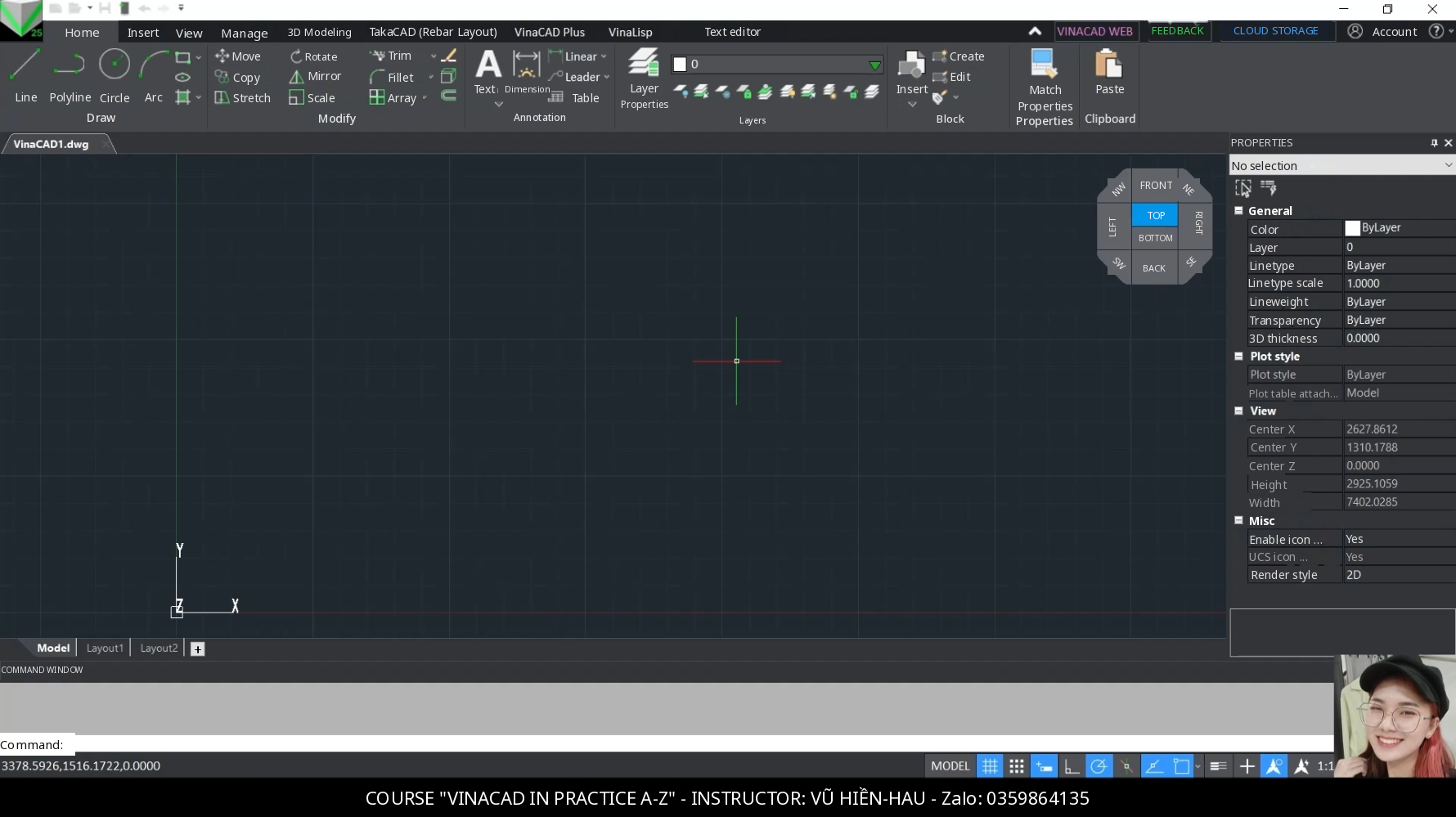
Watch the review video of this software here 👉 https://www.facebook.com/reel/1515989256396432
Step-by-step guide to downloading and installing the VinaCAD trial 👉 https://vuhienhau.com/en/step-by-step-guide-download-install-vinacad-trial-version/
1. WHAT IS VINACAD?
VinaCAD is licensed Vietnamese CAD software, developed by Prima Solutions’ team of programmers for Vietnam’s construction industry. It has over 50,000 downloads and more than 30,000 users, including businesses and engineers.
- Highly compatible with AutoCAD: open, edit and print DWG and DXF files and use familiar CAD commands, with nothing new to learn. Its commands are also compatible with popular CAD programs such as BricsCAD and IJCAD.
- A Vietnamese interface and commands, with support for most popular Lisps. The VinaLisp section on the ribbon has many ready-made Lisp commands, and you can load your own Lisp files with the APPLOAD command.
- Features built for construction, such as Cutting Plane, Box View, multiple 2D/3D windows (Multi-window) and AutoTile automatic tiling.
- Save and sync drawings in the Cloud. VinaCAD Web lets you view, do basic editing and share drawings via a link, while VinaCAD Smartphone lets you view drawings on phones and tablets.
- The ecosystem also includes TakaCAD (rebar detailing) and VinaBIM.
2. VINACAD PLANS AND FEATURES
| Plan | Cost | Main features |
|---|---|---|
| VinaCAD Free | Free, no time limit | Basic 3D modeling, basic Lisp support, VinaCAD Plus (automatic tiling), Cloud storage and collaboration (limited) |
| VinaCAD Standard Trial | Free for 30 days | Try every Standard feature. Switches to the Free plan automatically when it expires |
| VinaCAD Standard | $81/license/year with code VUHIENHAU | All Free features, plus advanced 2D drawing tools, advanced Lisp and Lisp loading support, Cloud data storage and sharing, extension SDK (C++, C#) and priority 1:1 technical support |
| VinaCAD Pro | Expected release: April 30, 2027 | All Standard features, plus advanced 3D modeling, 3D Outside tools, Automation API, TakaCAD integration, GPU processing and Rendering |
| VinaCAD Enterprise | Negotiated by volume | Centralized license management for businesses, customization to your needs, priority technical support |
Each Standard license includes VinaCAD Desktop, VinaCAD Portal Cloud and VinaCAD Smartphone, for flexible use across devices. You can try it for 30 days on the drawings you’re working on before buying. Students and CAD learners can use the free VinaCAD Education plan for study, coursework and research.
See my post on the 30-day trial: https://vuhienhau.com/en/vinacad-30-day-free-trial-whats-included-what-happens-when-it-ends/
3. SYSTEM REQUIREMENTS FOR VINACAD
VinaCAD is lightweight; open it and start working. Your computer only needs Windows 10 or later and 4GB of RAM or more. For 2D drawings and basic 3D, a standard office computer is enough.
4. VINACAD STANDARD VS AUTOCAD: LICENSE COSTS
A 1-year AutoCAD subscription has a suggested retail price of US$2,095/year (excluding taxes and fees). VinaCAD Standard is just $81/license/year with code VUHIENHAU, paid in Vietnamese dong via VietQR, with a VAT invoice for your company.
In terms of use, both can be installed on several computers but used on only 1 computer at a time. AutoCAD adds 7 industry-specific toolsets. If you mainly draw in 2D, open and edit DWG files, and use familiar commands and Lisp, VinaCAD Standard does the job well at a much lower cost.
5. HOW TO BUY A VINACAD LICENSE (WITH A VAT INVOICE)
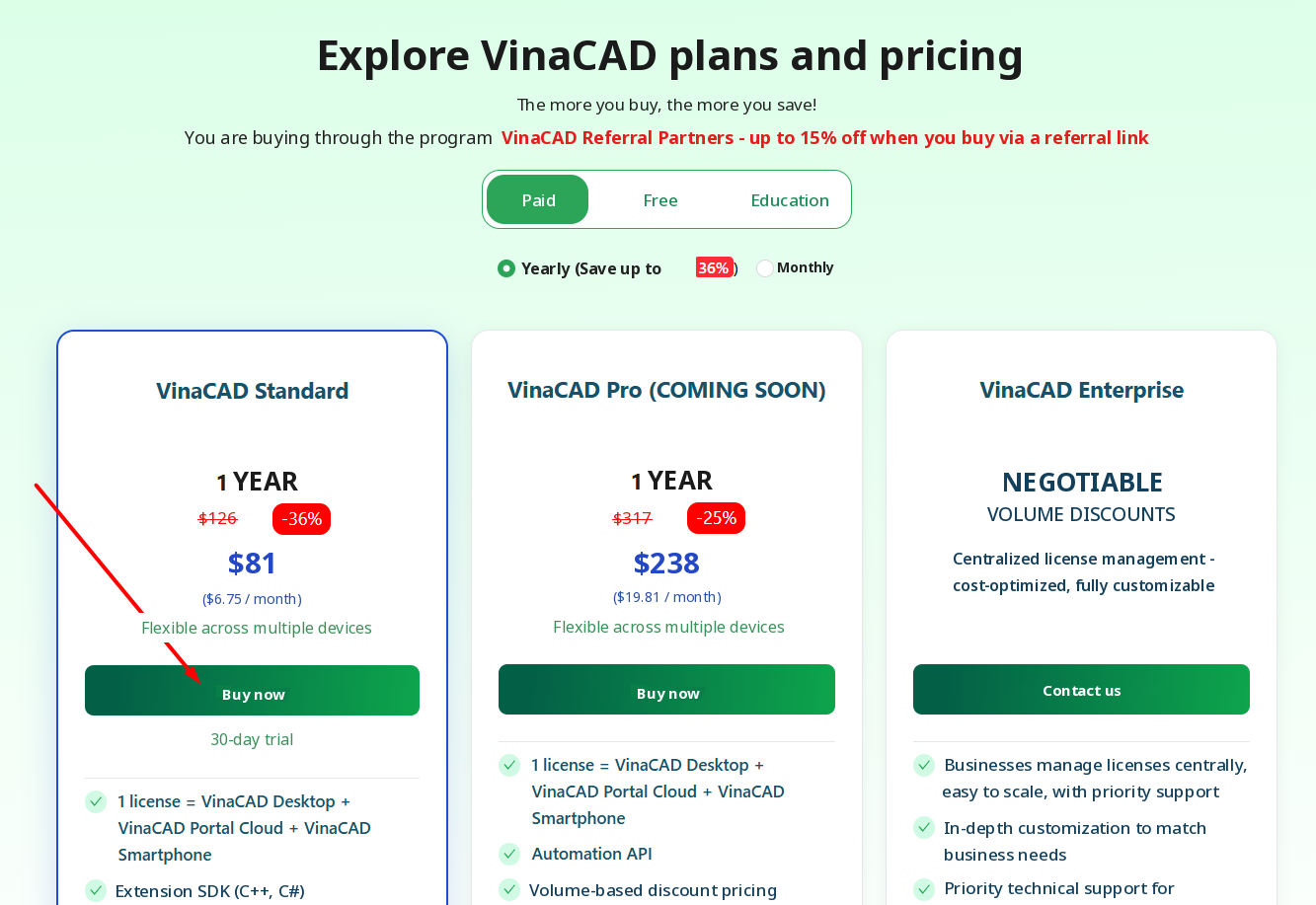
Step 1: Open the VinaCAD purchase link and click Buy Now
Use this link to buy: https://www.vina-cad.com/en/pricing/VINACAD&VINACAD_WEB&vinataka&TAKACAD?affiliateId=6ea544e5-01f3-4053-924a-e6d99731fdd9
Choose the VinaCAD Standard plan. Through this link the price is already discounted to $81/year (about $6.75/month). Click Buy Now.
Step 2: Choose the quantity, enter code VUHIENHAU and fill in your details
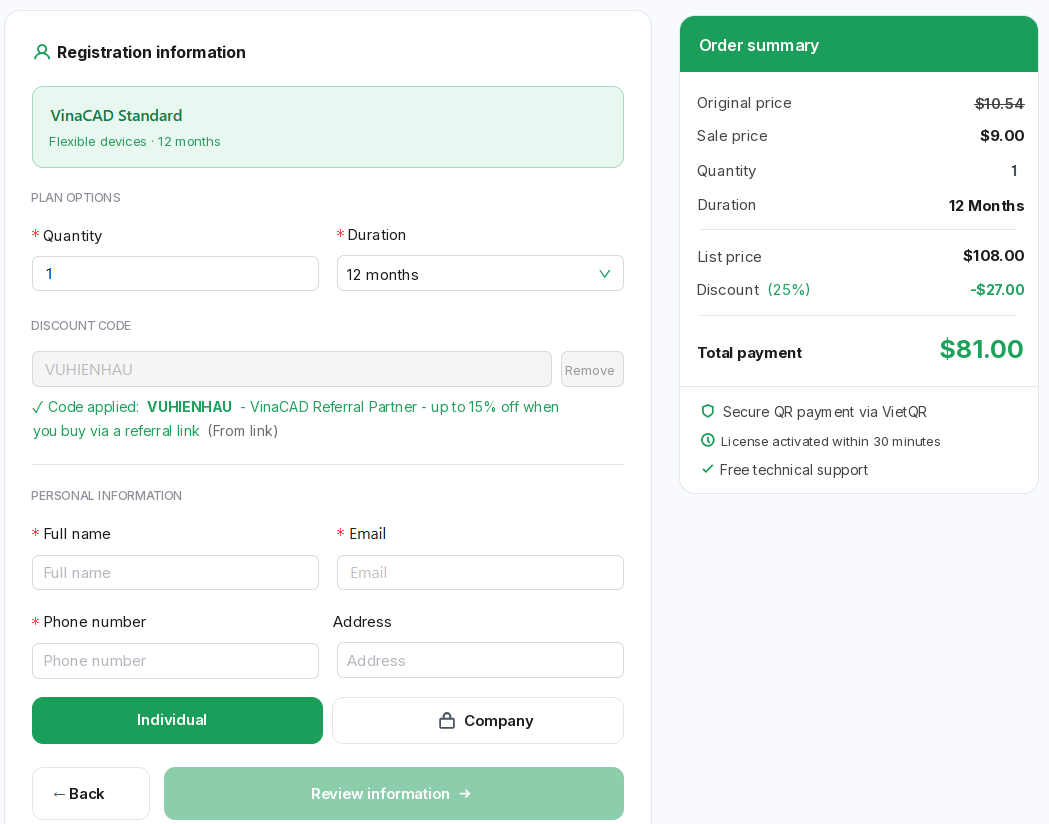
On the checkout page, choose the license Quantity and the Term (12 months). If the code box is empty, type VUHIENHAU to get the discount. Once the code is applied, the right side shows a Total of $81 for 1 license.
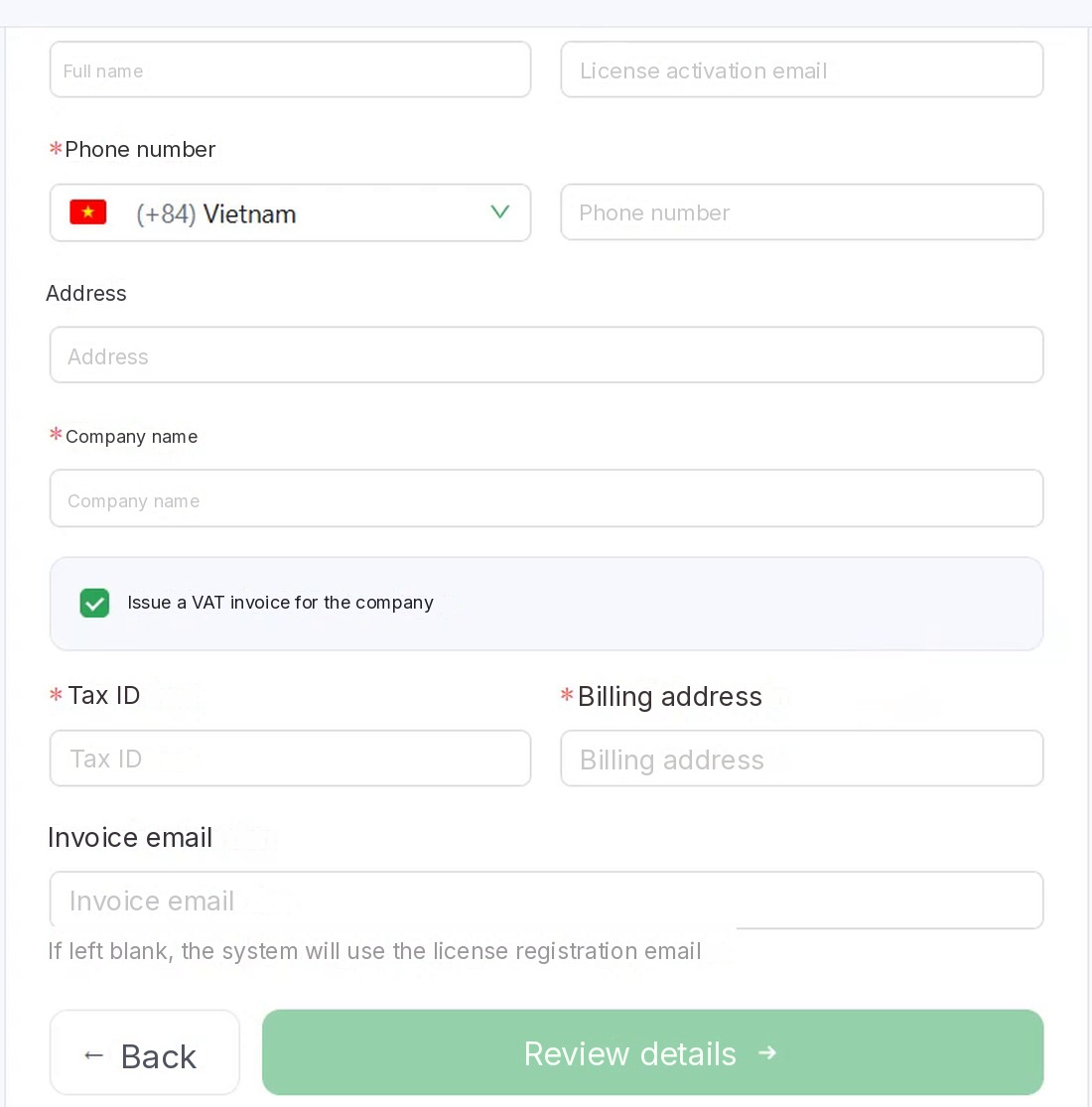
Then fill in the fields marked * (required): Full name, License activation email and Phone number. The Address field is optional. If you’re buying as an individual, stay on the Individual tab.
Step 3: Get a VAT invoice for your company
To get an invoice for your company, choose the Company tab, enter the Company name and tick Issue a VAT invoice for the company. Then fill in the Tax ID, Billing address and Invoice email. If you leave the invoice email blank, the system uses the license registration email. The invoice is emailed to you automatically the same day.
Step 4: Review your details and pay
Click Review details and check the plan, quantity, term and total. Then scan the VietQR code to pay and finish.
Step 5: Receive and activate your license
The system activates your license within 30 minutes of payment, linked to the activation email you entered. Install VinaCAD, open it and sign in with the account you bought it with to use every Standard feature. Technical support is free when you buy.
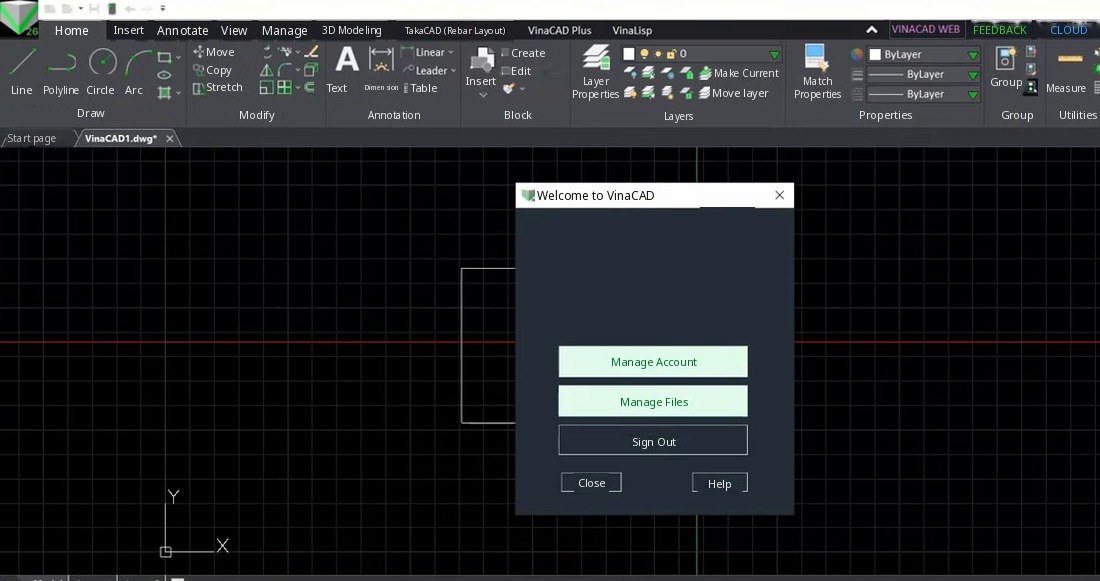
One Standard license works on 1 computer at a time. When you switch computers or reinstall Windows, install VinaCAD and sign in again with the account you bought it with. An office with 5 people drafting at the same time should buy 5 licenses. For details, see this post: https://vuhienhau.com/en/how-many-computers-per-vinacad-license-switching-computers-reinstalling-windows/
6. CONTRACT AND CERTIFICATE FOR BUSINESS PURCHASES
You get the VAT invoice yourself at checkout in Step 3. If your business also needs a commercial contract and a copyright license certificate, message me on WhatsApp and I’ll help you prepare the purchase paperwork.
More about invoices: https://vuhienhau.com/en/vinacad-vat-invoice-for-companies-how-to-get-it/
7. FREQUENTLY ASKED QUESTIONS ABOUT BUYING VINACAD
Is VinaCAD free or paid?
VinaCAD has a Free version you can use long term. For the full advanced feature set, such as advanced Lisp, advanced 2D drawing tools and Cloud, use the paid yearly Standard plan.
Can I try it before buying?
Yes. The Standard Trial plan is free for 30 days. After 30 days, the license switches to the Free plan automatically.
Is VinaCAD compatible with AutoCAD?
Yes. VinaCAD opens, edits and prints DWG and DXF files and uses AutoCAD’s familiar CAD commands.
Can VinaCAD run Lisp?
Yes. VinaCAD supports most popular Lisps and has many ready-made Lisp commands in the VinaLisp section of the ribbon. You can also load your own Lisp files with the APPLOAD command.
How many computers can one license be used on?
You can use it flexibly across several devices, but only 1 account on 1 computer at a time. If you need several computers at the same time, buy more licenses.
How long after buying do I get the license?
Only about 30 minutes. The license is linked to the activation email you entered when ordering.
Can a company get a VAT invoice?
Yes. Tick Issue a VAT invoice for the company at checkout; I list the details you need to fill in under Step 3.
What if my company needs to manage licenses for a whole team?
VinaCAD supports centralized license management for teams and businesses, making it easy to change and control members as projects change. Buying 10 or more licenses gets an extra discount, as shown in the table in section 8.
8. VINACAD PURCHASE LINK AND COSTS WITH CODE VUHIENHAU
Discounted VinaCAD purchase link 👉 https://www.vina-cad.com/en/pricing/VINACAD&VINACAD_WEB&vinataka&TAKACAD?affiliateId=6ea544e5-01f3-4053-924a-e6d99731fdd9
The default price of full-featured VinaCAD (the VinaCAD Standard plan) is $99/license/year. Individuals buying fewer than 10 licenses through me get a default 15% discount, bringing it down to $81/license/year; click the link above or apply code VUHIENHAU to get the discount. The plan’s original list price is $127/license/year, so buying through me saves you 36%.
For businesses buying 10 or more licenses
Bulk purchases get a discount according to this table:
| Quantity | Discount | Note |
|---|---|---|
| Fewer than 10 | 15% | Becomes $81/license/year |
| 10 to fewer than 20 | 17% | Example: the unit price is $99/license/year. Buying 10 licenses costs $990/year. With the 17% discount, it comes to $821.70/year |
| 20 to fewer than 50 | 20% | Example: 20 licenses cost $1,980/year. With the 20% discount, that comes to $1,584/year |
| 50 to fewer than 100 | 23% | Example: 50 licenses cost $4,950/year. With the 23% discount, that comes to $3,811.50/year |
| 100 or more | 25% |
To buy in bulk, get an invoice and sign a contract, contact the KOL admin Vu Hien – HAU on WhatsApp: +84359864135
Good luck!
You May Also Like:
 VINACAD IN PRACTICE: A-Z$109 $69View now
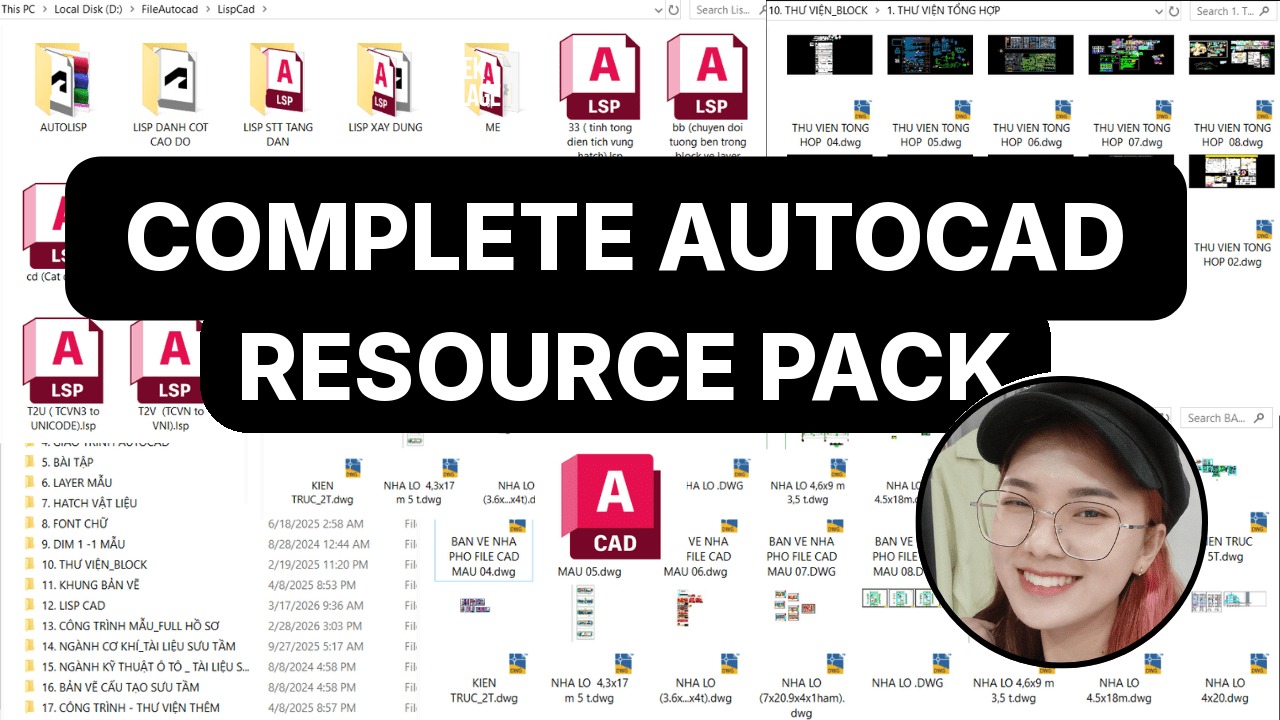 Complete AutoCAD Resource Pack$15View now
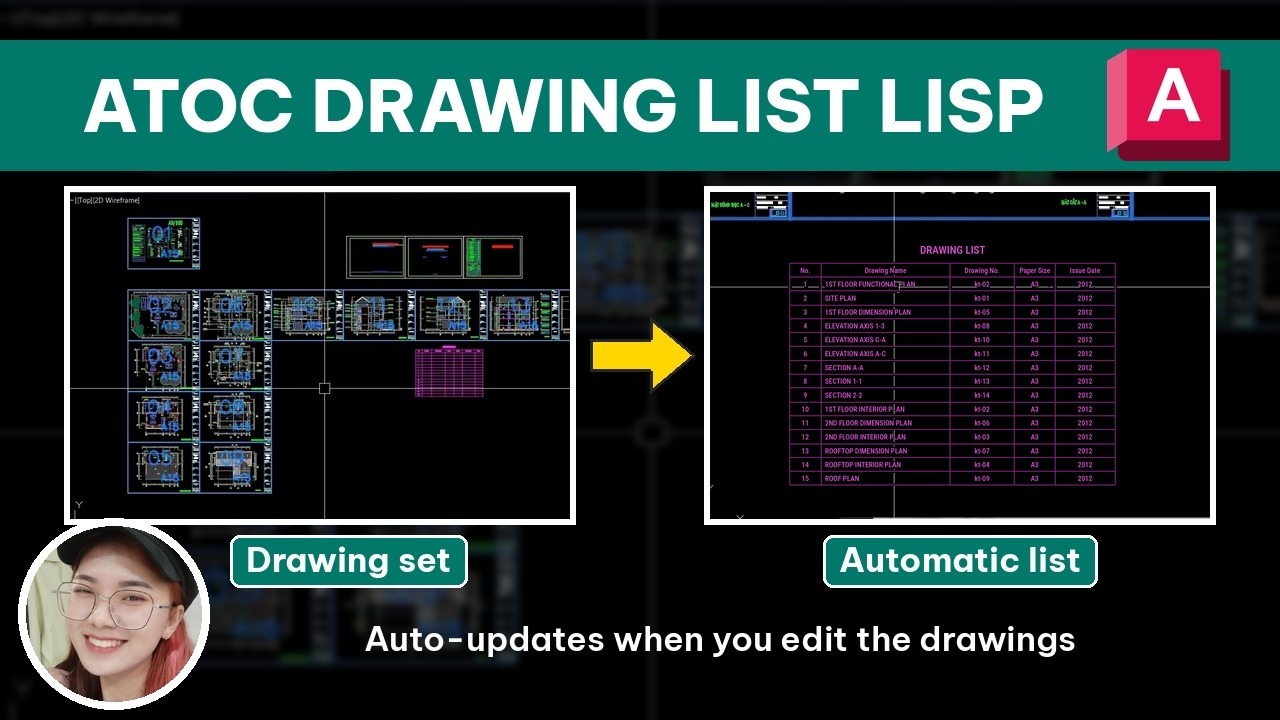 [ATOC] Auto Drawing List$25 $10View now
 BECOME A PROFESSIONAL AUTOCAD USER$109 $69View now
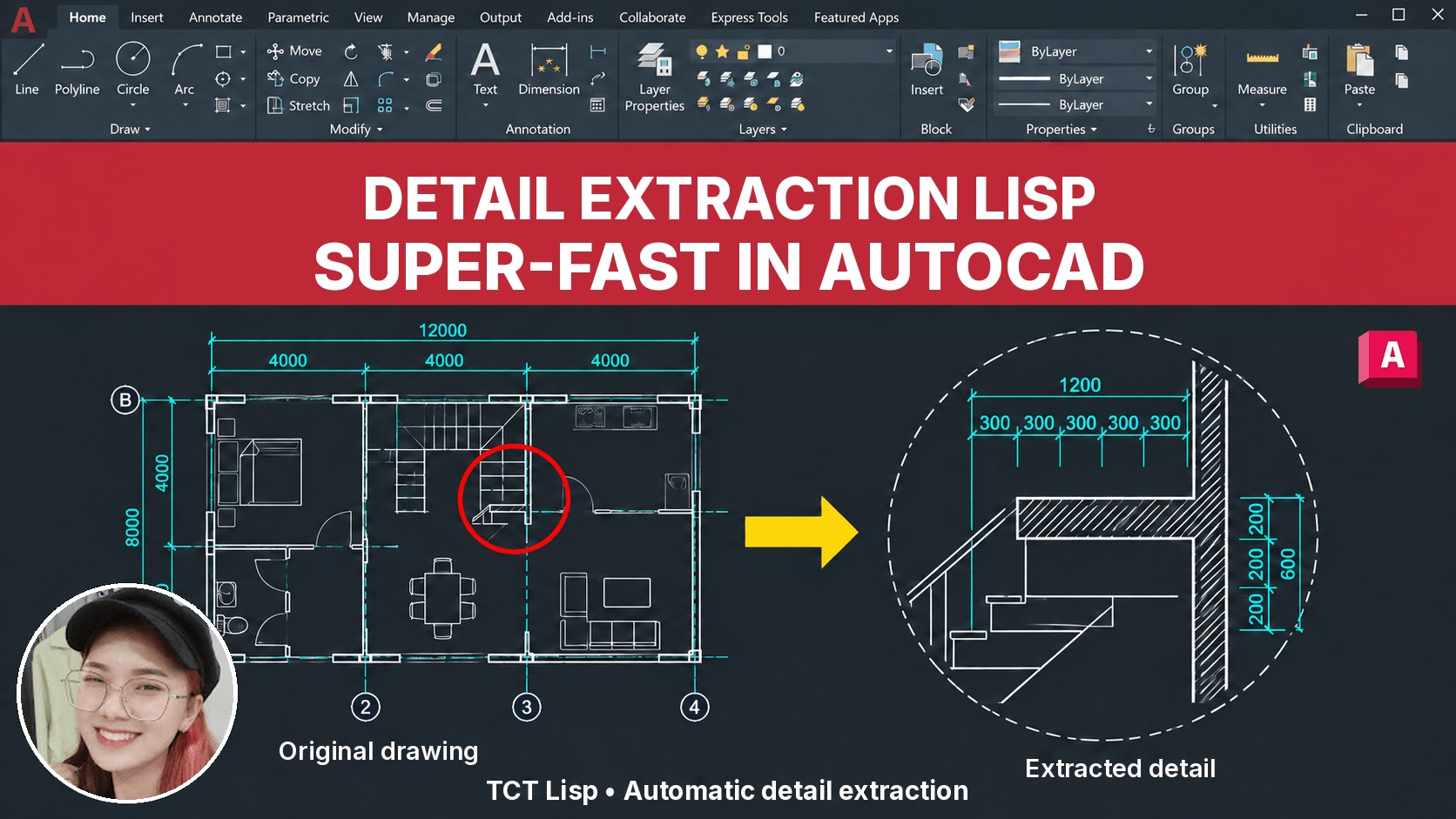 [TCT] Detail Extraction$25 $10View now
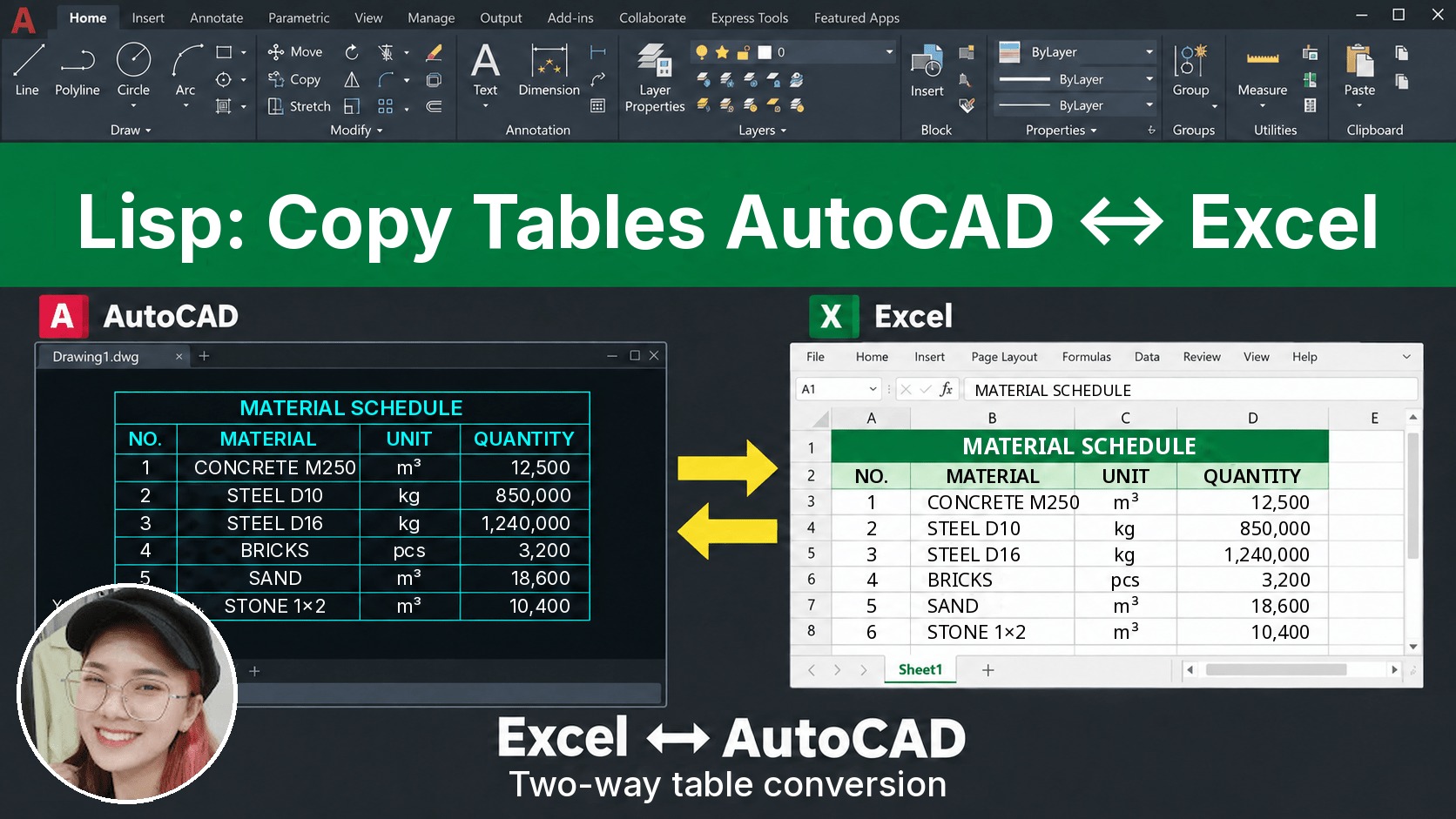 [D2X] Copy/Convert Tables Between AutoCAD & Excel$25 $10View now
 [QD] Fast Dimensioning$25 $10View now
_____________________________________
🔥 VINACAD IN PRACTICE COURSE A-Z:
Beyond showing you how to use VinaCAD professionally, the course also shows how to apply what you’ve learned to specific fields, so you can easily put it to work in your job.
👉 Tuition: $69
👉 Course information: https://vuhienhau.com/en/course/vinacad-a-z/
👉 Enroll via our Facebook Fanpage: https://facebook.com/VuHienAcademy or WhatsApp: +84359864135