VinaCAD is Vietnamese CAD software with a Vietnamese-language interface and works almost exactly like AutoCAD. In this post I’ll show beginners, step by step, how to download and install the free trial version of VinaCAD.
I. VinaCAD free version and Standard version
When you install VinaCAD, you can use it for free for life by default. However, the free version is limited in a few commands and advanced features. Those features are in the VinaCAD Standard version, which you can upgrade to later if you need it.
- VinaCAD Standard price: $81/license/year (buying 1 to 9 licenses gets a 15% discount by default).
- Companies buying 10 or more licenses get better deals. Message me on WhatsApp to get a quote: +84359864135.
- Your computer only needs 4GB of RAM and Windows 10 or later to install it. The installer is over 500MB, which is fairly light.
II. How to download VinaCAD
- Go to the VinaCAD website https://www.vina-cad.com/en. The website has a VinaCAD Support community, so if you run into problems while using it, ask there.
- Click Download VinaCAD for free.

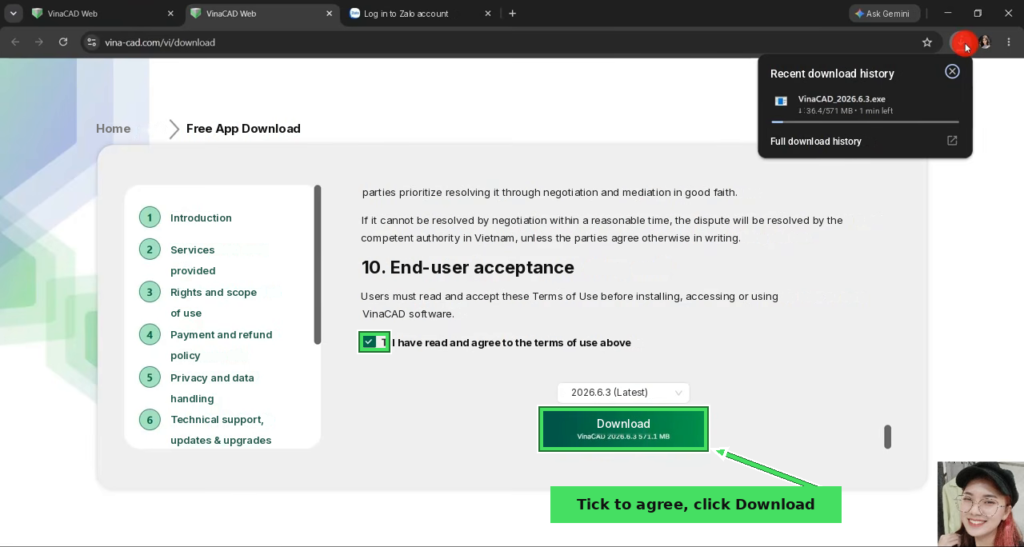
- Scroll down and tick the I have read box.
- Choose the latest version, then click Download.
III. How to install VinaCAD
- When the download finishes, double-click the file you just downloaded to install it. Click Next.
- Click Accept (agree), then click Next a few times until you reach the language selection step.
- VinaCAD has 3 languages: Vietnamese, English, Japanese. Choose Vietnamese. If you later want to switch to English, you can change it right in the software without reinstalling.
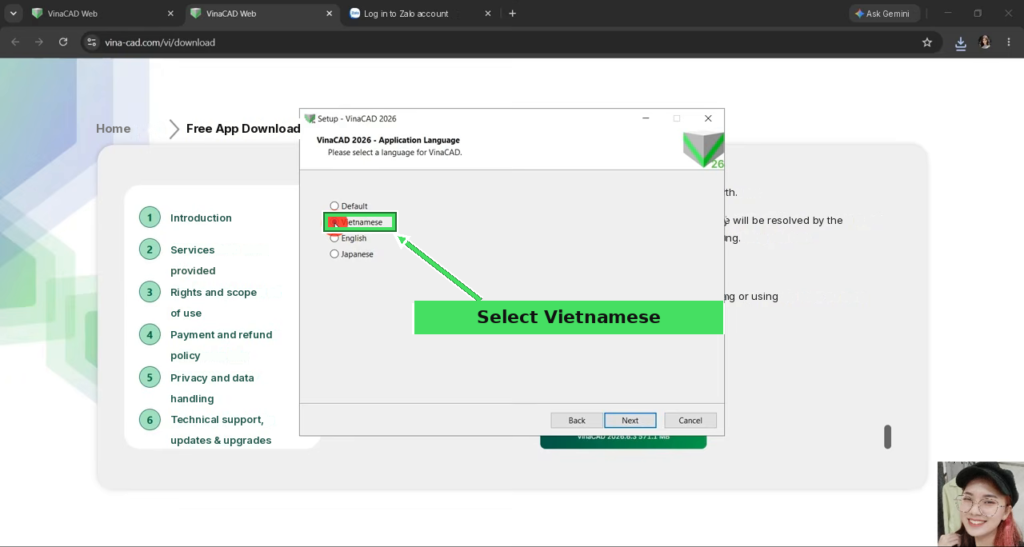
- Click Next → Install → Yes. When the installation finishes, click Finish.
Now a VinaCAD icon appears on your screen (installing VinaCAD also installs VinaBIM with it). Double-click it to open VinaCAD, click New and you enter the working interface, displayed entirely in Vietnamese.
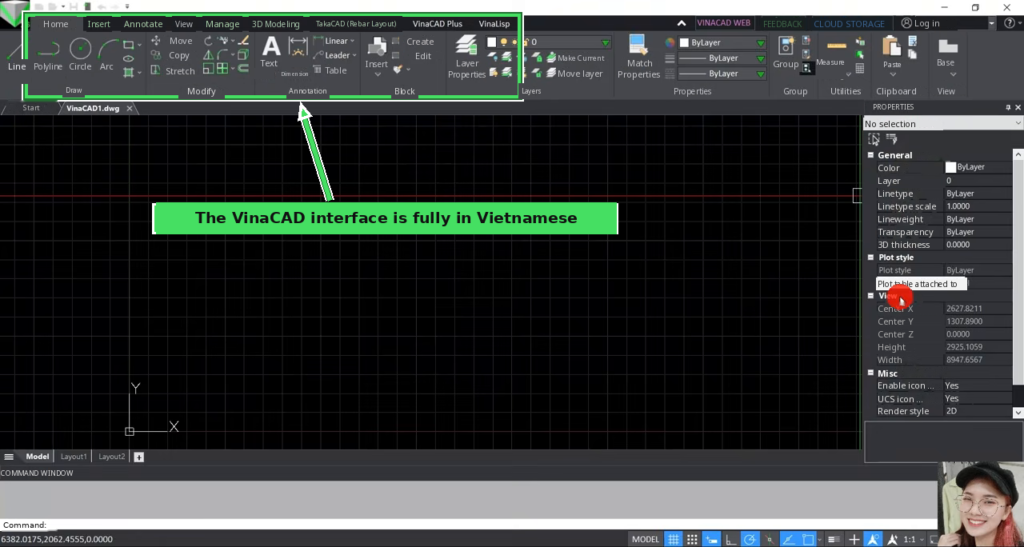
IV. Changing the language in VinaCAD
To switch to English, click the drop-down arrow next to the sign-in area → choose Available languages → choose English → click Yes. When you reopen the software, the interface is in English. For details, see the guide to changing the VinaCAD language: https://vuhienhau.com/en/how-to-change-language-in-vinacad-english-vietnamese/.
V. Signing in to save drawings
You’re not quite done yet. When you press Ctrl + S to save a drawing, VinaCAD asks you to sign in or register an account.
- Click Sign up, tick the agreement box and click Continue. You can sign up quickly with a Google account.
- Reopen VinaCAD, click Sign in, tick the agreement box and click Open.
- After signing in, you save drawings to VinaCAD’s cloud, or save them to your computer by clicking Browse and choosing where to save.
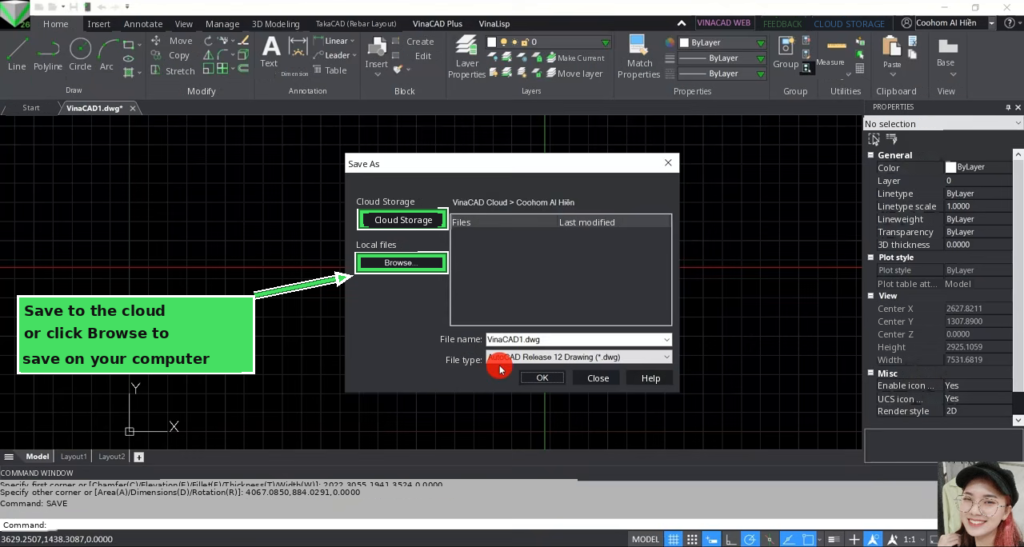
VinaCAD’s cloud lets you upload drawings so you can view them on your phone or tablet too.
VI. Setting VinaCAD as the default program for opening DWG files
When you click a drawing file, Windows asks which program to open it with (for example AutoCAD or VinaCAD). If you want to always open it with VinaCAD, choose VinaCAD, tick Always and click OK.

If you need the full version, see the guide to buying a licensed VinaCAD: https://vuhienhau.com/en/how-to-buy-licensed-vinacad-with-full-invoice/. And if you want to learn VinaCAD 100% in Vietnamese, check out the course at the end of the post.
Good luck!
Detailed video tutorial:
VinaCAD purchase link. Click this link to get the discount 👉 https://www.vina-cad.com/en/pricing/VINACAD&VINACAD_WEB&vinataka&TAKACAD?affiliateId=6ea544e5-01f3-4053-924a-e6d99731fdd9
The default price of the full-featured VinaCAD (VinaCAD Standard plan) is $99/license/year. Buy through the link or apply the code VUHIENHAU to get the discount and pay only $81/license/year. If you need help buying, or want to buy in bulk, message me on WhatsApp: +84359864135
You May Also Like:
 VINACAD IN PRACTICE: A-Z$109 $69View now
 Complete AutoCAD Resource Pack$15View now
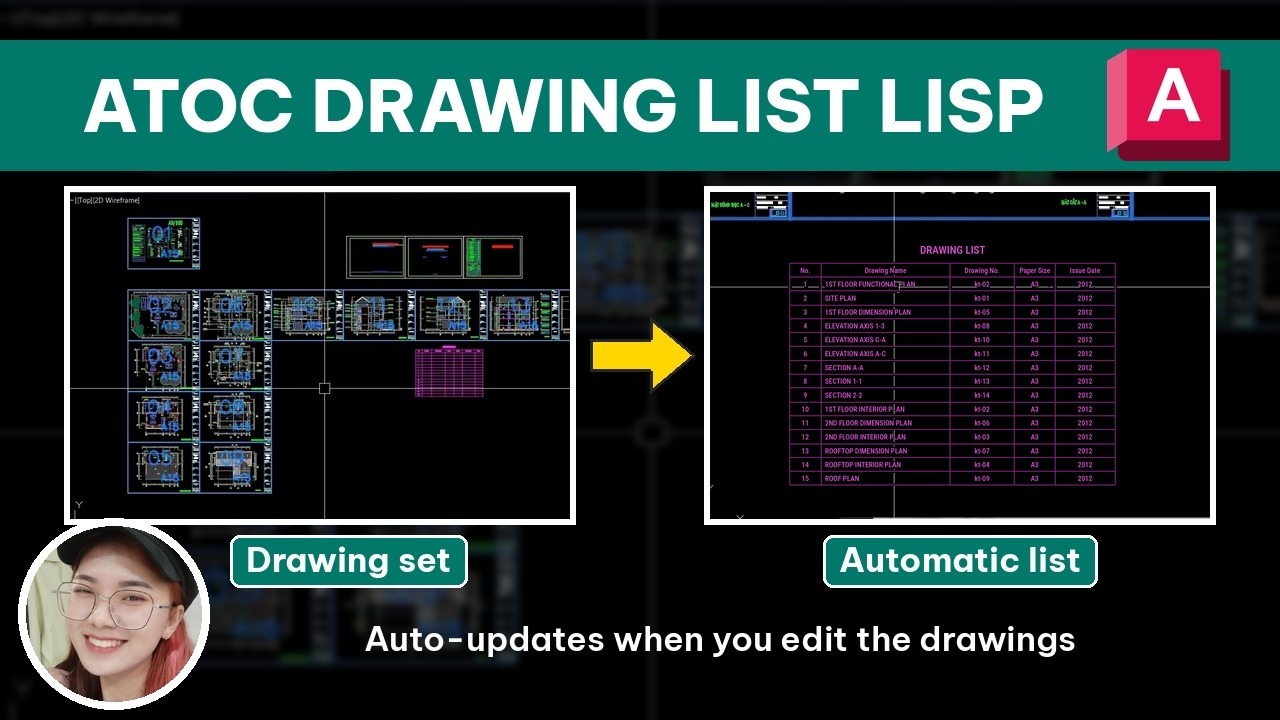 [ATOC] Auto Drawing List$25 $10View now
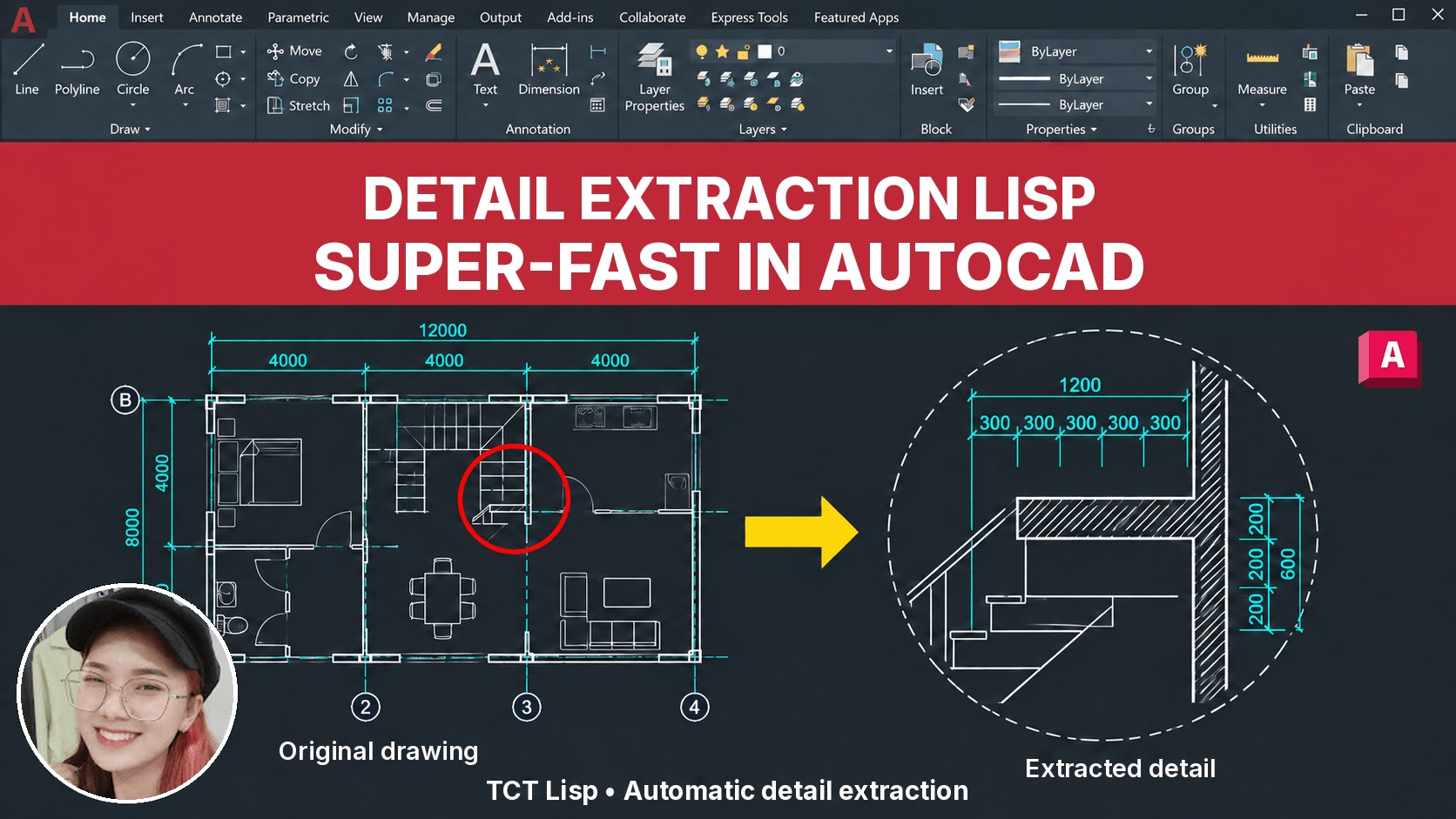 [TCT] Detail Extraction$25 $10View now
 BECOME A PROFESSIONAL AUTOCAD USER$109 $69View now
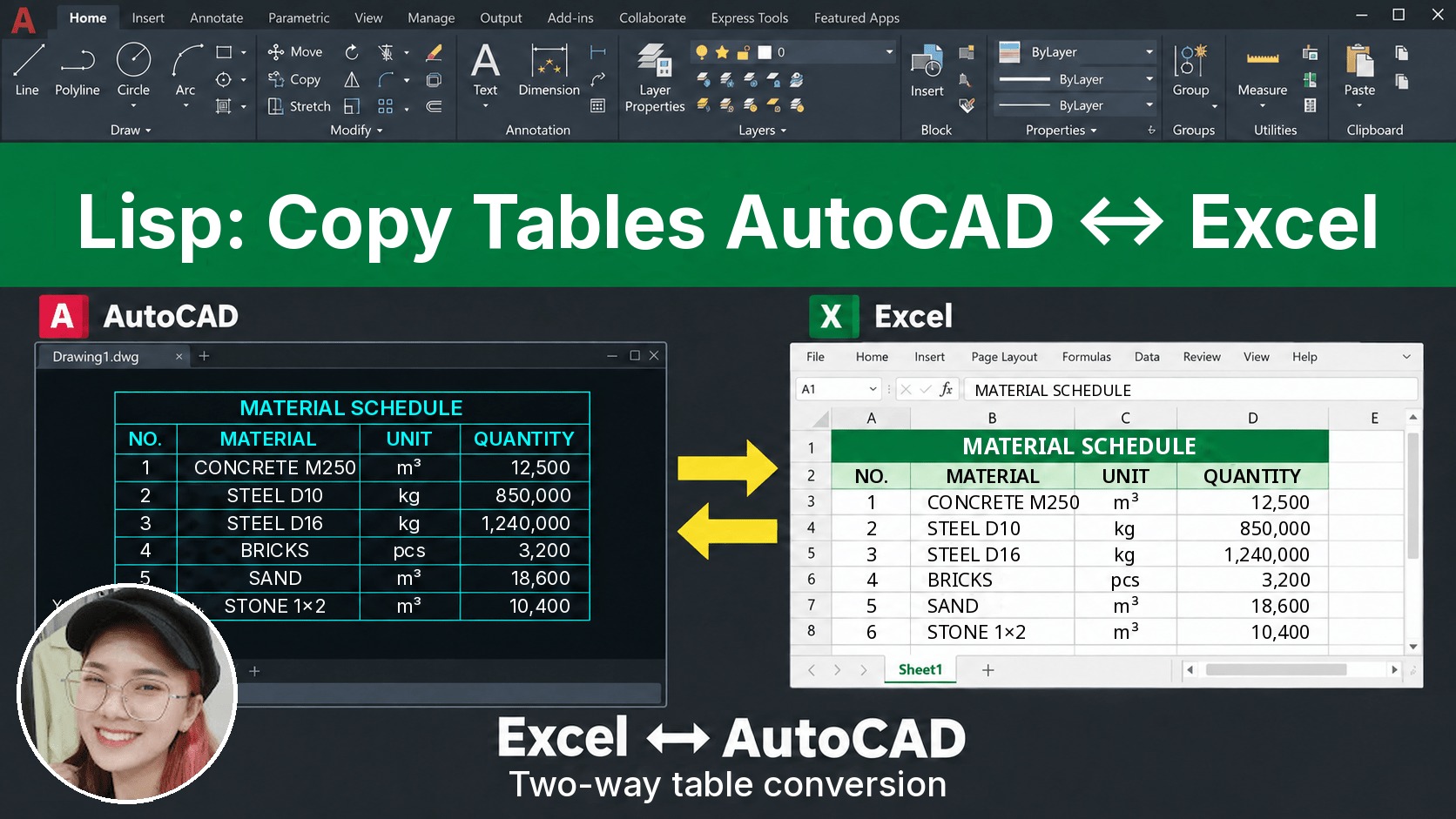 [D2X] Copy/Convert Tables Between AutoCAD & Excel$25 $10View now
 [QD] Fast Dimensioning$25 $10View now
_____________________________________
🔥 VINACAD IN PRACTICE COURSE A-Z:
Beyond showing you how to use VinaCAD professionally, the course also shows how to apply what you’ve learned to specific fields, so you can easily put it to work in your job.
👉 Tuition: $69
👉 Course information: https://vuhienhau.com/en/course/vinacad-a-z/
👉 Enroll via our Facebook Fanpage: https://facebook.com/VuHienAcademy or WhatsApp: +84359864135