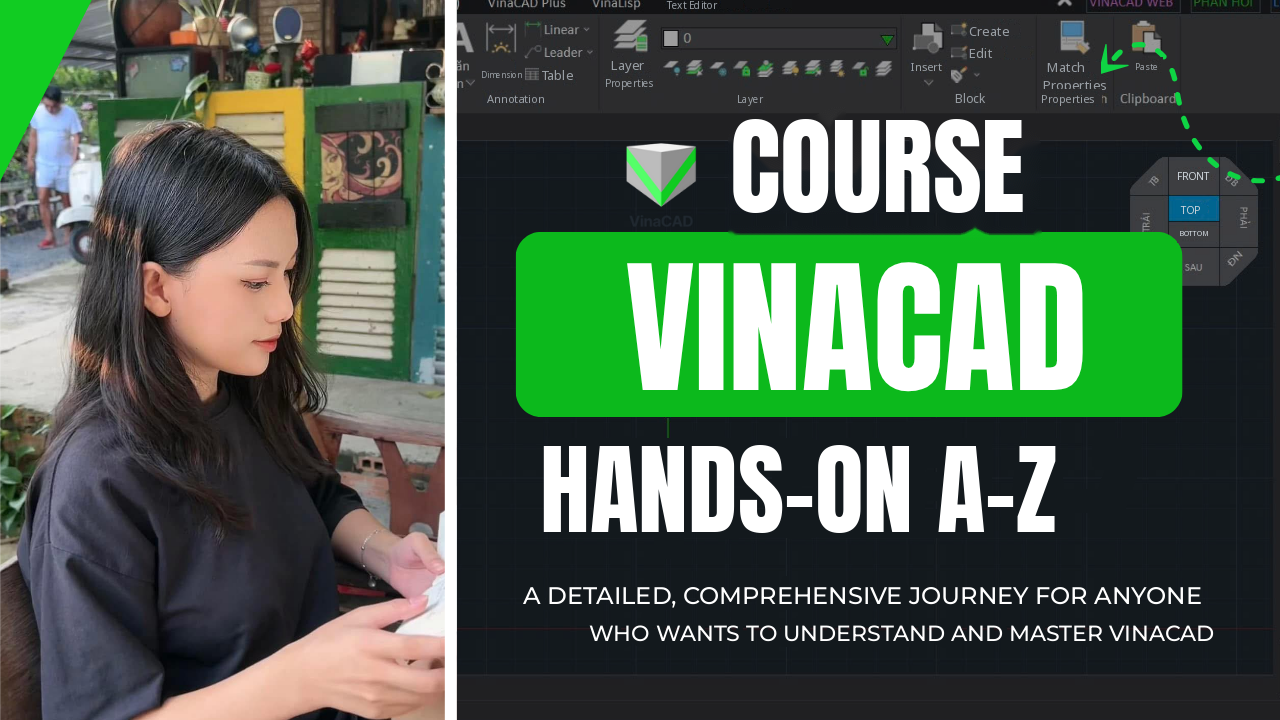
Does AutoCAD keep showing errors and license warnings, refuse to install, or do you only open CAD once a month just to view a file? You can try VinaCAD – CAD software with a free version that opens CAD files and works like AutoCAD. Downloading and installing it is very quick, and I’ll walk you through it step by step.
🎁 VinaCAD discount code: VUHIENHAU – enter this code at checkout to get a discount when buying a VinaCAD license ($81/license/year instead of $99).
Step 1: Go to the VinaCAD website
Open Google, type vinacad and click the first result, or go directly to https://www.vina-cad.com/en.

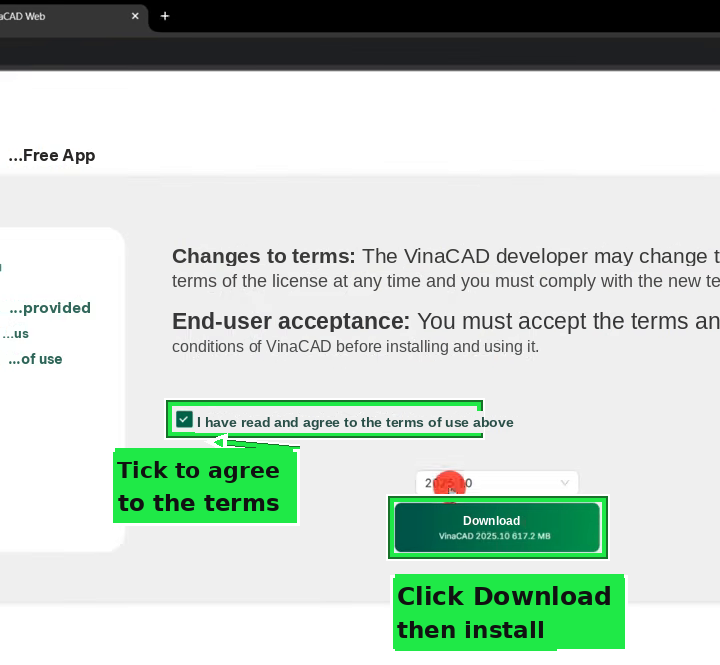
Step 2: Agree to the terms and click Download
On the download page, tick the box I have read and agree to the terms of use, then click Download.
Step 3: Install
Double-click the installer you just downloaded, then click Next, Next, Yes and you’re done. The installation is very fast.
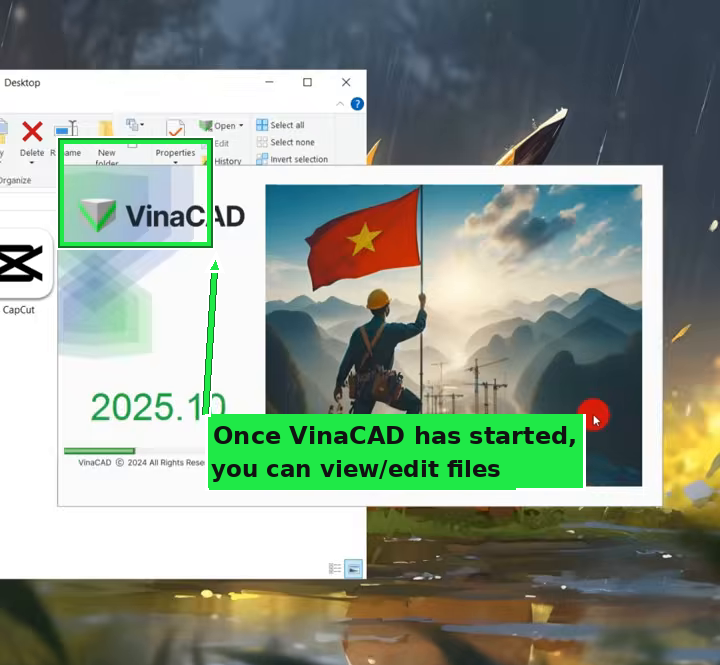
Step 4: Open a CAD file with VinaCAD
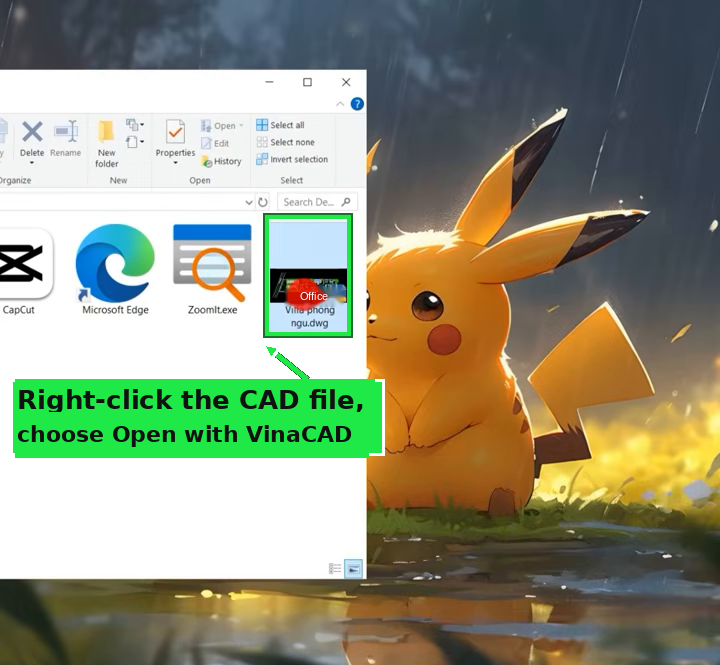
To view or edit a CAD file, right-click the file and choose open with VinaCAD. You can view and edit freely.
Note: if you’ve heard that VinaCAD tends to lag, according to the information I shared in the video, the developer has released an update fixing the lag issues since January 2026 – so download the latest version from the homepage. For a more detailed guide (account registration, trial version), see this post: https://vuhienhau.com/en/step-by-step-guide-download-install-vinacad-trial-version/
VinaCAD purchase link. Click this link to get the discount 👉 https://www.vina-cad.com/en/pricing/VINACAD&VINACAD_WEB&vinataka&TAKACAD?affiliateId=6ea544e5-01f3-4053-924a-e6d99731fdd9
The default price of the full-featured VinaCAD (VinaCAD Standard plan) is $99/license/year. Buy through the link or apply the code VUHIENHAU to get the discount and pay only $81/license/year. If you need help buying, or want to buy in bulk, message me on WhatsApp: +84359864135
Buying for businesses: bulk purchases get a discount
- For bulk purchases, there are different discounts. See the summary table below:
| Quantity | Discount | Note |
| Fewer than 10 | 15% | Becomes $81/license/year |
| 10 to fewer than 20 | 17% | Example: the unit price is $99/license/year. Buying 10 licenses costs $990/year. With the 17% discount, it comes to $821.70/year |
| 20 to fewer than 50 | 20% | |
| 50 to fewer than 100 | 23% | |
| 100 or more | 25% |
To buy in bulk, contact the KOL admin Vu Hien – HAU on WhatsApp: +84359864135
Good luck!
Detailed video tutorial:
You May Also Like:
 VINACAD IN PRACTICE: A-Z$109 $69View now
 Complete AutoCAD Resource Pack$15View now
 [TCT] Detail Extraction$25 $10View now
 BECOME A PROFESSIONAL AUTOCAD USER$109 $69View now
 [D2X] Copy/Convert Tables Between AutoCAD & Excel$25 $10View now
 [QD] Fast Dimensioning$25 $10View now
 [D2P] Batch Plot$25 $10View now
_____________________________________
🔥 VINACAD IN PRACTICE COURSE A-Z:
Beyond showing you how to use VinaCAD professionally, the course also shows how to apply what you’ve learned to specific fields, so you can easily put it to work in your job.
👉 Tuition: $69
👉 Course information: https://vuhienhau.com/en/course/vinacad-a-z/
👉 Enroll via our Facebook Fanpage: https://facebook.com/VuHienAcademy or WhatsApp: +84359864135