Where should you buy a VinaCAD license so you can trust it, and how do you know it’s official? The safest way is to buy through my link, use the account you registered with once you’ve paid, and get the paperwork (invoice, contract, license certificate) when your company needs it. I’ll help you every step of the way.
1. Buy through my discount link
Click the link below, choose the VinaCAD Standard plan, and check the price or enter code VUHIENHAU to pay $81/computer/year (single purchases of fewer than 10 computers). Don’t buy floating keys, installers sent by strangers over chat apps, or from copycat sites.
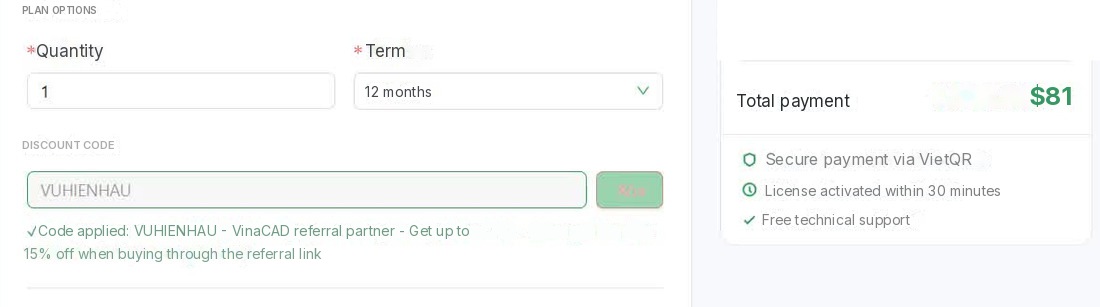
VinaCAD purchase link. Click this link to get the discount 👉 https://www.vina-cad.com/en/pricing/VINACAD&VINACAD_WEB&vinataka&TAKACAD?affiliateId=6ea544e5-01f3-4053-924a-e6d99731fdd9
In my walkthrough video, I remind you: use the right link, choose the right plan, and check that the discount is applied before you pay. Video: https://www.facebook.com/reel/1915350959875254/.
2. How to recognize an official license
- After buying, you sign in with the account you paid with; you don’t enter a “lifetime key” bought from a stranger.
- Your company gets the paperwork when it needs it: VAT invoice, contract and license certificate. I help prepare these documents.
- I show you how to download and install from the right source, not from an .exe file sent in a message.
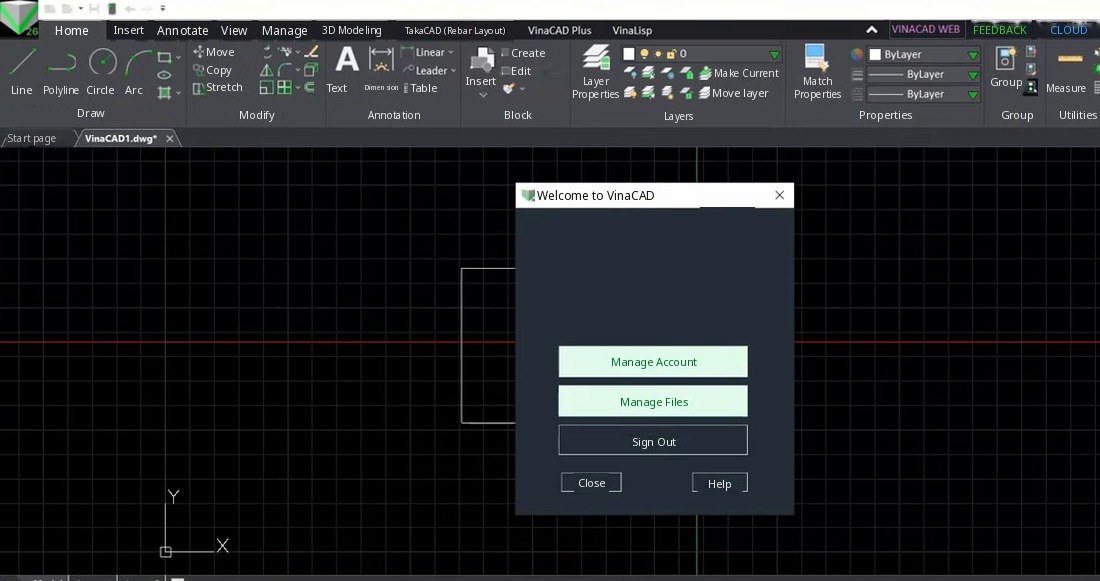
If the price is far below $81/computer/year, or the seller promises to “turn a crack into a license”, that’s not a trustworthy channel.
3. I help with purchase, invoices and contracts
The default price of the VinaCAD Standard plan without the code is $99/year. If you buy fewer than 10 licenses through the link or apply code VUHIENHAU, it comes down to $81/computer/year. To buy in bulk, message me on WhatsApp: +84359864135 for a quote.
Buy through my link and keep the email that receives the license and invoice. If you need a VAT invoice, a contract (I help with contracts for orders over $345) or several licenses, message me on WhatsApp: +84359864135.
4. Bulk VinaCAD pricing
Vu Hien – HAU is VinaCAD’s exclusive discount-code KOL, so buying in bulk through Vu Hien – HAU costs less.
The original price of the VinaCAD Standard plan is $99/license/year, with volume discounts when you buy through KOL Vu Hien – HAU.
| Number of licenses | Discount | Price/license/year | Example total/year |
| Fewer than 10 (1 computer) | 15% | $81 | $81 |
| Fewer than 10 (5 computers) | 15% | $81 | $405 |
| 10 to fewer than 20 (10 computers) | 17% | $82.17 | $821.70 |
| 20 to fewer than 50 (20 computers) | 20% | $79.20 | $1,584 |
| 50 to fewer than 100 (50 computers) | 23% | $76.23 | $3,811.50 |
| 100 or more (100 computers) | 25% | $74.25 | $7,425 |
If you’re buying 10 or more licenses, message me on WhatsApp at +84359864135 to lock in the right discount through KOL Vu Hien – HAU (VinaCAD’s exclusive discount-code KOL).
CONCLUSION
To buy VinaCAD safely, buy through my link, sign in with the account you paid with, and get an invoice and contract when your company needs them. To pay $81/computer/year, use the link or apply code VUHIENHAU, and don’t buy floating keys. If you need a VAT invoice, a contract or a bulk purchase, message me on WhatsApp: +84359864135.
You May Also Like:
 VINACAD IN PRACTICE: A-Z$109 $69View now
 Complete AutoCAD Resource Pack$15View now
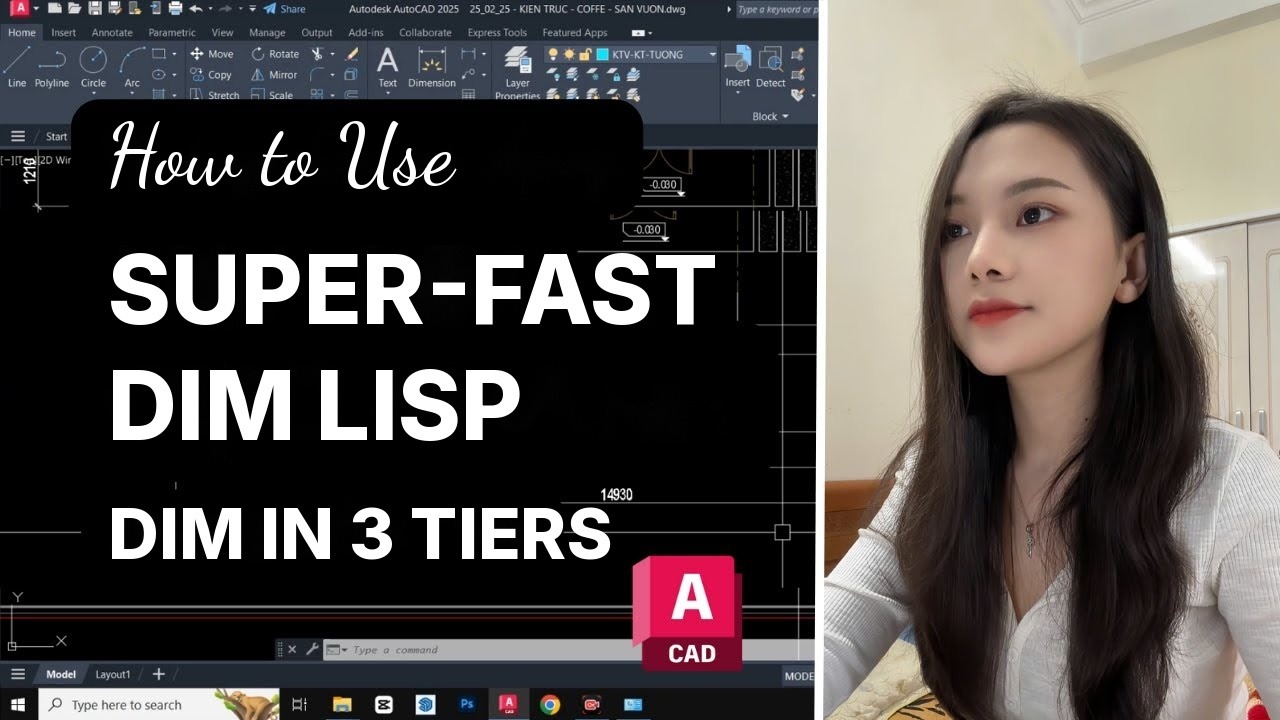 [QD] Fast Dimensioning$25 $10View now
 BECOME A PROFESSIONAL AUTOCAD USER$109 $69View now
 [D2P] Batch Plot$25 $10View now
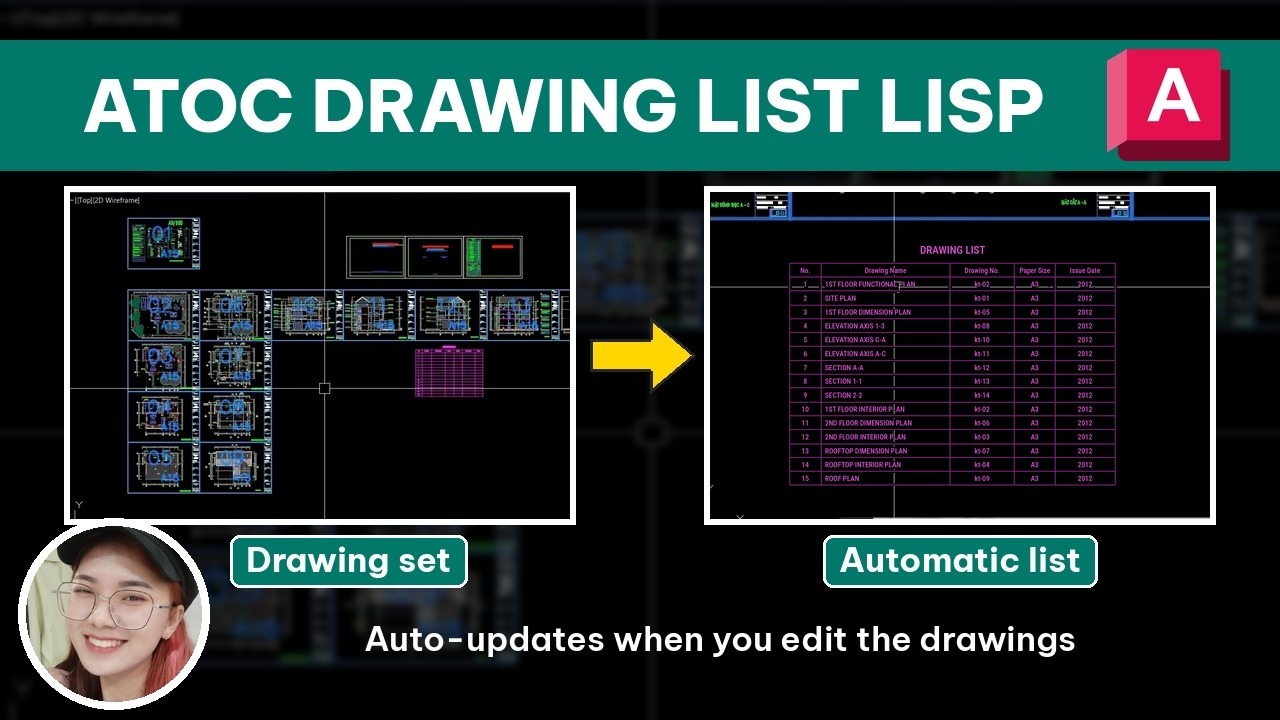 [ATOC] Auto Drawing List$25 $10View now
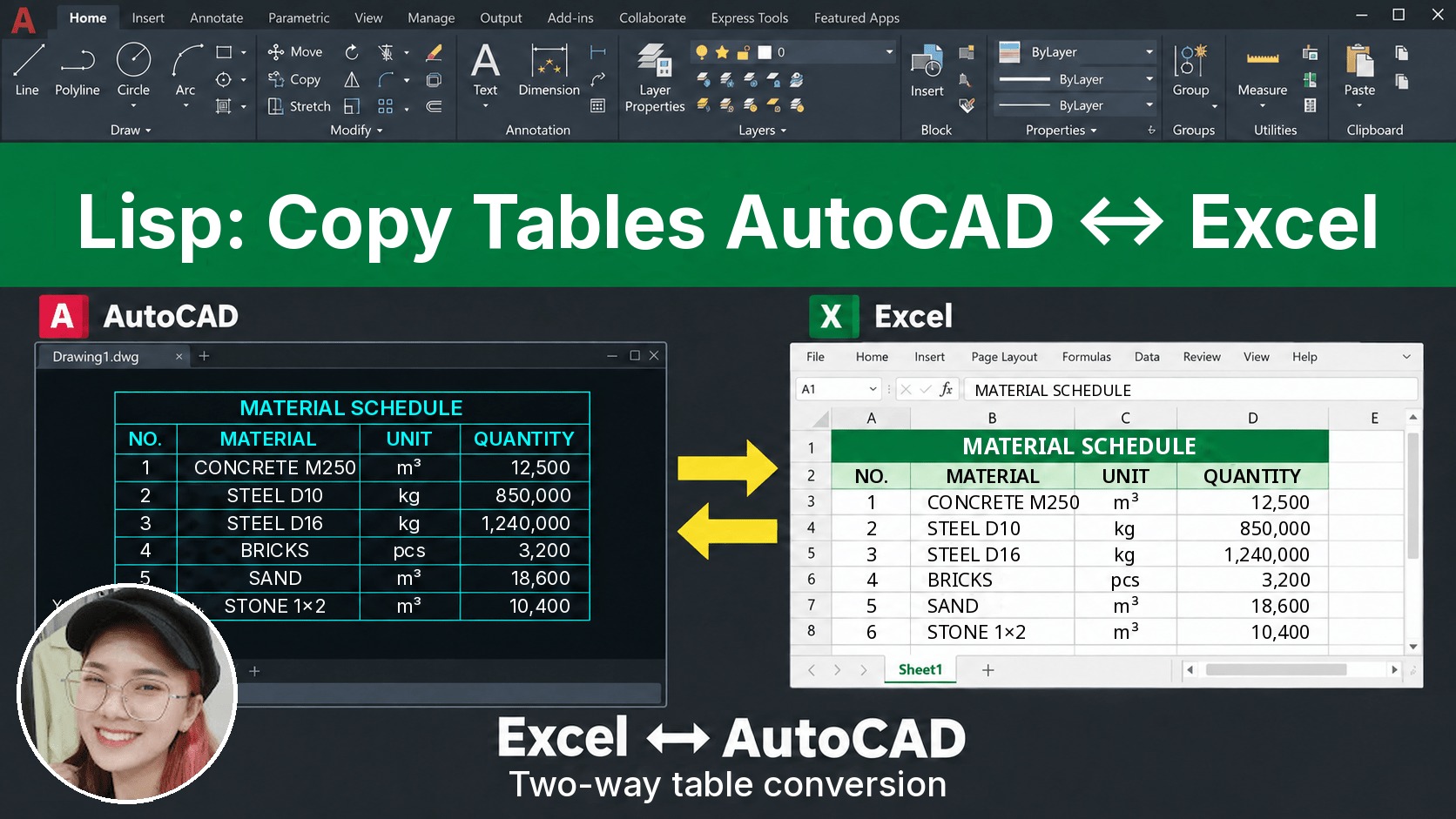 [D2X] Copy/Convert Tables Between AutoCAD & Excel$25 $10View now
_____________________________________
🔥 VINACAD IN PRACTICE COURSE A-Z:
Beyond showing you how to use VinaCAD professionally, the course also shows how to apply what you’ve learned to specific fields, so you can easily put it to work in your job.
👉 Tuition: $69
👉 Course information: https://vuhienhau.com/en/course/vinacad-a-z/
👉 Enroll via our Facebook Fanpage: https://facebook.com/VuHienAcademy or WhatsApp: +84359864135