VinaCAD Web lets you open, view & edit drawings right in your browser without installing the desktop version. Here’s a summary of how to open DWG files & what to know about saving rights, based on the video I shared.
I. Opening a drawing with VinaCAD Web
Step 1: Go to the official site: https://www.vina-cad.com/en. Click the VinaCAD Web button to open the workspace. No need to go through ads in Google search results.

Step 2: In the Web interface, click the open-file icon and choose a .dwg file on your computer. The video shows the Windows file picker, then the drawing opening in the browser.
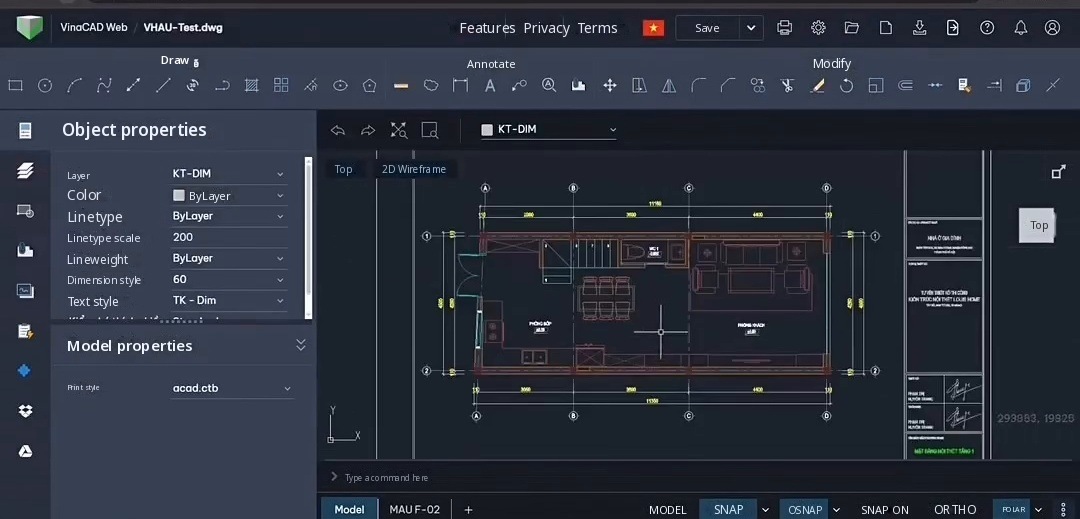
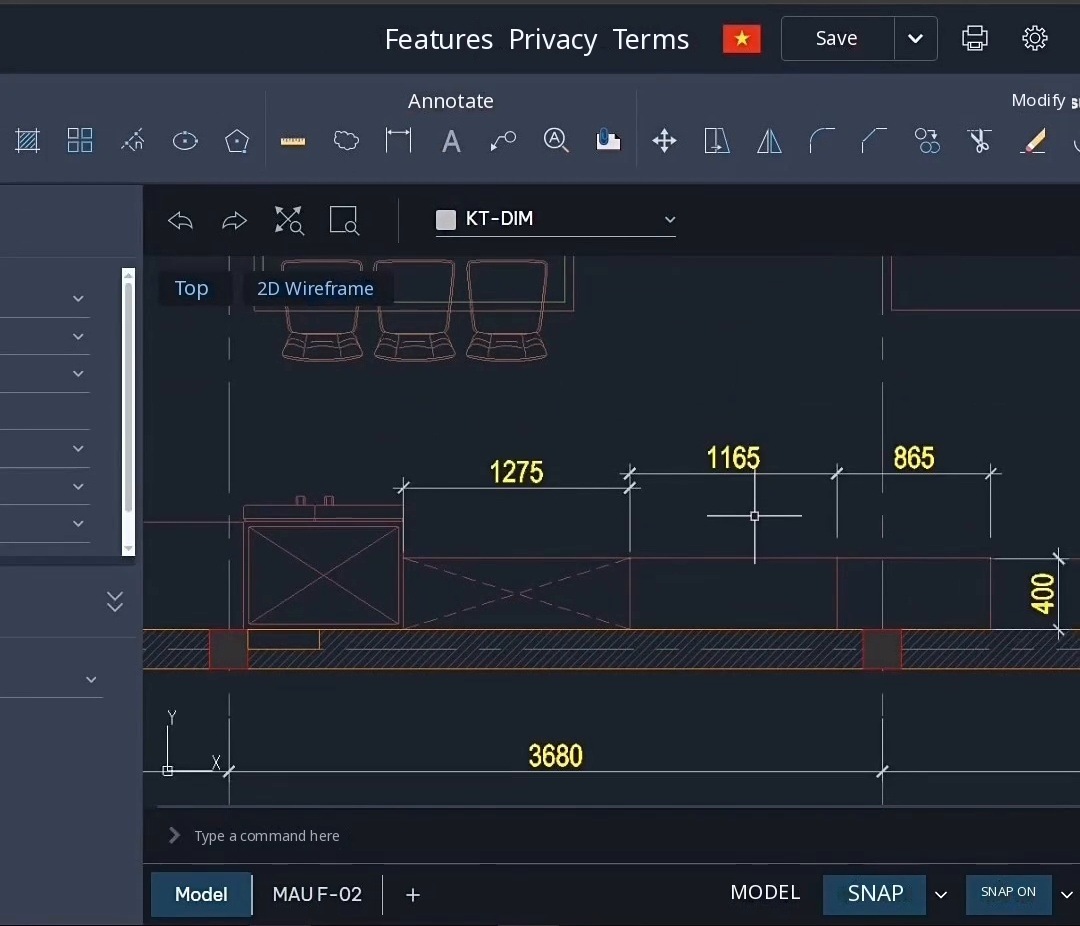
Step 3: Check the drawing content. The video shows viewing, checking information & measuring, and also introduces basic drawing and editing on the Web. This doesn’t mean the Web version has every feature of the installed version.
II. How is viewing different from saving an edited drawing?
In the video, viewing, checking & measuring are presented as free. But if you edit a drawing and want to save it, you need to register an account & buy a license. Check what your chosen plan allows before you start working.
The video shows prices, trial periods & cloud storage as they were at the time of recording. I don’t use those figures as current pricing in this post. Check the latest terms on the official site before you buy.
III. Notes on devices & sharing drawings
The hands-on part of the video was recorded in Chrome on Windows. The iPad and tablet part is an illustration, not a touch demo. So test it directly on your own device, and don’t treat this video as confirmation that it works on every device or browser.
If you just want to send a link so clients or colleagues can view a drawing, see my separate post on sharing files: https://vuhienhau.com/en/view-autocad-revit-navisworks-files-without-downloading-vinacad/
Message me on WhatsApp for a quote: +84359864135. Discounted VinaCAD purchase link: https://www.vina-cad.com/en/pricing/VINACAD&VINACAD_WEB&vinataka&TAKACAD?affiliateId=6ea544e5-01f3-4053-924a-e6d99731fdd9. Apply code VUHIENHAU when you buy & make sure you pick the Web plan you need.
Good luck!
Detailed video tutorial:
https://www.facebook.com/reel/1441306497486710
You May Also Like:
 VINACAD IN PRACTICE: A-Z$109 $69View now
 Complete AutoCAD Resource Pack$15View now
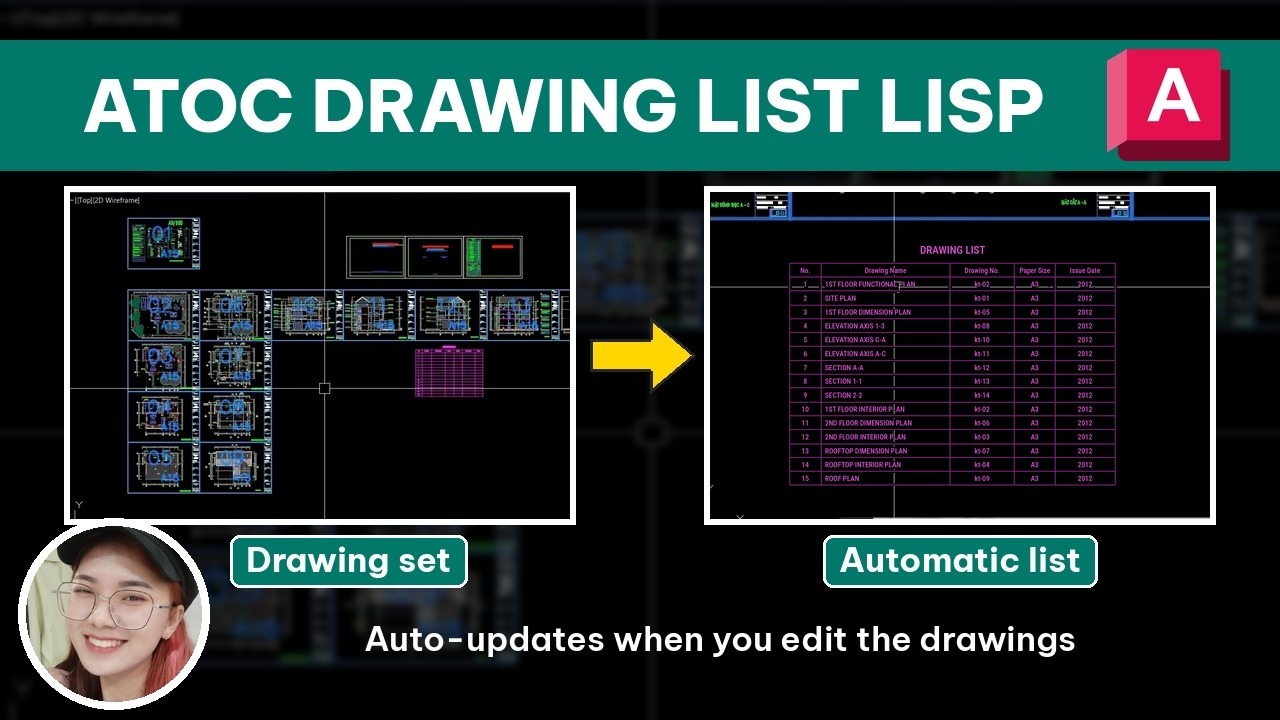 [ATOC] Auto Drawing List$25 $10View now
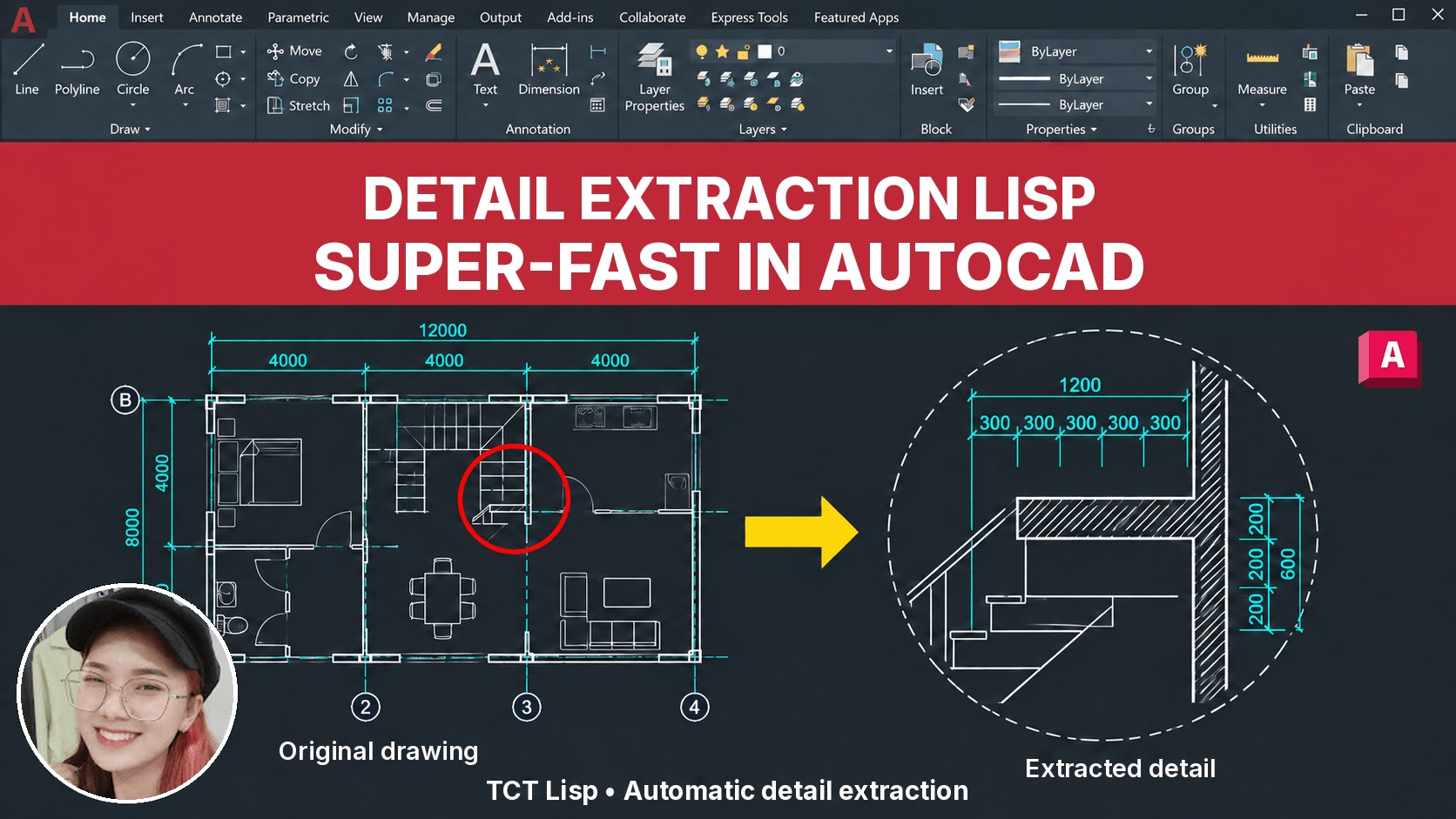 [TCT] Detail Extraction$25 $10View now
 BECOME A PROFESSIONAL AUTOCAD USER$109 $69View now
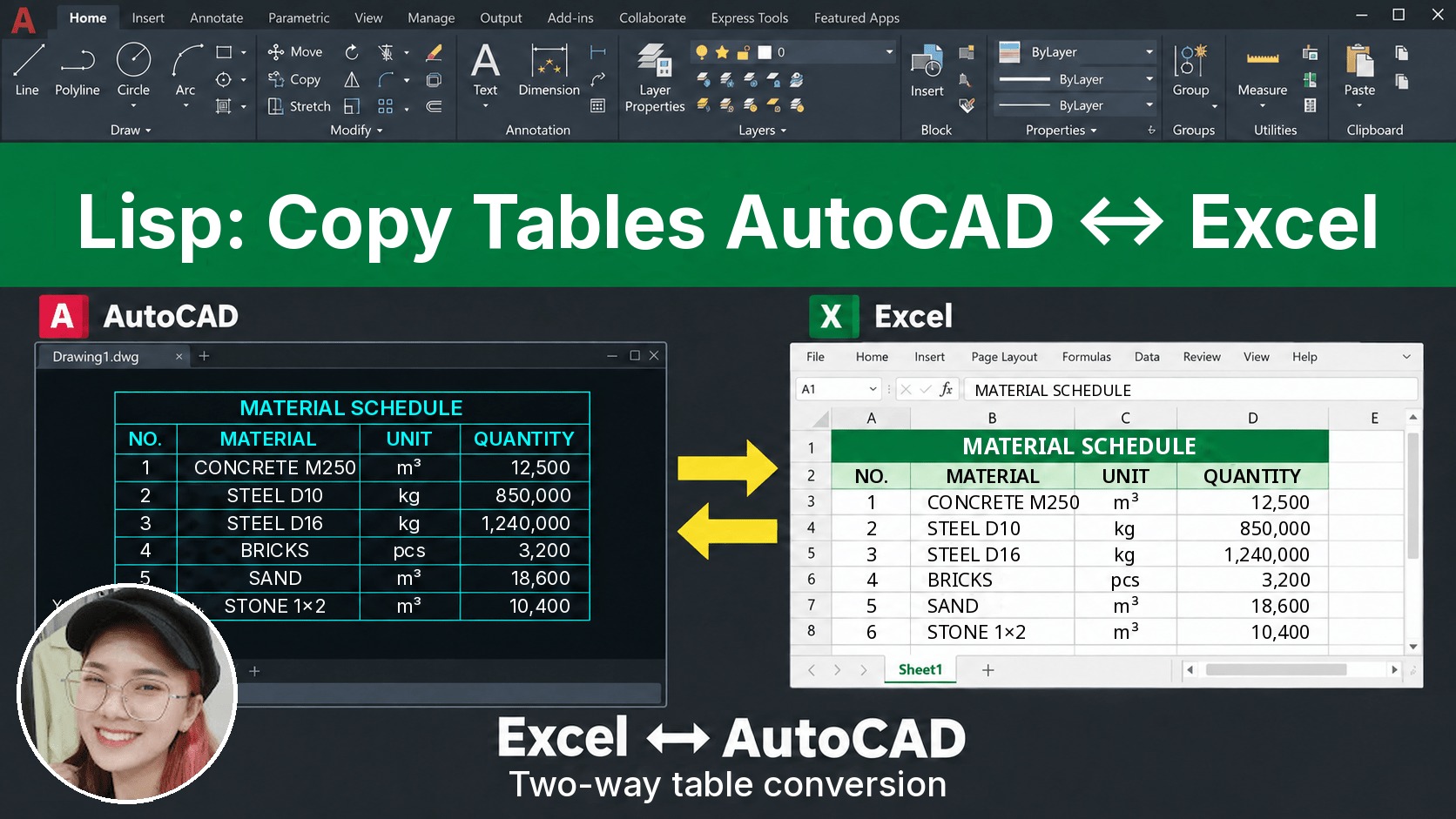 [D2X] Copy/Convert Tables Between AutoCAD & Excel$25 $10View now
 [QD] Fast Dimensioning$25 $10View now
_____________________________________
🔥 VINACAD IN PRACTICE COURSE A-Z:
Beyond showing you how to use VinaCAD professionally, the course also shows how to apply what you’ve learned to specific fields, so you can easily put it to work in your job.
👉 Tuition: $69
👉 Course information: https://vuhienhau.com/en/course/vinacad-a-z/
👉 Enroll via our Facebook Fanpage: https://facebook.com/VuHienAcademy or WhatsApp: +84359864135