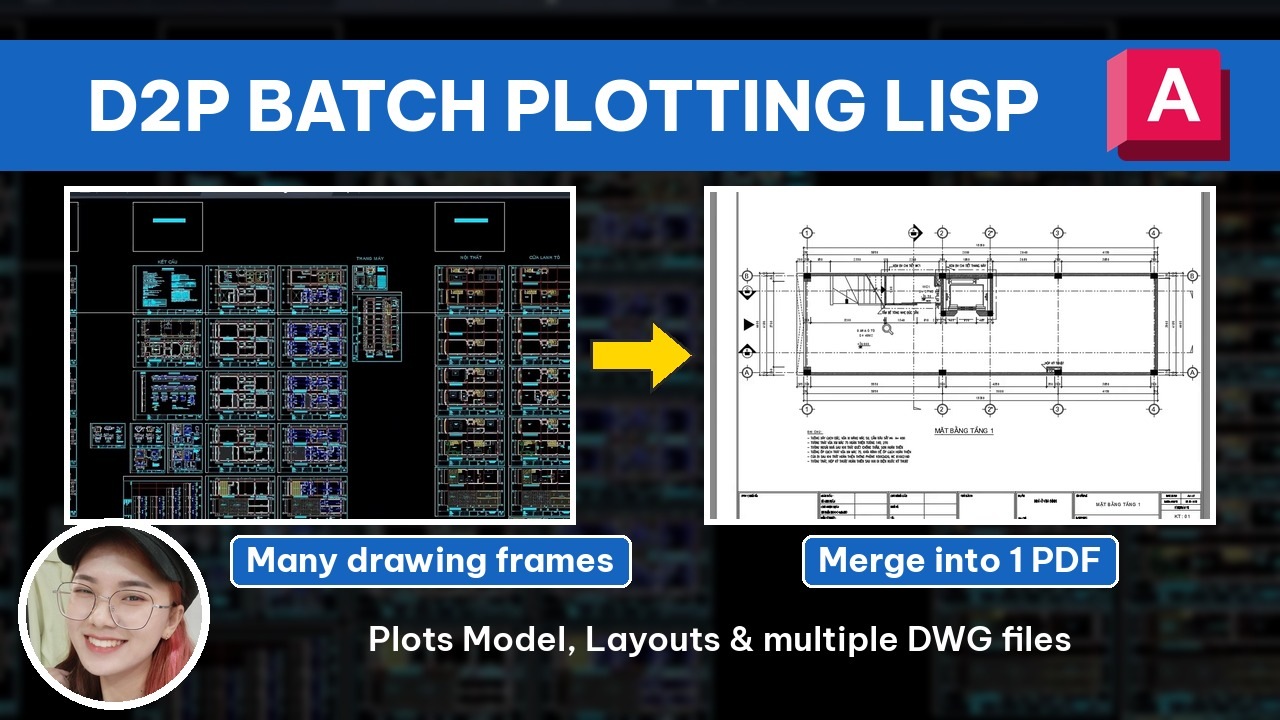
If you work in AutoCAD and handle lots of drawings, you’ll know that plotting takes a huge amount of time. Without a lisp, you have to plot frame by frame and then go to a website to merge the PDF files. The batch plotting lisp (the D2P lisp) lets you plot many drawings at once and outputs a single PDF in the correct order.
📌 The D2P lisp integrates into AutoCAD like a toolbar: if you close and reopen AutoCAD, the lisp panel is still there. The lisp can plot from Model and Layout, and plot multiple drawings at once without opening them.
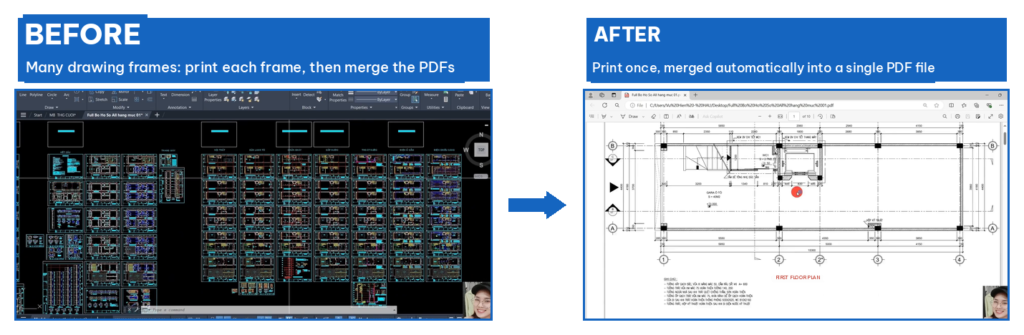
🎬 Watch the D2P lisp review video on Facebook: https://www.facebook.com/VuHienAcademy/videos/1234190004947503/
I. Opening the D2P lisp
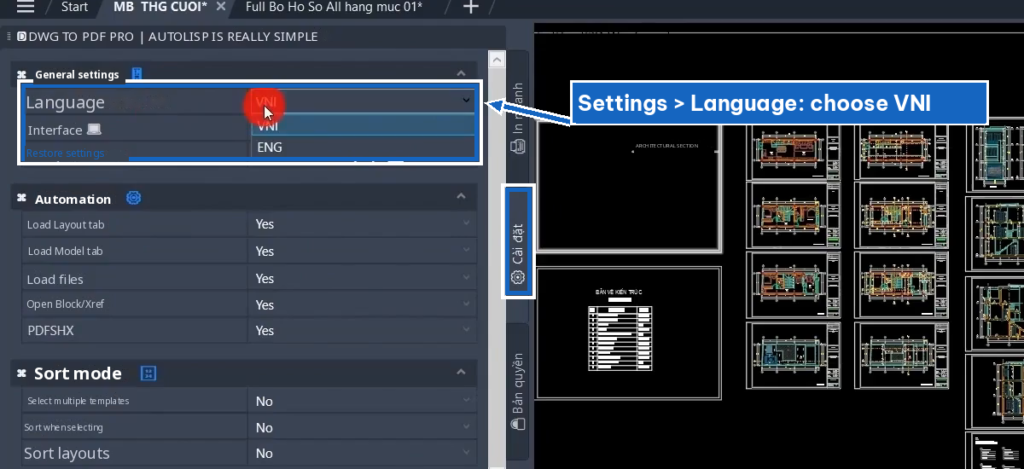
After installing the lisp, type the command D2P → Enter and the lisp panel appears right away. You can drag this panel and dock it to the edge of the screen for convenience. The panel has 2 parts: Quick Plot (where I do most of my work) and Settings.
To change the language of the lisp panel, go to Settings → Language and choose English or Vietnamese.
II. Plot setup
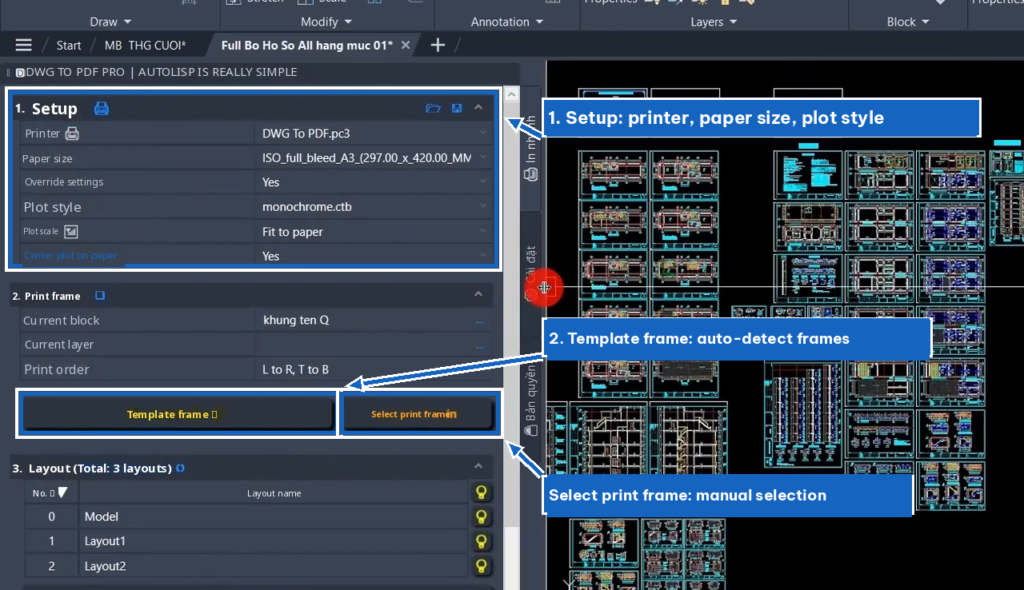
The Setup section is like plotting in AutoCAD:
- Printer: plot to PDF or to a printer.
- Paper size: the default is A3.
- Plot style: black and white (monochrome), color, or shades by percentage.
- Plot area: fit to paper and centered on the sheet.
The lisp has already preset these settings, so most of the time you only need to choose the printer.
III. Choosing frames and batch plotting from Model
The lisp can plot 2 types of frames: frames that are blocks or frames that are polylines, in both Model and Layout.
Note: in a drawing, you should have only 1 block as the plot frame and 1 layer for plotting, to avoid mixing it up with other blocks. Likewise for layouts: create a dedicated layout just for plotting.
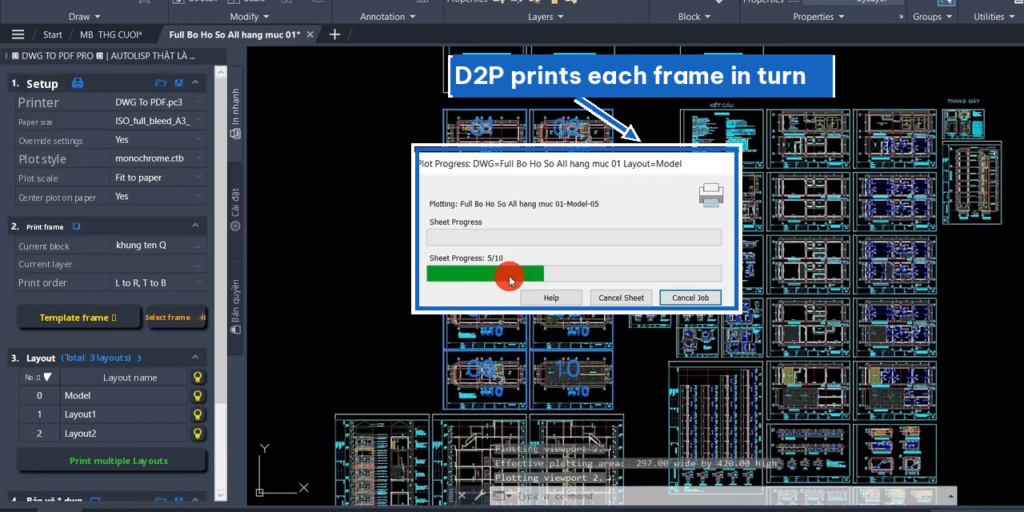
Plot order: by default it plots from left to right, then top to bottom. Open the drop-down to choose another order; for example, if your drawings are arranged in vertical rows, choose plotting by column.
There are 2 ways to choose frames:
- Sample frame: click it and then select one frame (a block or polyline), and the lisp automatically recognizes all blocks with the same name, or similar polylines. Choose this method if you want to plot quickly.
- Select frames: manually select each frame (polyline or block) as you like.
After selecting, window-select the area to plot and the lisp shows preview numbers 01, 02, 03… on each frame. Press Space and the preview window appears; right-click, choose Plot and pick where to save the file. Plotting is very fast, and the drawings are merged into 1 PDF file.
IV. Plotting multiple layouts and multiple drawings at once
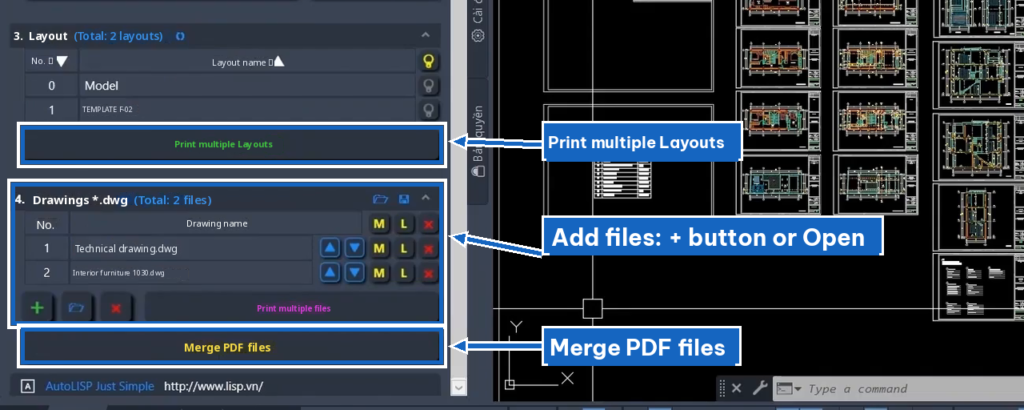
Plotting layouts: if you don’t want to plot from Model, turn Model off. Switch to Layout, click Plot multiple layouts, select the frames and the lisp plots them itself, then click Plot.
Plotting multiple drawings: in the drawings section, click Open to add another drawing without opening it, or click the + sign to add the drawing you currently have open. For each drawing, you can turn Model or Layout plotting on or off, and click the arrows to move the drawing you want to plot to the top.
D2P lisp price and how to buy
The D2P lisp currently costs $10 per machine. The lisp is sold per machine and works on AutoCAD 2018 or later. If you reinstall Windows or AutoCAD, you can keep using it as normal; you only need to buy it again if you change your computer’s hardware. Message me on WhatsApp to buy the lisp: +84359864135.
See the D2P lisp details here: https://vuhienhau.com/en/san-pham/d2p-batch-plot/
You can also check out my roundup of useful AutoCAD lisps: https://vuhienhau.com/en/useful-autocad-lisps-roundup-download-links-and-user-guides/, which I’ve shared on the website.
Good luck!
Detailed video tutorial:
If you found this article helpful, you can support me by buying the Complete AutoCAD Resource Pack. It includes books, libraries, fonts, hatches, lisp, templates, sample projects, ISO standards and more, which I’ve put together and curated from my years of teaching and real-world work. Price: $15. Buy and pay at this link: 👉https://vuhienhau.com/en/san-pham/complete-autocad-resource-pack/
You May Also Like:
 Complete AutoCAD Resource Pack$15View now
 [D2P] Batch Plot$25 $10View now
 [ATOC] Auto Drawing List$25 $10View now
 [TCT] Detail Extraction$25 $10View now
 BECOME A PROFESSIONAL AUTOCAD USER$109 $69View now
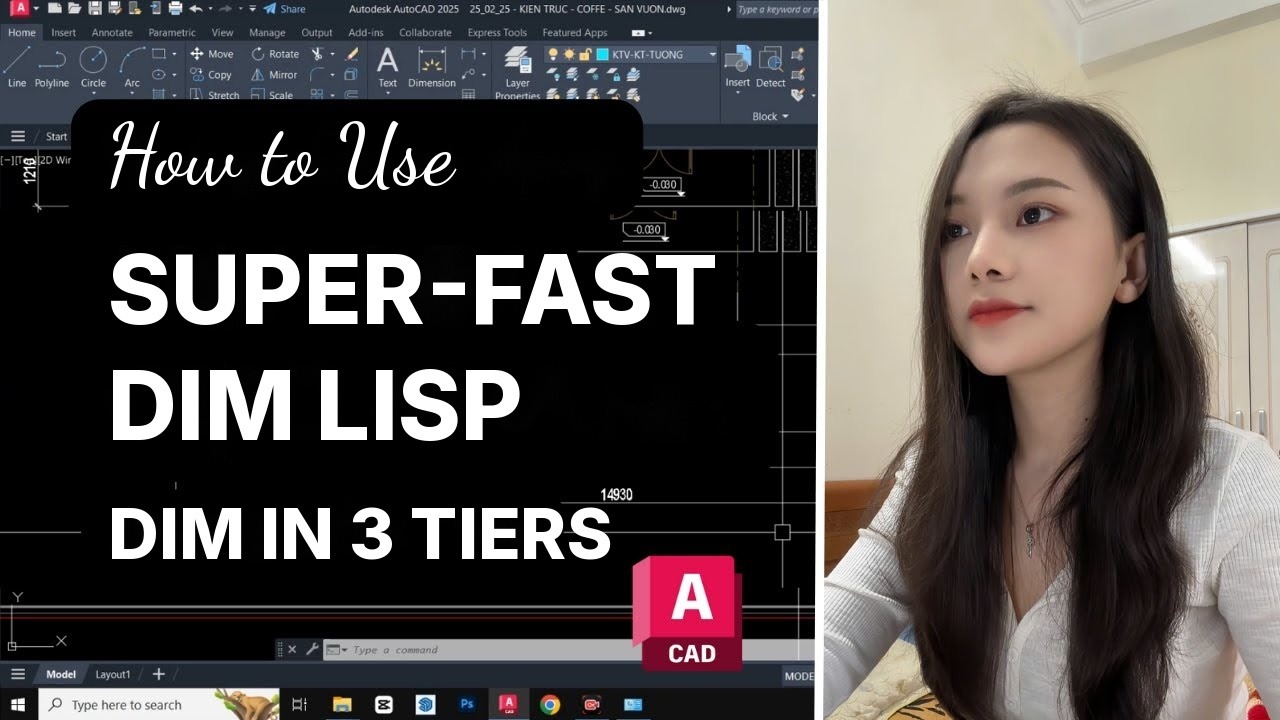 [QD] Fast Dimensioning$25 $10View now
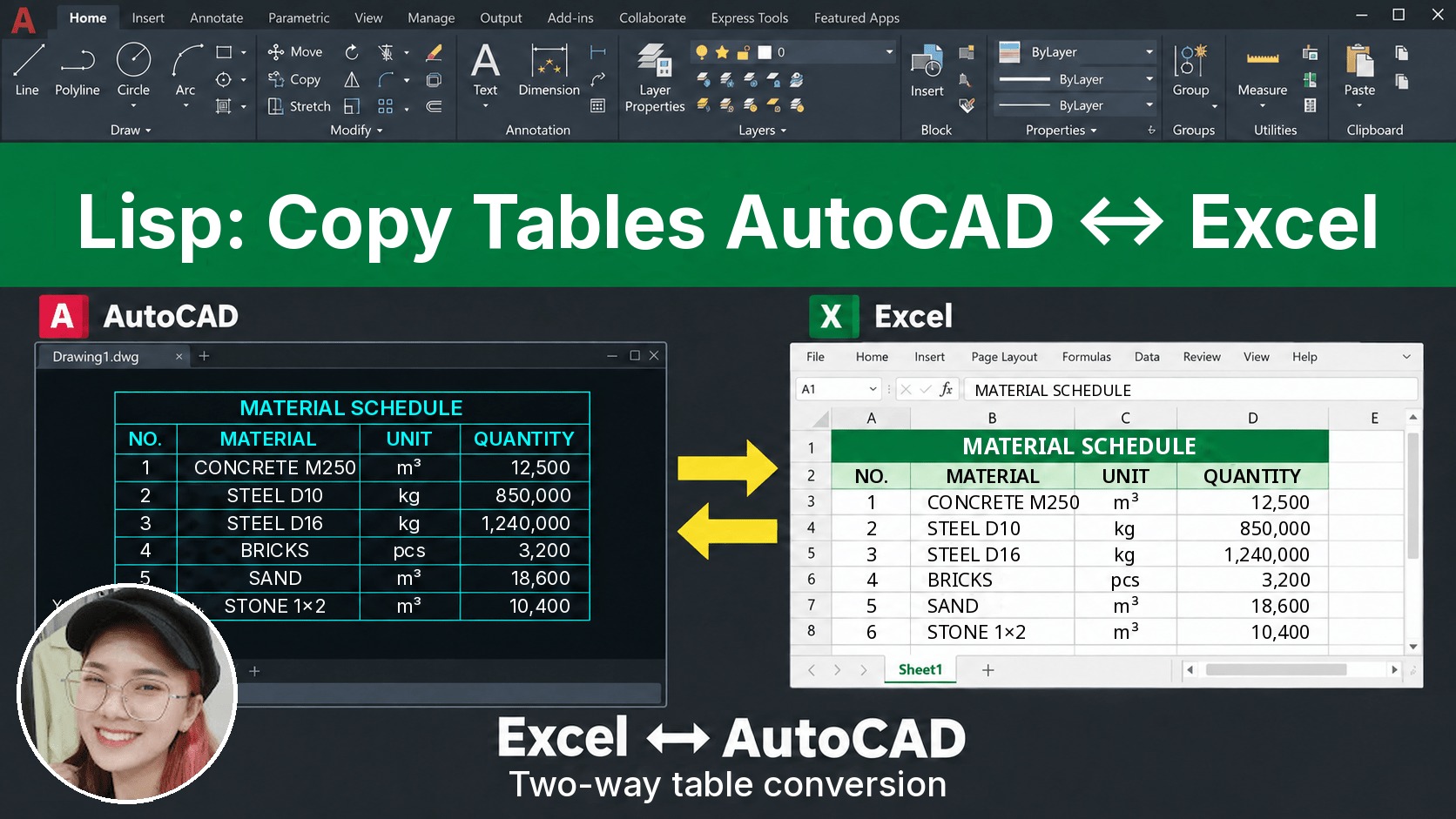 [D2X] Copy/Convert Tables Between AutoCAD & Excel$25 $10View now
_____________________________________
🔥 PRACTICAL PROFESSIONAL AUTOCAD COURSE A-Z:
Learn tips, tricks, lisp and the right mindset to draw fast and manage your drawings professionally. After finishing the course, you’ll be able to produce any drawing you want.
👉 Tuition: $69
👉 Course information: https://vuhienhau.com/en/course/become-a-cadman/
👉 Enroll via our Facebook Fanpage: https://facebook.com/VuHienAcademy or WhatsApp: +84359864135