
Coohom is one of the most popular 3D design programs today thanks to its simple controls and extremely fast rendering. You can use Coohom to design and give clients a quick consultation in just 30 minutes.
Want to use Coohom but don’t know how to install and use it? In this post I’ll show you.
Here’s the guide to installing Coohom
Currently, Coohom offers 2 main ways to use it:
1. Use Coohom directly on the website (no installation needed)
- Runs entirely in the web browser
- Takes up no disk space
- Doesn’t require a high-spec computer
- Suitable for beginners and for quick client consultations
2. Install Coohom on your computer
- Suitable for in-depth design work
- Uses your computer’s CPU and graphics card
- Runs more stably with large files
👉 In this post, I’ll show you how to use Coohom directly on the web. There’s no need to install it and complicate things, and you still get all the features as usual.
How to use Coohom directly on the web without downloading
Step 1: Go to the Coohom website
Go to the website: https://coohom.com/?hl=en and click Continue with your Google account

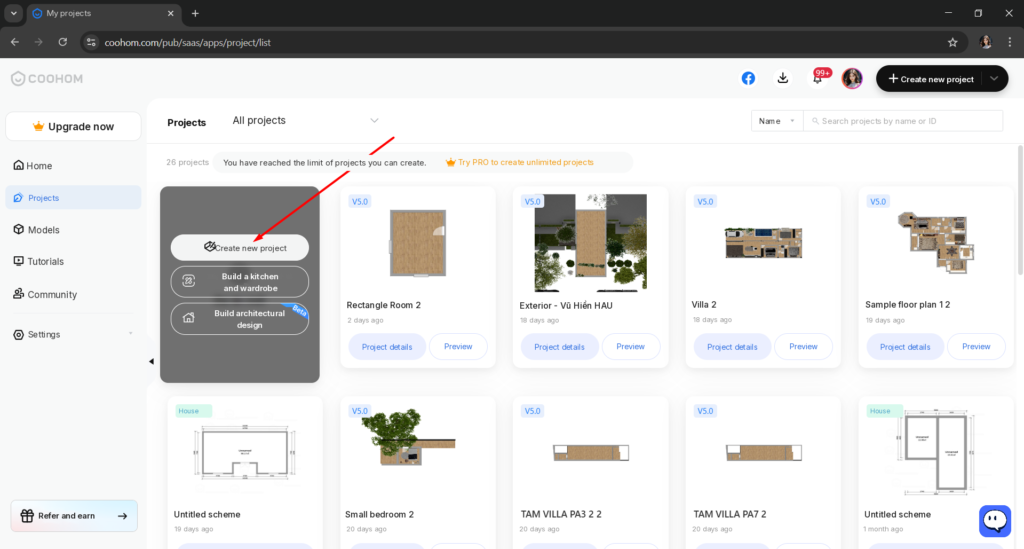
Step 2: The My Projects screen opens. Click Create new project to get started
Step 3: The Workspace screen appears. You can start using it right away
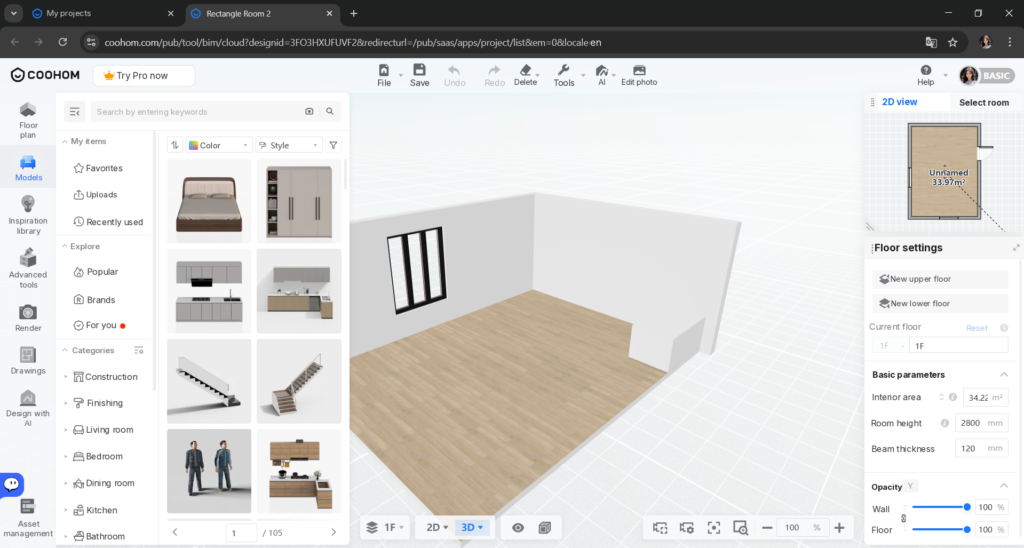
The version you’re using now is the Free version, where you can build spaces, design and do basic rendering. If you want to use advanced tools and render without a watermark, upgrade to a Coohom Pro account.
Cost of Coohom Pro: $12.28/month, or $102.58/year. Apply the code VUHIENHAU to get an extra 10% off, bringing it down to $92.32/year. I can help you buy Coohom Pro for $102.58/year. If you’re interested, message me on WhatsApp: +84359864135
You May Also Like:


_____________________________________
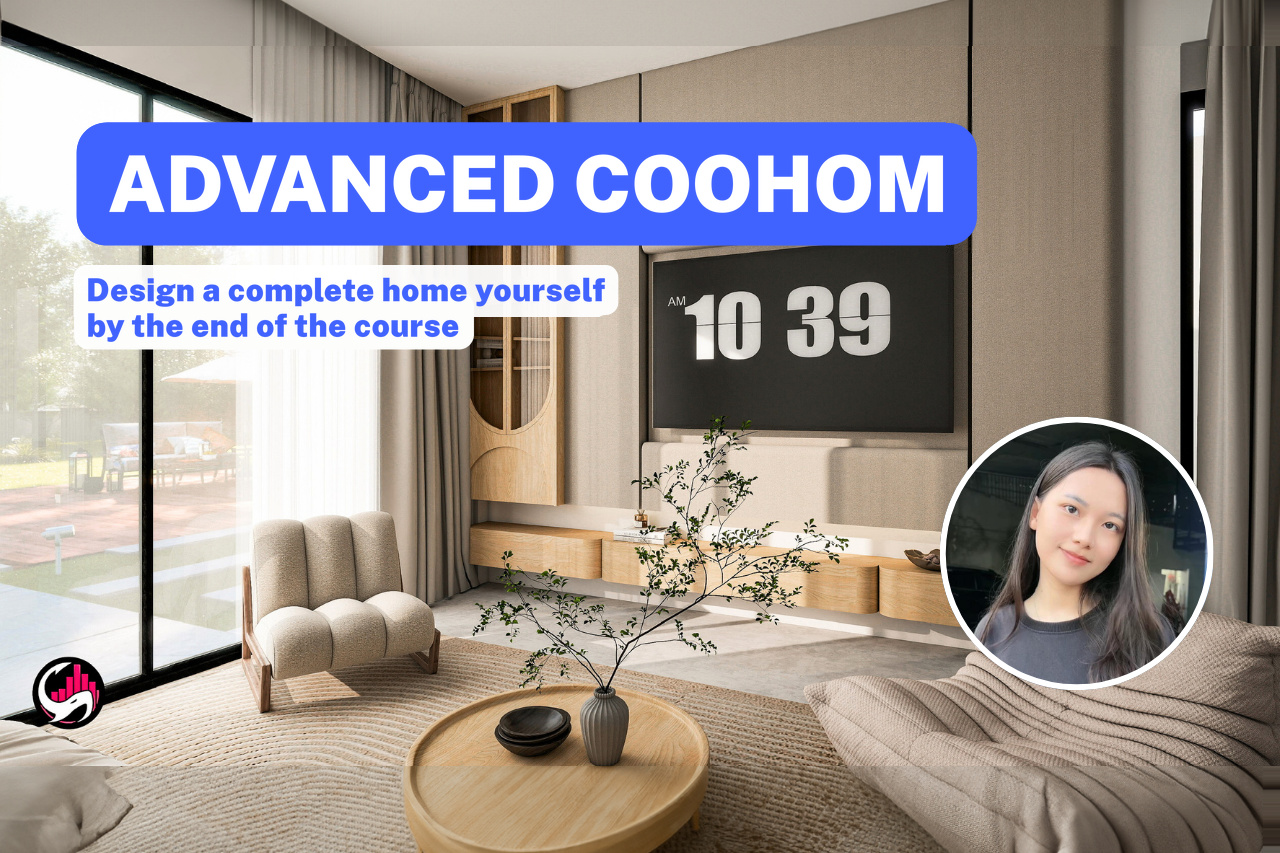
🔥 COOHOM COURSE – BASIC + ADVANCED + RENDERING:
Learn presentation rendering and 3D modeling for both interiors and exteriors. Design a complete house by the time you finish the course.
👉 Tuition: $69
👉 Course information: https://vuhienhau.com/en/course/advanced-coohom/
👉 Enroll via our Facebook Fanpage: https://facebook.com/VuHienAcademy or WhatsApp: +84359864135