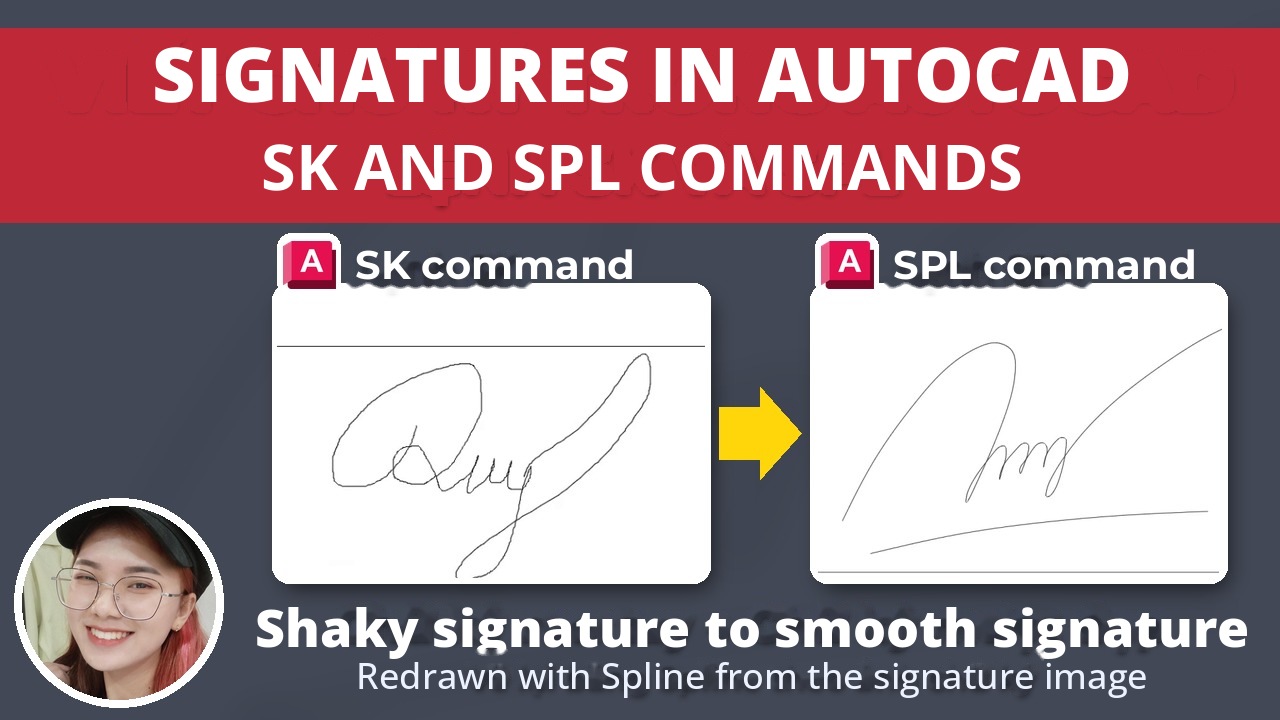
Want to draw a signature in AutoCAD that still looks clean and smooth? There are 2 ways: freehand with the SK (SKETCH) command, or tracing a signature image with the SPL (SPLINE) command. I’ll do both so you can compare.
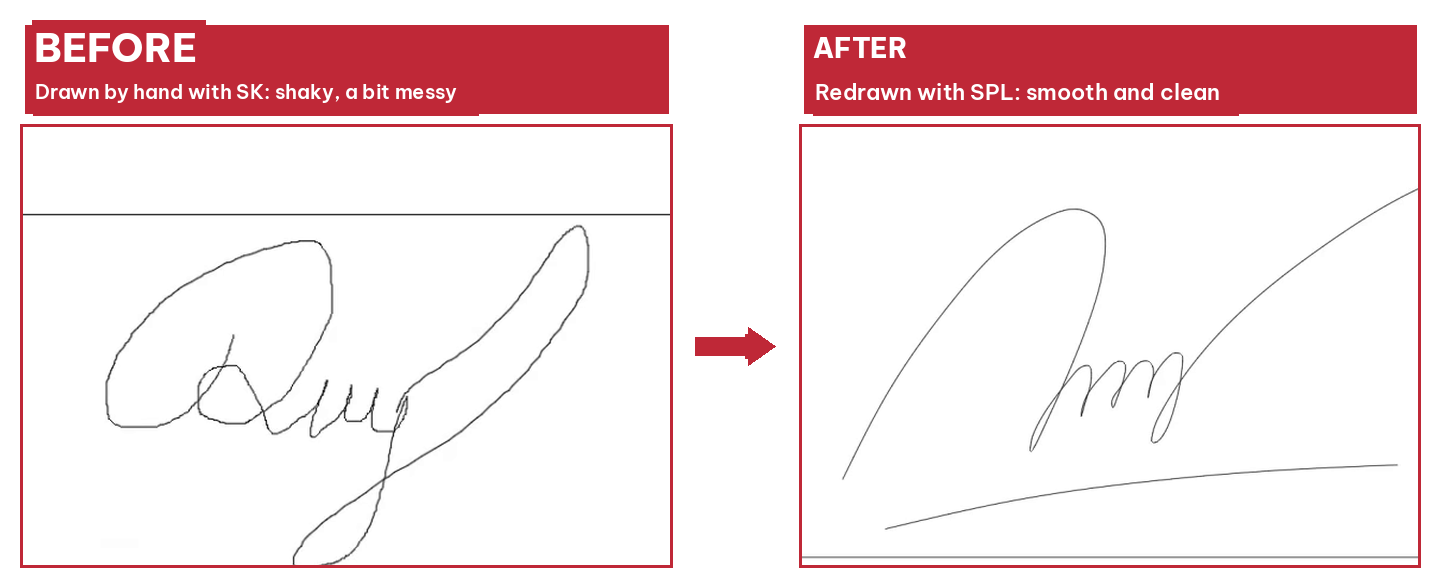
I. Method 1: Draw a signature with the SK command
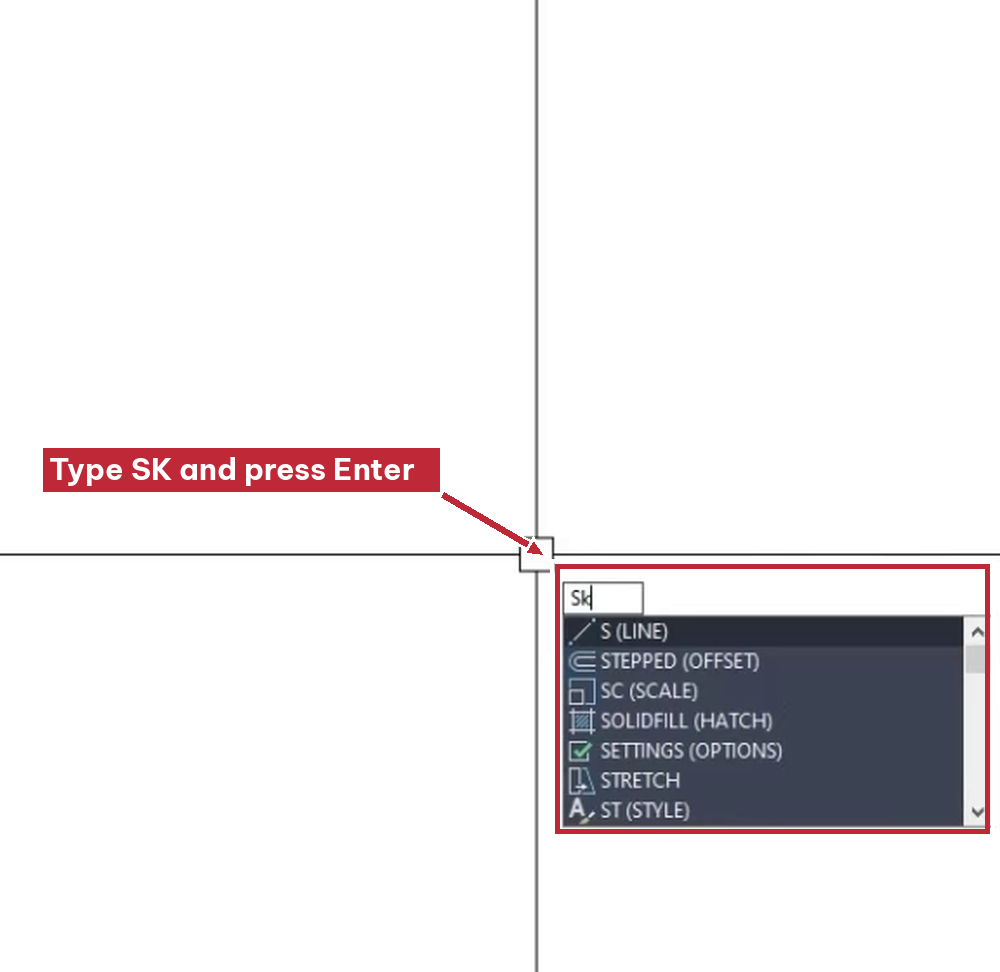
Step 1: Type the command SK and press Enter (or the spacebar).
Step 2: Draw your signature with the mouse; draw slowly for cleaner strokes, and press the spacebar when you’re done. The signature appears, but the strokes are a bit shaky and don’t look great, so I use the second method below.
II. Method 2: Trace a signature image with the SPL command
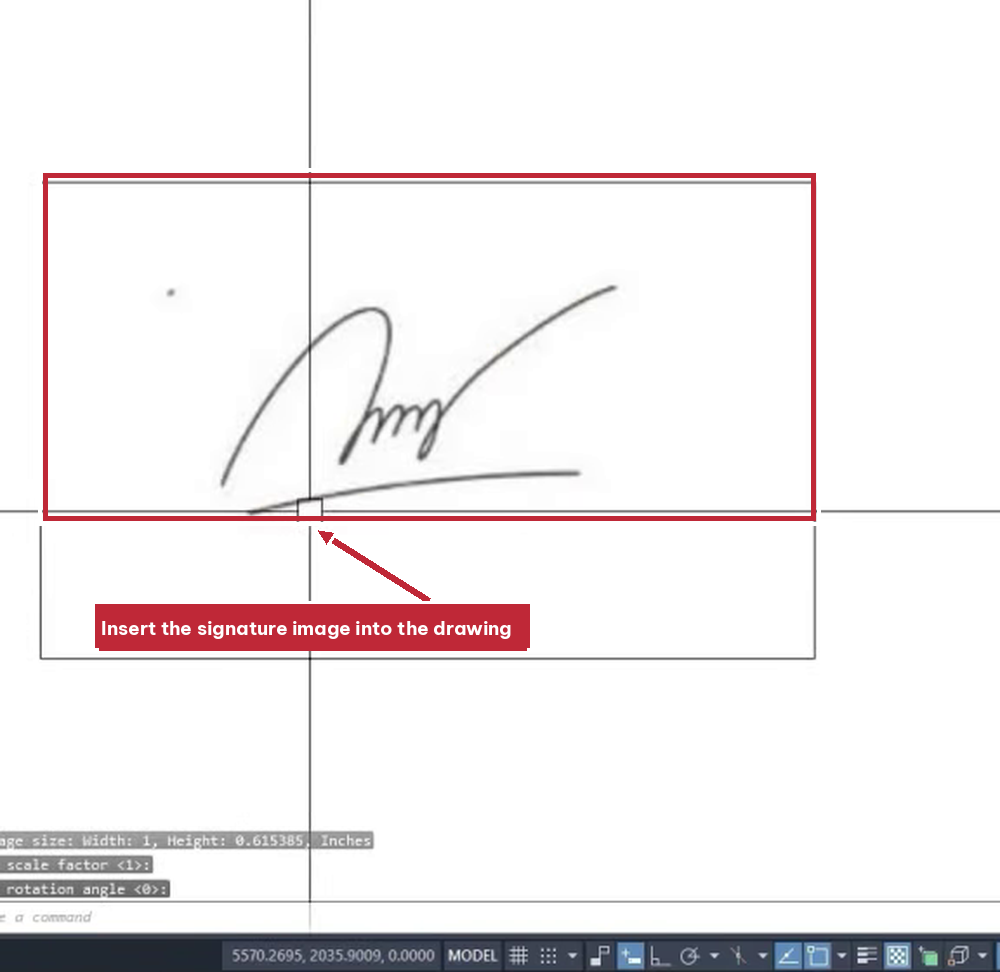
Step 1: Delete the strokes from method 1, then bring your signature image into the drawing. If you don’t know how to add a signature image to AutoCAD yet, read this post: https://vuhienhau.com/en/adding-a-signature-image-to-autocad-for-realistic-printing/
Step 2: Type the command SPL (SPLINE, used for drawing curves), then click point by point along the signature strokes. Adjust it carefully and the strokes will be very smooth and clean.
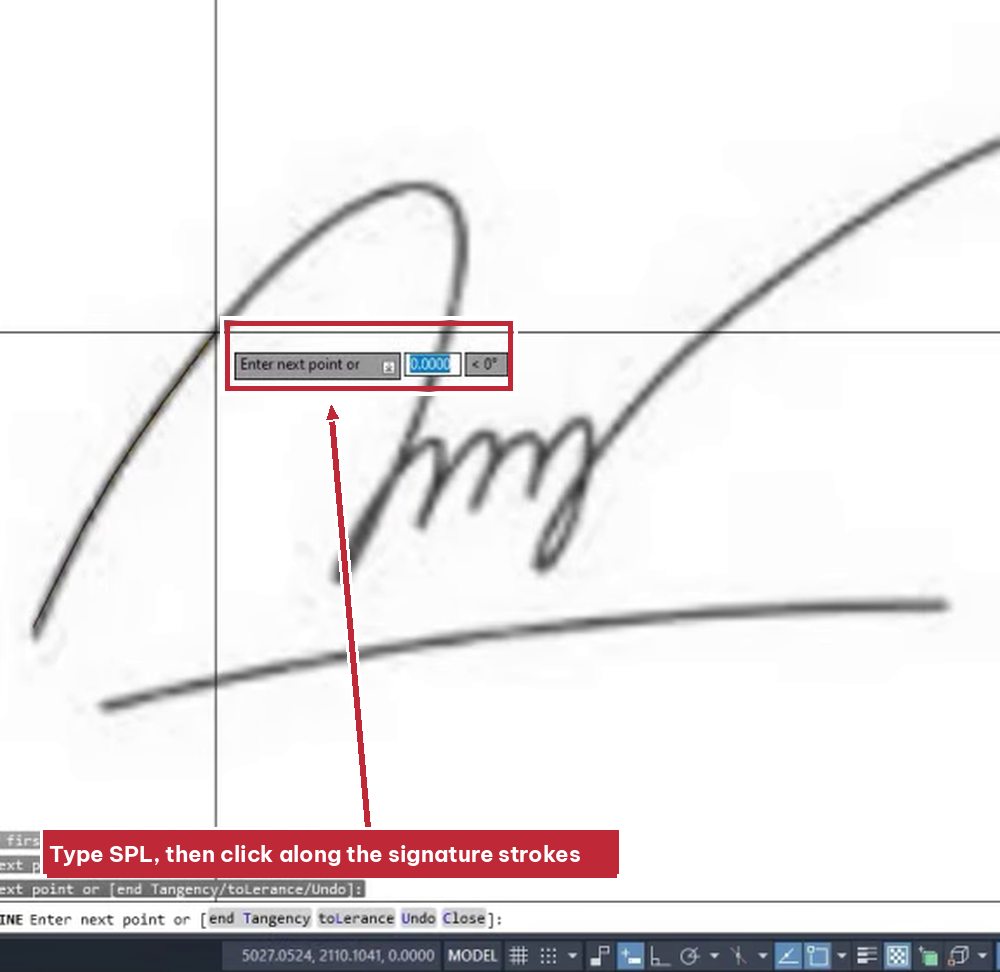
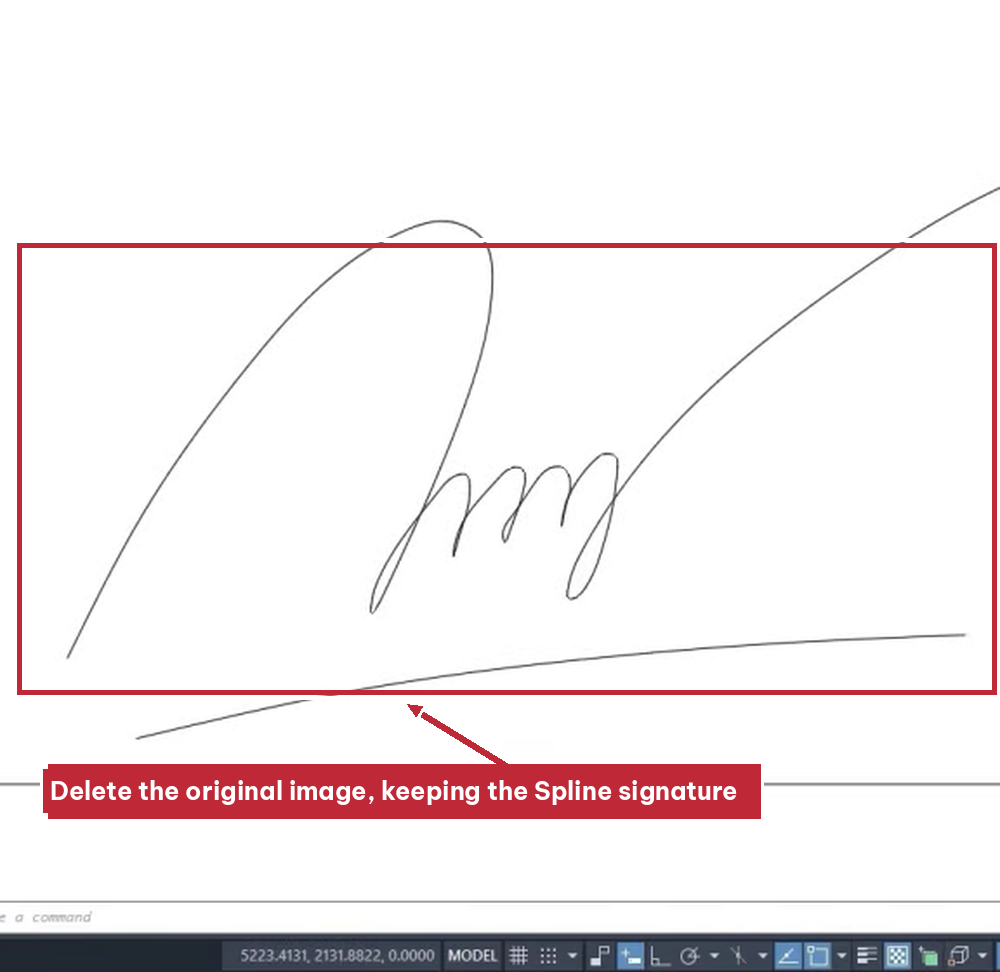
Step 3: Delete the original image, leaving only the signature made of Spline curves, and you’re done.
If you want to learn more advanced tricks, see my list of AutoCAD posts here: https://vuhienhau.com/en/category/autocad-en/
If you’re new to AutoCAD, see my roundup of basic AutoCAD commands & shortcuts: https://vuhienhau.com/en/basic-autocad-commands-and-shortcuts-for-beginners/
Good luck!
Detailed video tutorial:
Watch the quick tutorial video on Facebook 👉 https://www.facebook.com/reel/1059444502793019
If you found this article helpful, you can support me by buying the Complete AutoCAD Resource Pack. It includes books, libraries, fonts, hatches, lisp, templates, sample projects, ISO standards and more, which I’ve put together and curated from my years of teaching and real-world work. Price: $15. Buy and pay at this link: 👉https://vuhienhau.com/en/san-pham/complete-autocad-resource-pack/
You May Also Like:
 Complete AutoCAD Resource Pack$15View now
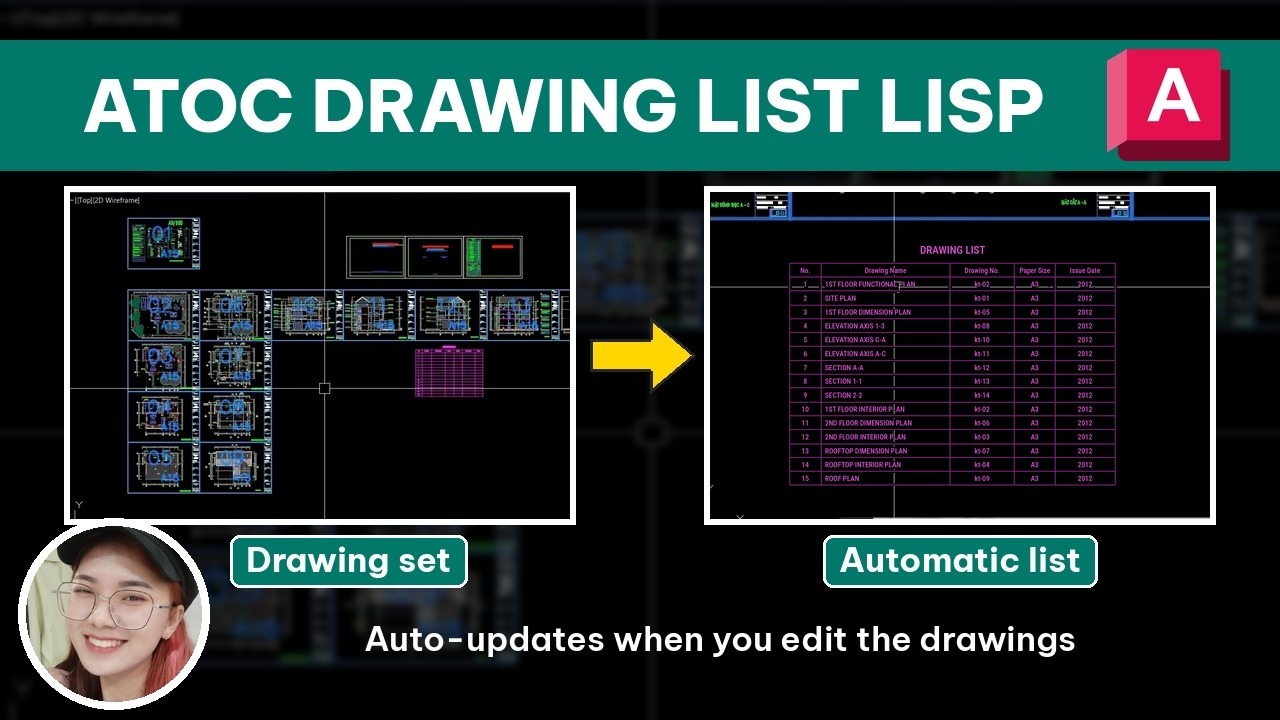 [ATOC] Auto Drawing List$25 $10View now
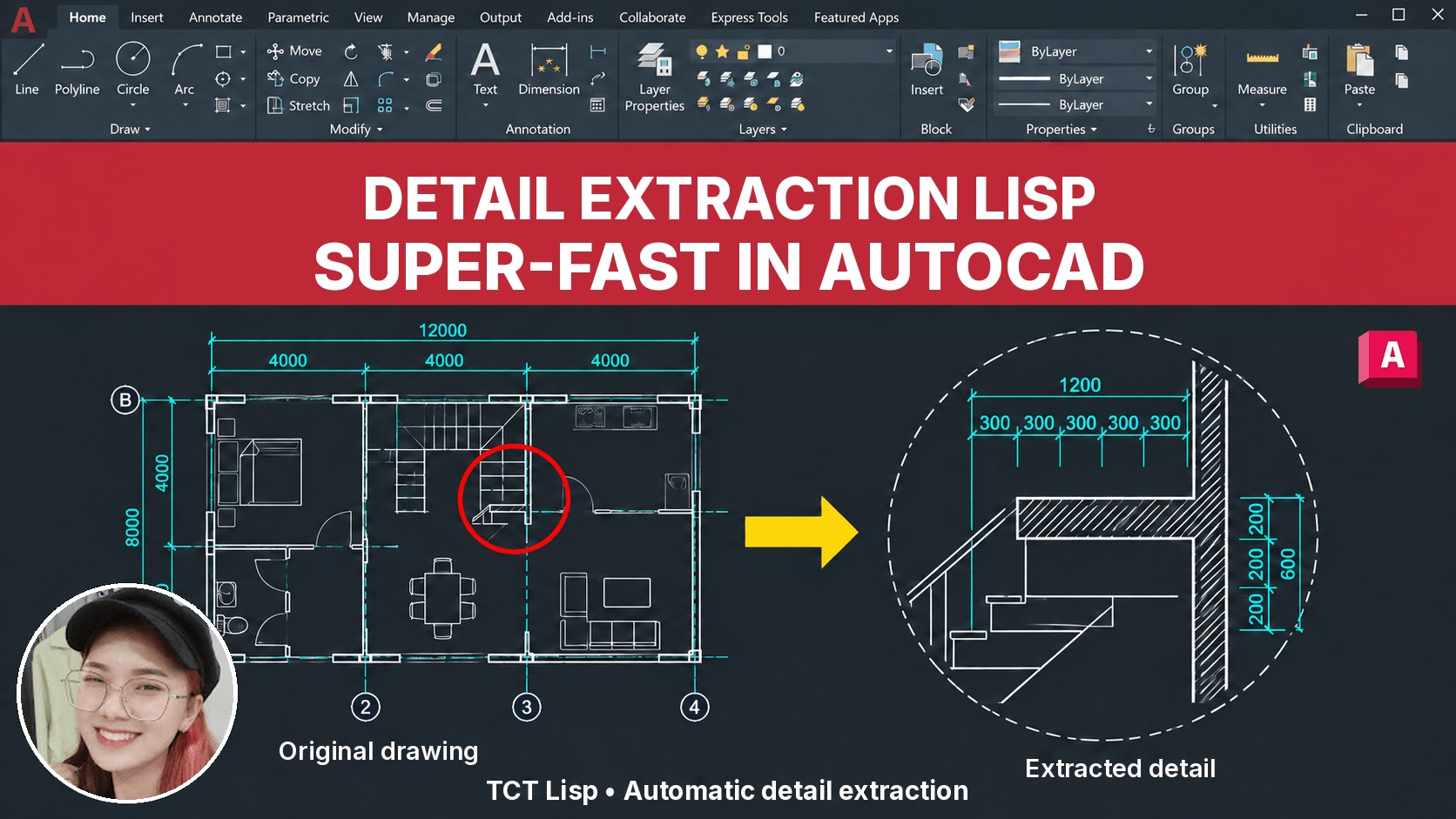 [TCT] Detail Extraction$25 $10View now
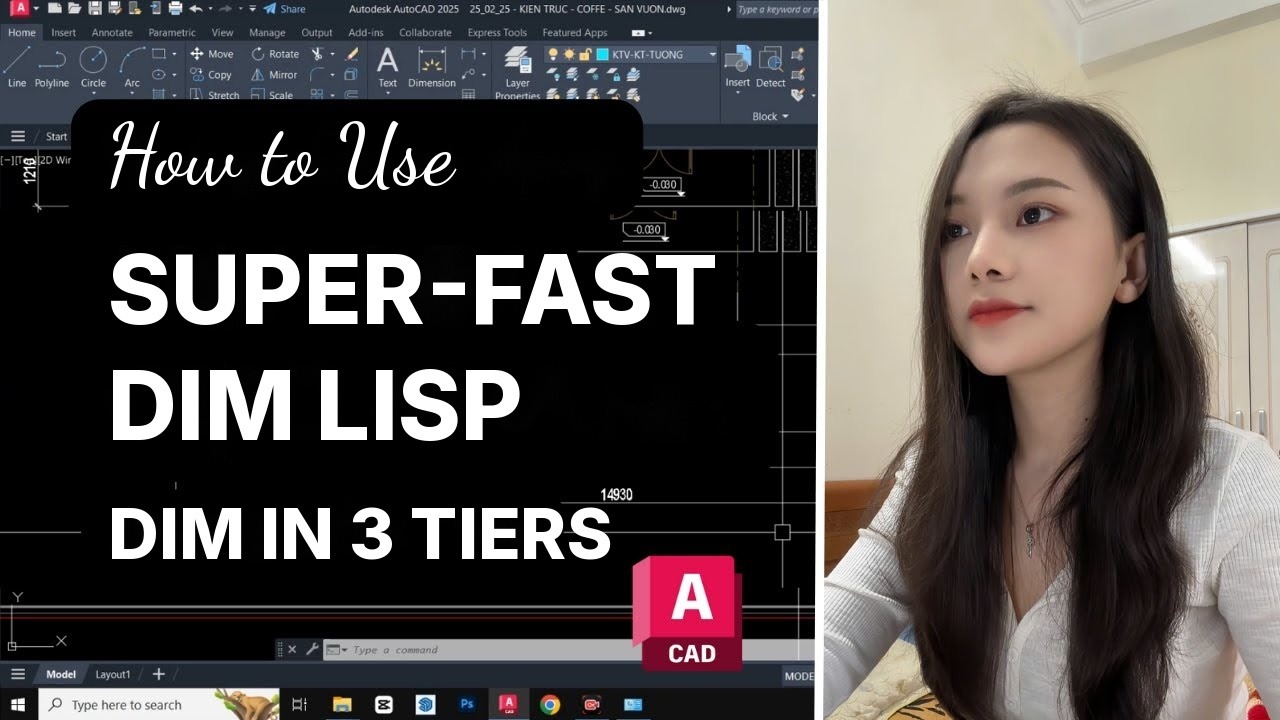 [QD] Fast Dimensioning$25 $10View now
 BECOME A PROFESSIONAL AUTOCAD USER$109 $69View now
 [D2P] Batch Plot$25 $10View now
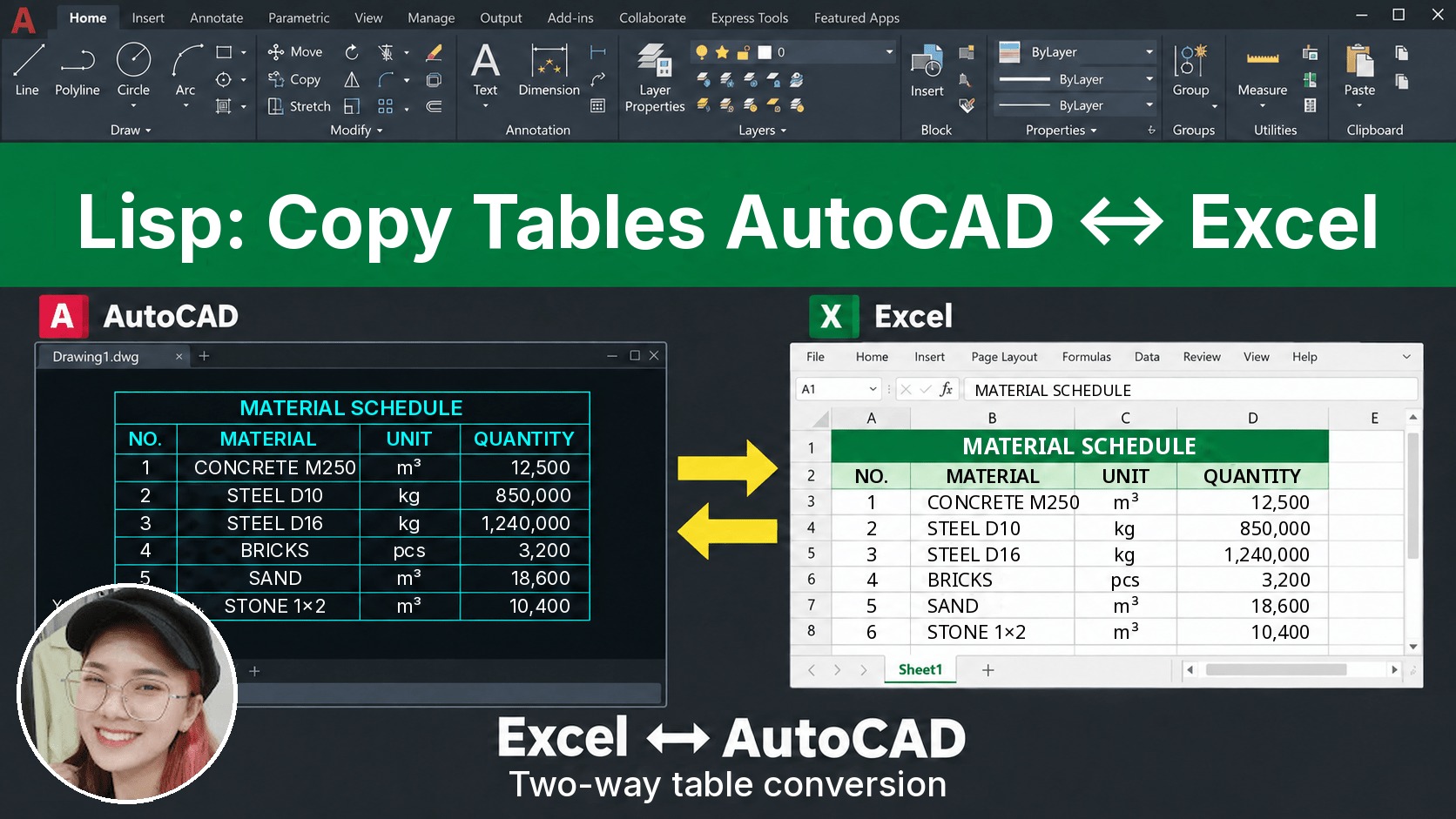 [D2X] Copy/Convert Tables Between AutoCAD & Excel$25 $10View now
_____________________________________
🔥 PRACTICAL PROFESSIONAL AUTOCAD COURSE A-Z:
Learn tips, tricks, lisp and the right mindset to draw fast and manage your drawings professionally. After finishing the course, you’ll be able to produce any drawing you want.
👉 Tuition: $69
👉 Course information: https://vuhienhau.com/en/course/become-a-cadman/
👉 Enroll via our Facebook Fanpage: https://facebook.com/VuHienAcademy or WhatsApp: +84359864135