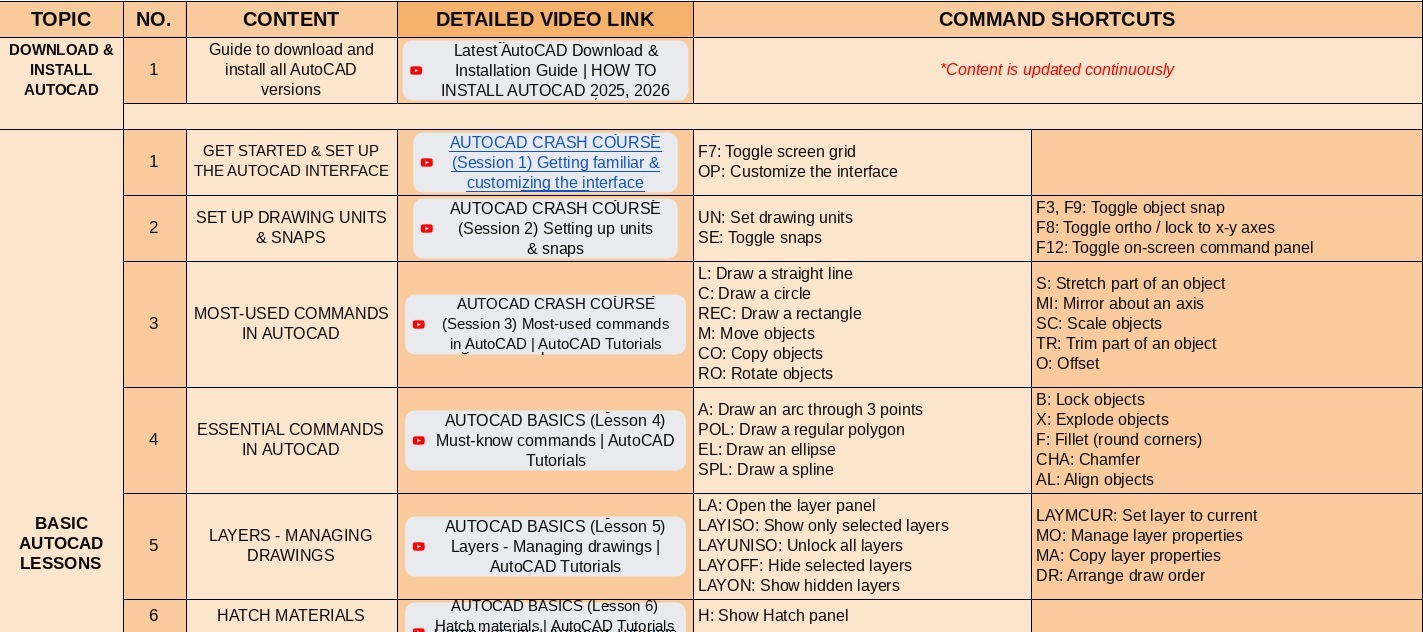
After more than 8 years of working and studying with AutoCAD, taking more than 5 AutoCAD courses from basic to advanced, working with more than 4 software training centers, and drawing real-world drawings in nearly every field, I’m confident in writing up this set of AutoCAD materials and sharing it with everyone. If you’ve used AutoCAD for years and forgotten commands, or need libraries of fonts, hatches, lisp and so on, you can get them here too.
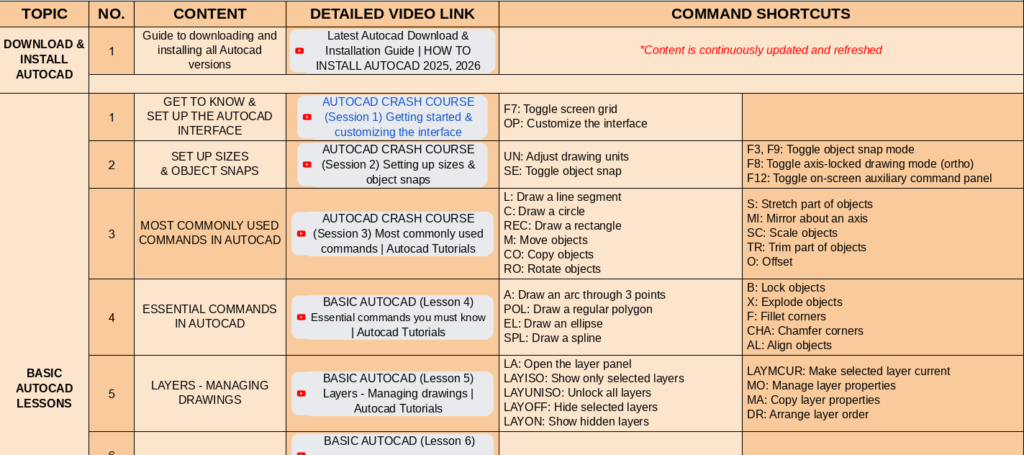
The tutorial video link is right next to it
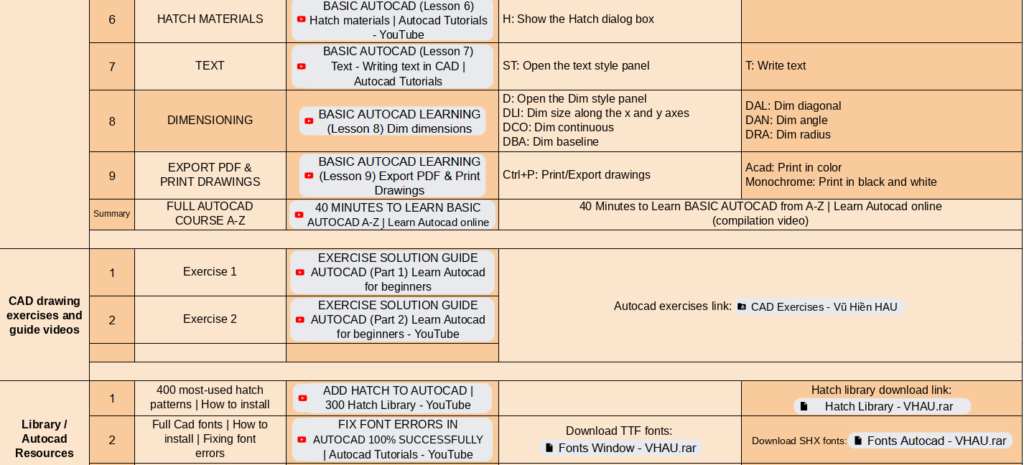
And there’s a font/hatch library file too. I’ve put the lisp there as well
Document link:
Click here 👉 Link
Remember to save this link to revisit it and share it with others!
If you want to learn professional, hands-on AutoCAD to work at a company, see the course reviews I’ve put below
If you found this article helpful, you can support me by buying the Complete AutoCAD Resource Pack. It includes books, libraries, fonts, hatches, lisp, templates, sample projects, ISO standards and more, which I’ve put together and curated from my years of teaching and real-world work. Price: $15. Buy and pay at this link: 👉https://vuhienhau.com/en/san-pham/complete-autocad-resource-pack/
You May Also Like:
 Complete AutoCAD Resource Pack$15View now
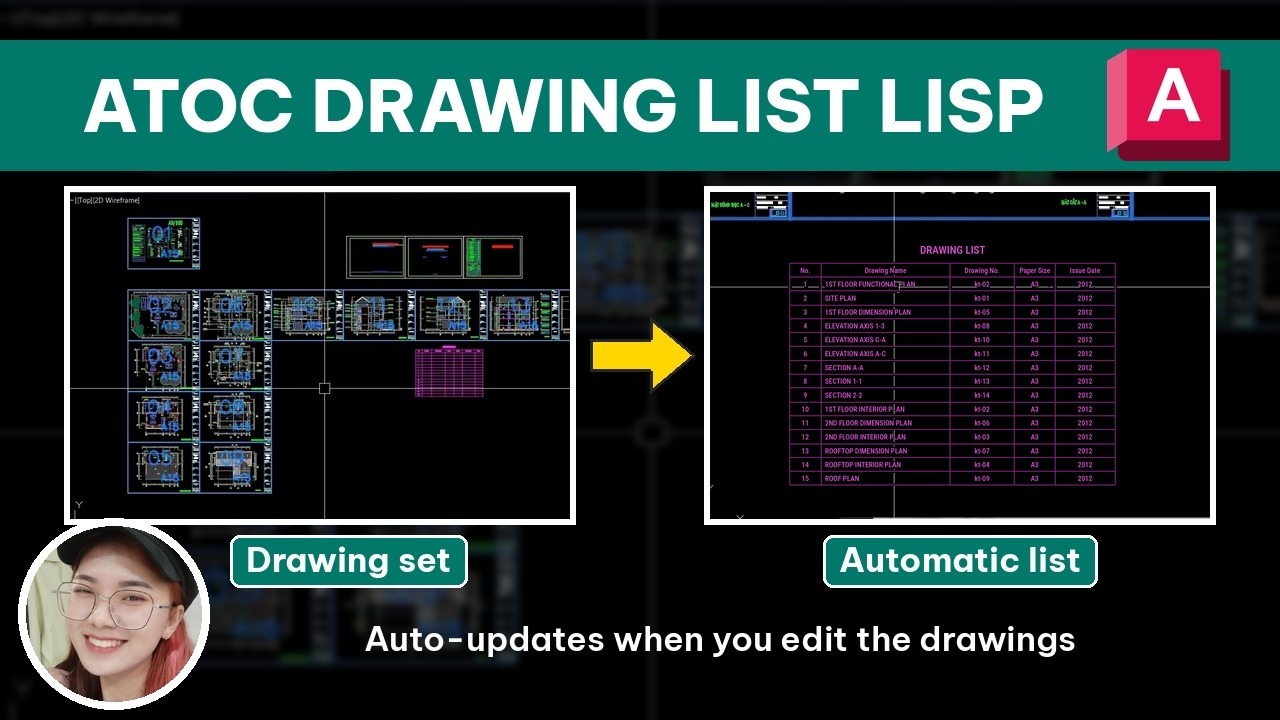 [ATOC] Auto Drawing List$25 $10View now
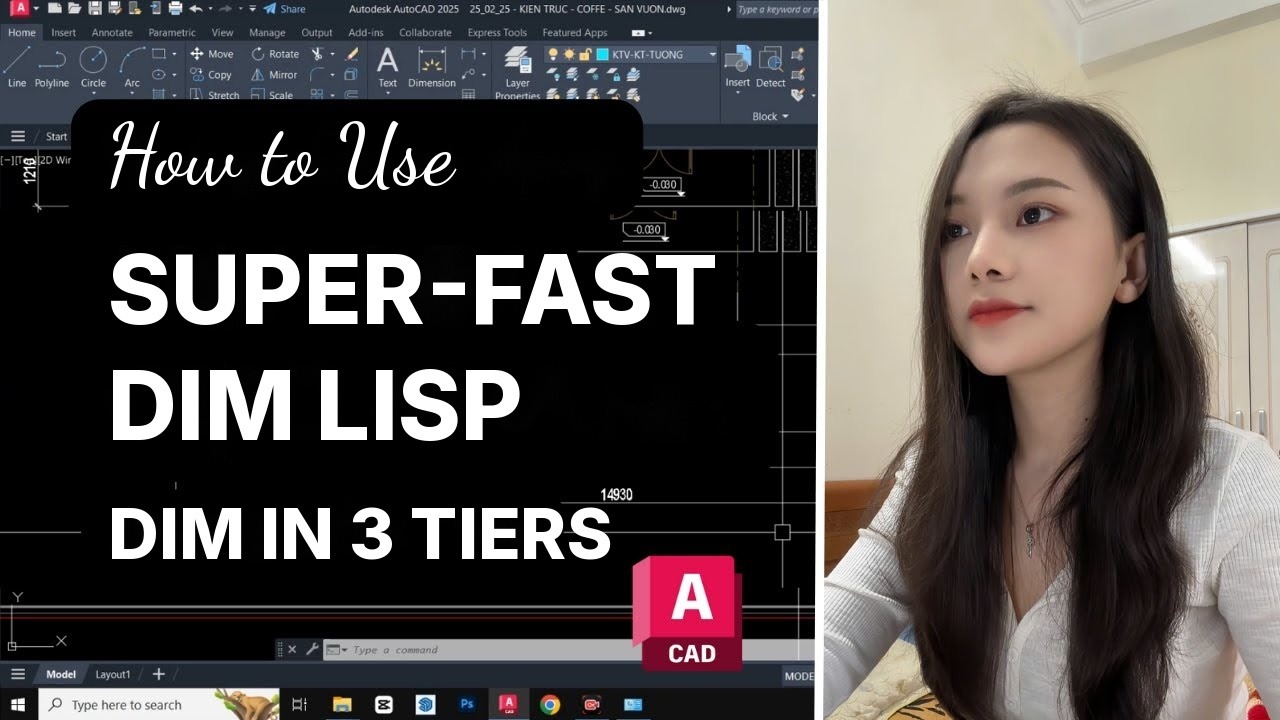 [QD] Fast Dimensioning$25 $10View now
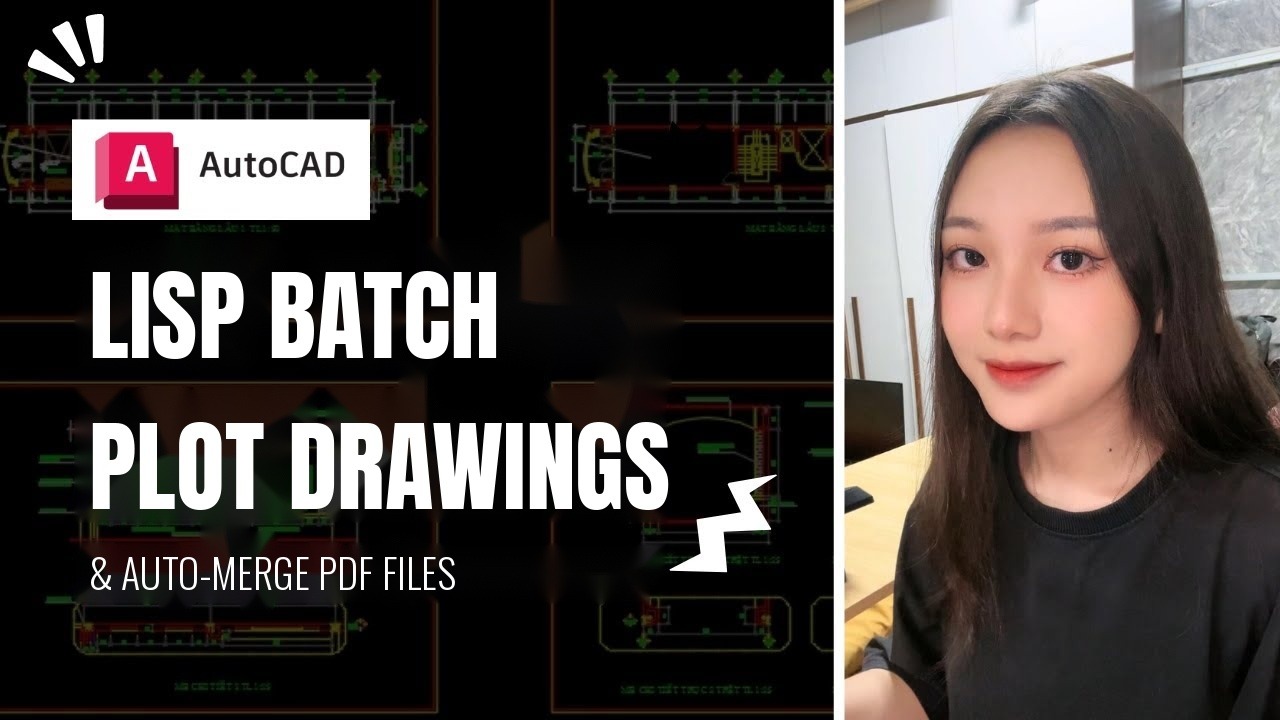 [D2P] Batch Plot$25 $10View now
 BECOME A PROFESSIONAL AUTOCAD USER$109 $69View now
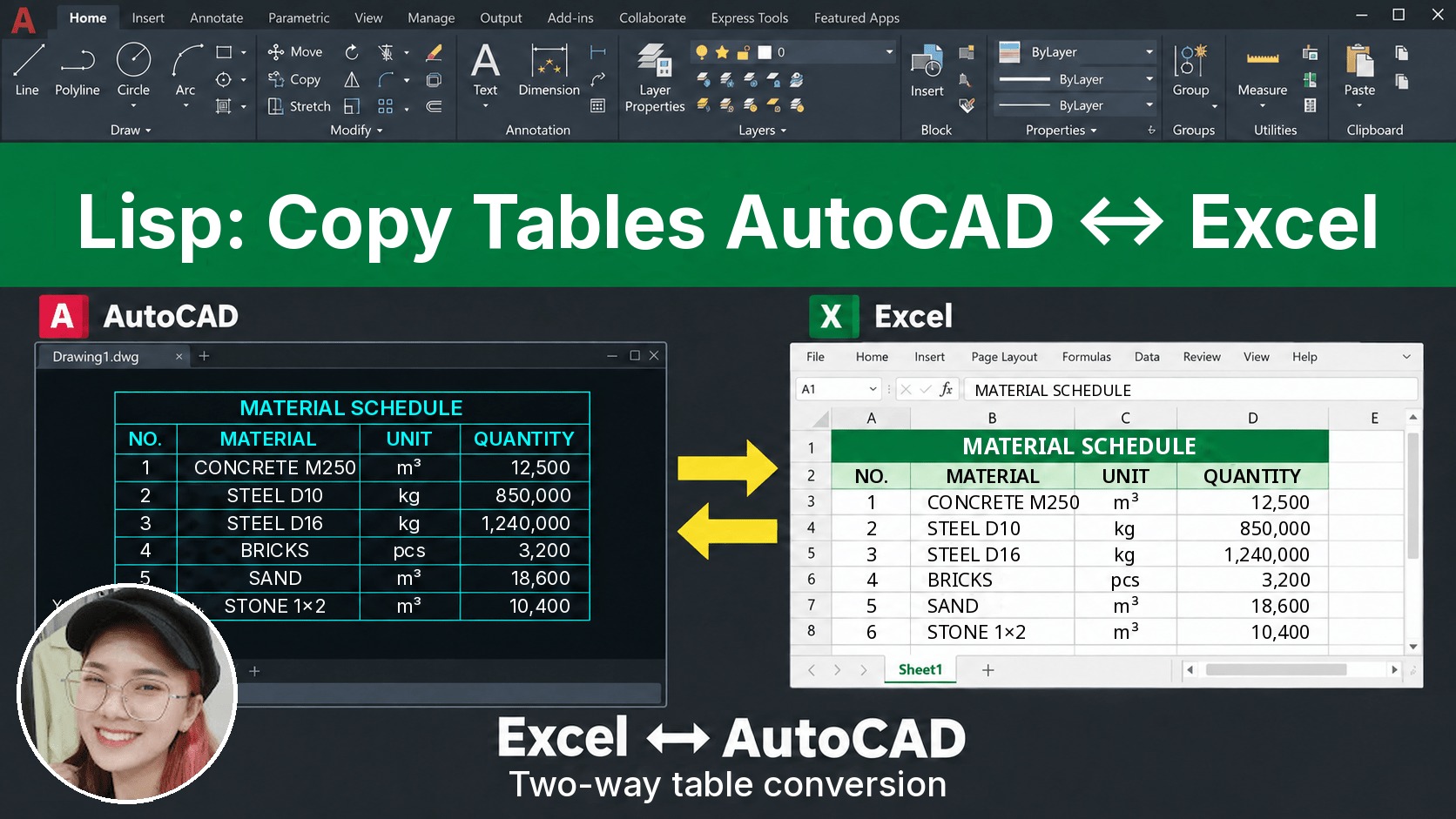 [D2X] Copy/Convert Tables Between AutoCAD & Excel$25 $10View now
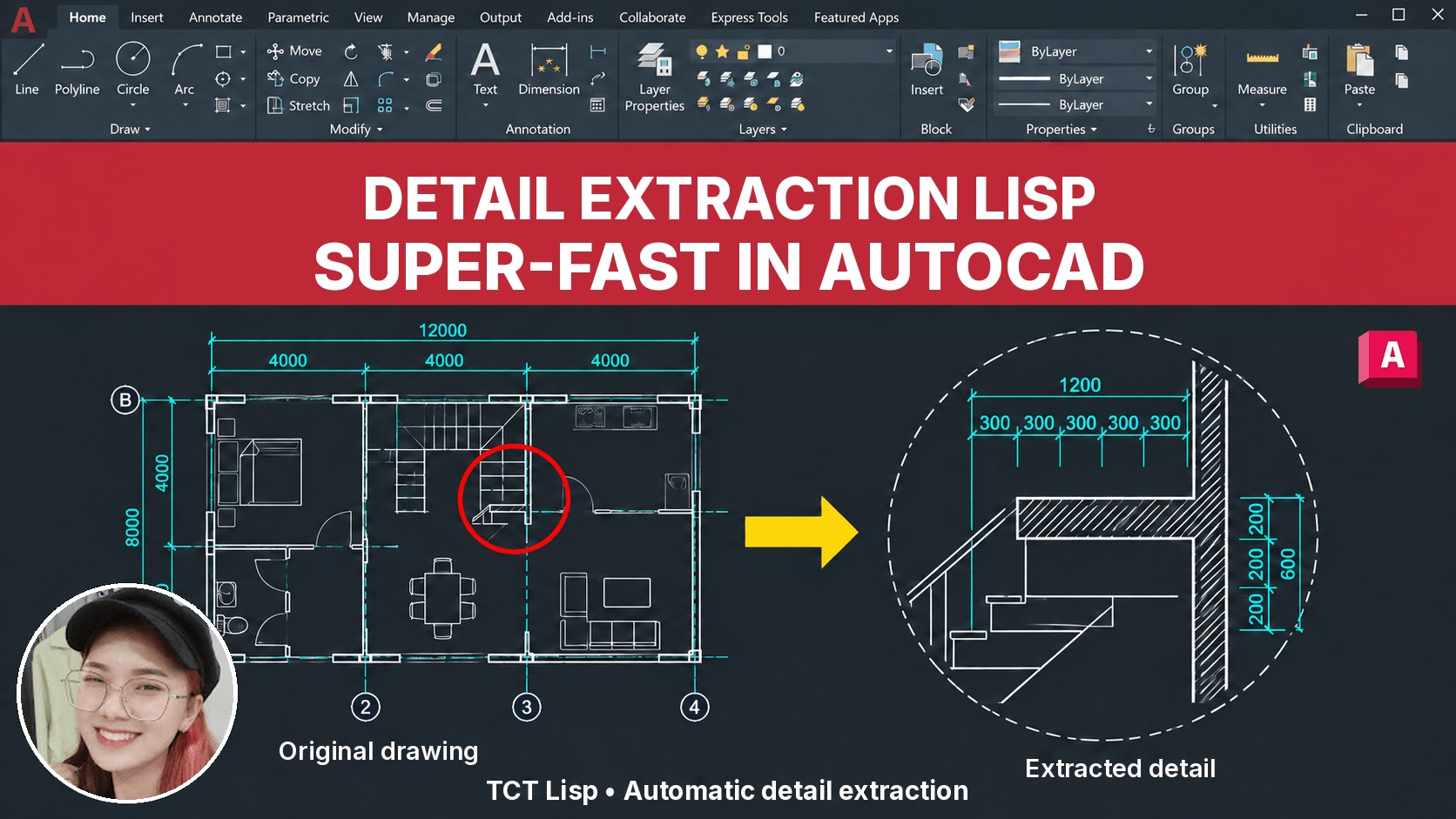 [TCT] Detail Extraction$25 $10View now
_____________________________________
🔥 PRACTICAL PROFESSIONAL AUTOCAD COURSE A-Z:
Learn tips, tricks, lisp and the right mindset to draw fast and manage your drawings professionally. After finishing the course, you’ll be able to produce any drawing you want.
👉 Tuition: $69
👉 Course information: https://vuhienhau.com/en/course/become-a-cadman/
👉 Enroll via our Facebook Fanpage: https://facebook.com/VuHienAcademy or WhatsApp: +84359864135