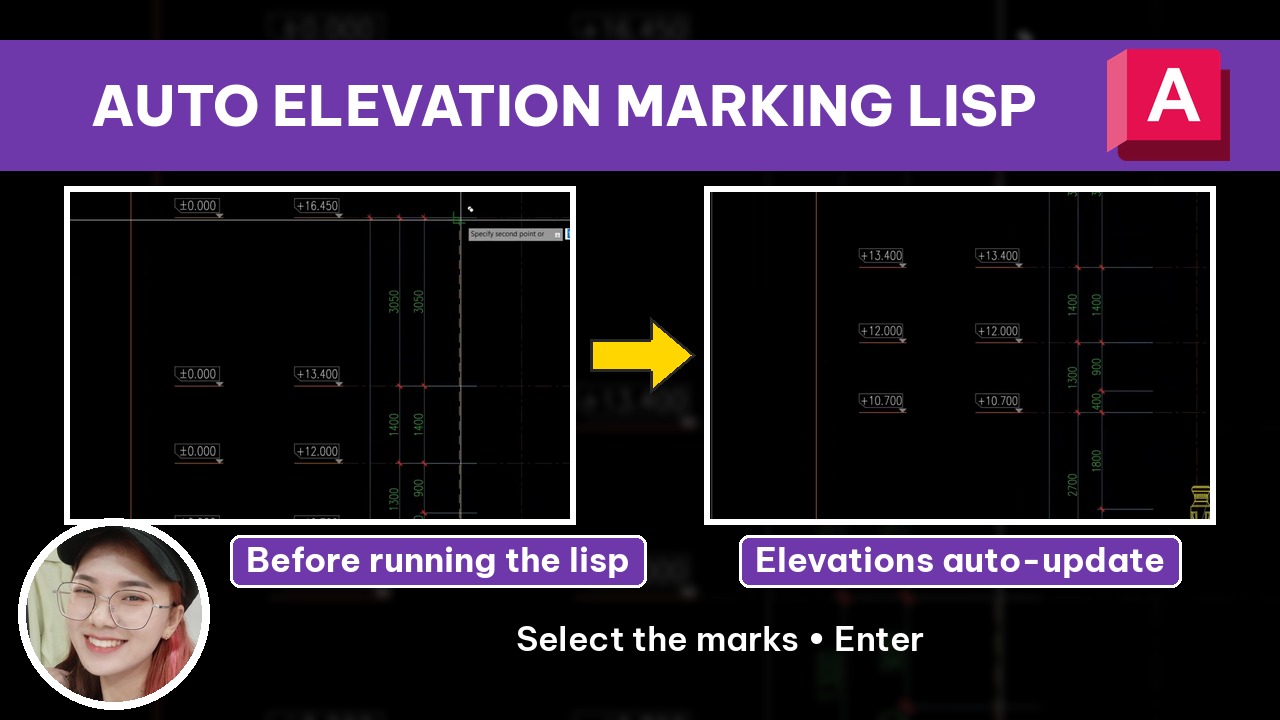
This automatic elevation-marking lisp for AutoCAD lets you annotate elevation levels on elevations and sections extremely fast: just pick the base level, window-select the other levels, press Enter and the elevations update automatically. This lisp is completely free, by Nguyen Quang Thuan.
I. Download the elevation-marking lisp
👉 Lisp download link: https://drive.google.com/file/d/1ci5tGU3lrbhmrBdGr06HRyu7ecqykegi/view?usp=sharing
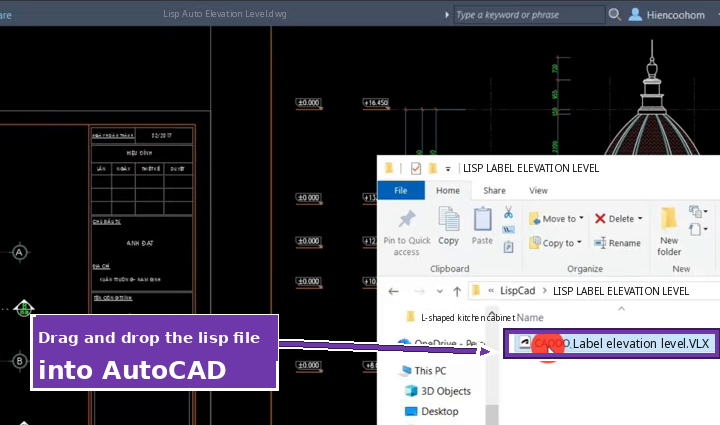
After downloading, drag and drop the lisp file into AutoCAD to use it. When a notification box appears, remember to click Always Load.
II. Prepare the base elevation level
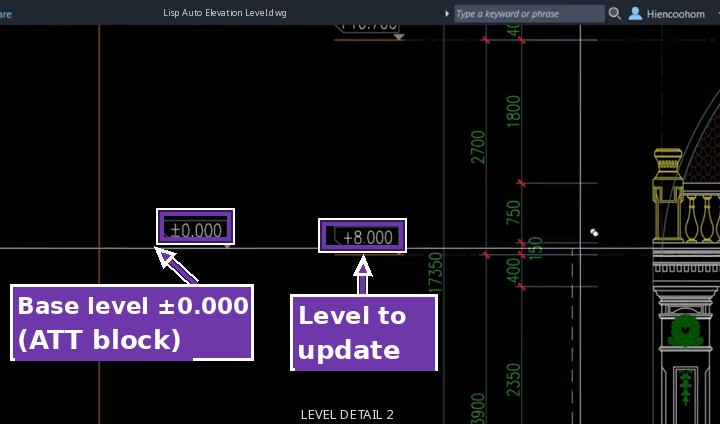
First, prepare one base elevation level, ±0.000. Note that this level must be a block with attributes (an ATT block) for the lisp to work; MTEXT text won’t work.
Select this base level block, copy it and place it wherever you want to mark an elevation.
III. How to use
- Type the command CAODO → Enter.
- Select the ATT of the ±0.000 base level block.
- Window-select the remaining elevation levels → Enter.
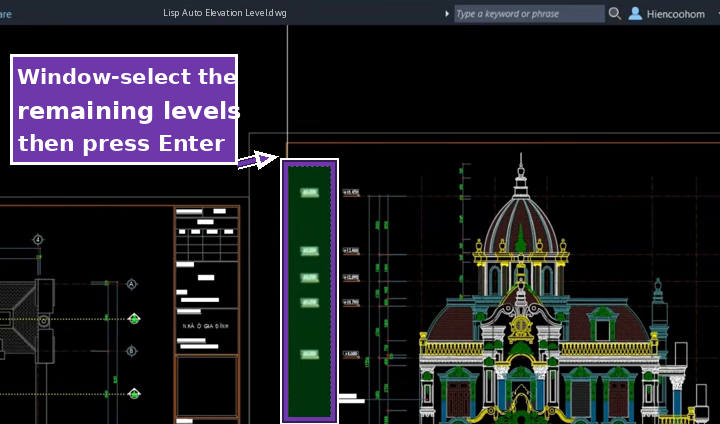
The elevation levels instantly update to match their positions. You can double-check them.
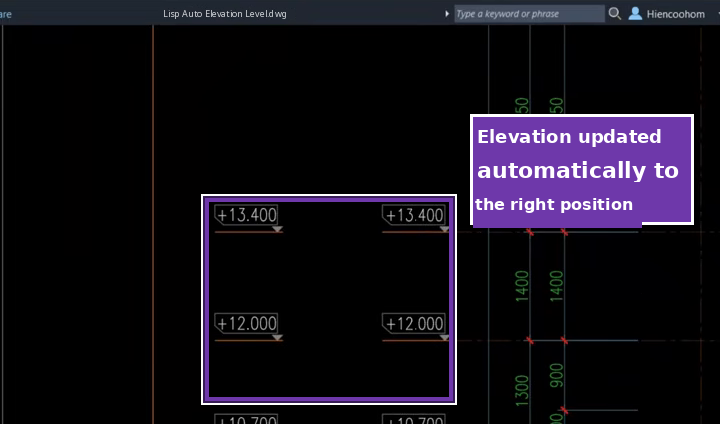
See also my roundup of useful AutoCAD lisps with download links & user guides: https://vuhienhau.com/en/useful-autocad-lisps-roundup-download-links-and-user-guides/
Good luck!
Detailed video tutorial:
If you found this article helpful, you can support me by buying the Complete AutoCAD Resource Pack. It includes books, libraries, fonts, hatches, lisp, templates, sample projects, ISO standards and more, which I’ve put together and curated from my years of teaching and real-world work. Price: $15. Buy and pay at this link: 👉https://vuhienhau.com/en/san-pham/complete-autocad-resource-pack/
You May Also Like:
 Complete AutoCAD Resource Pack$15View now
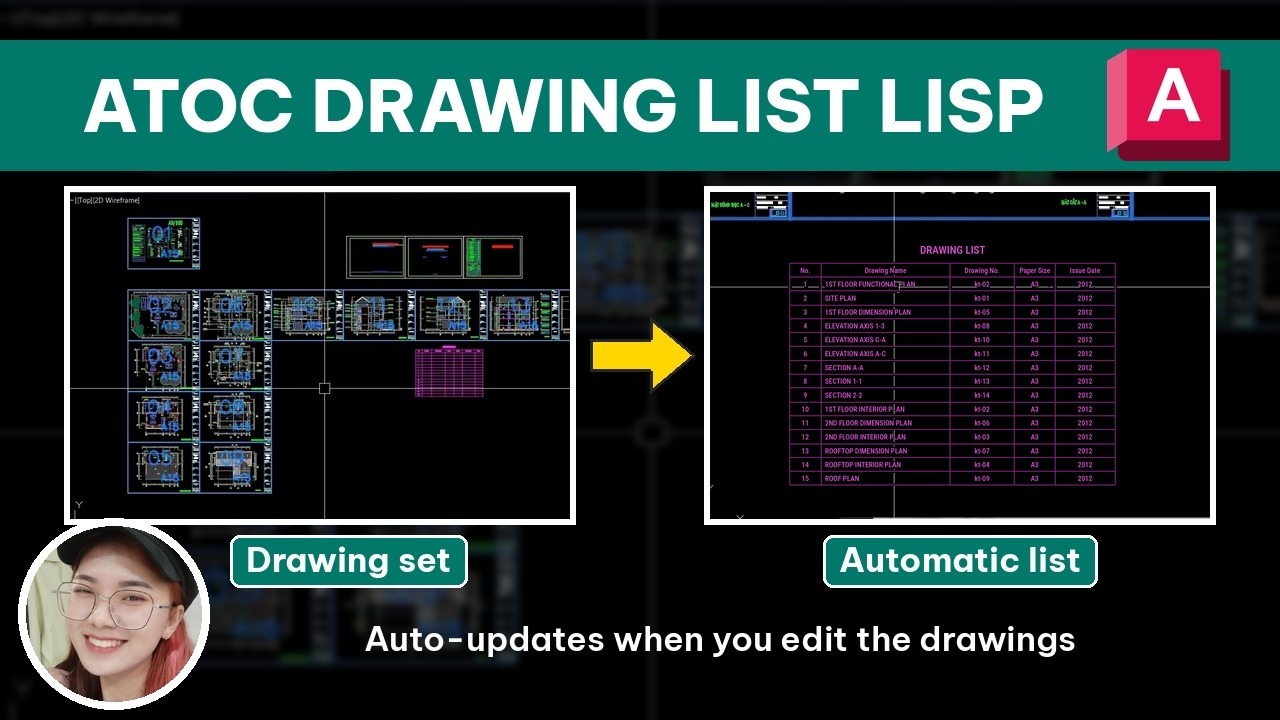 [ATOC] Auto Drawing List$25 $10View now
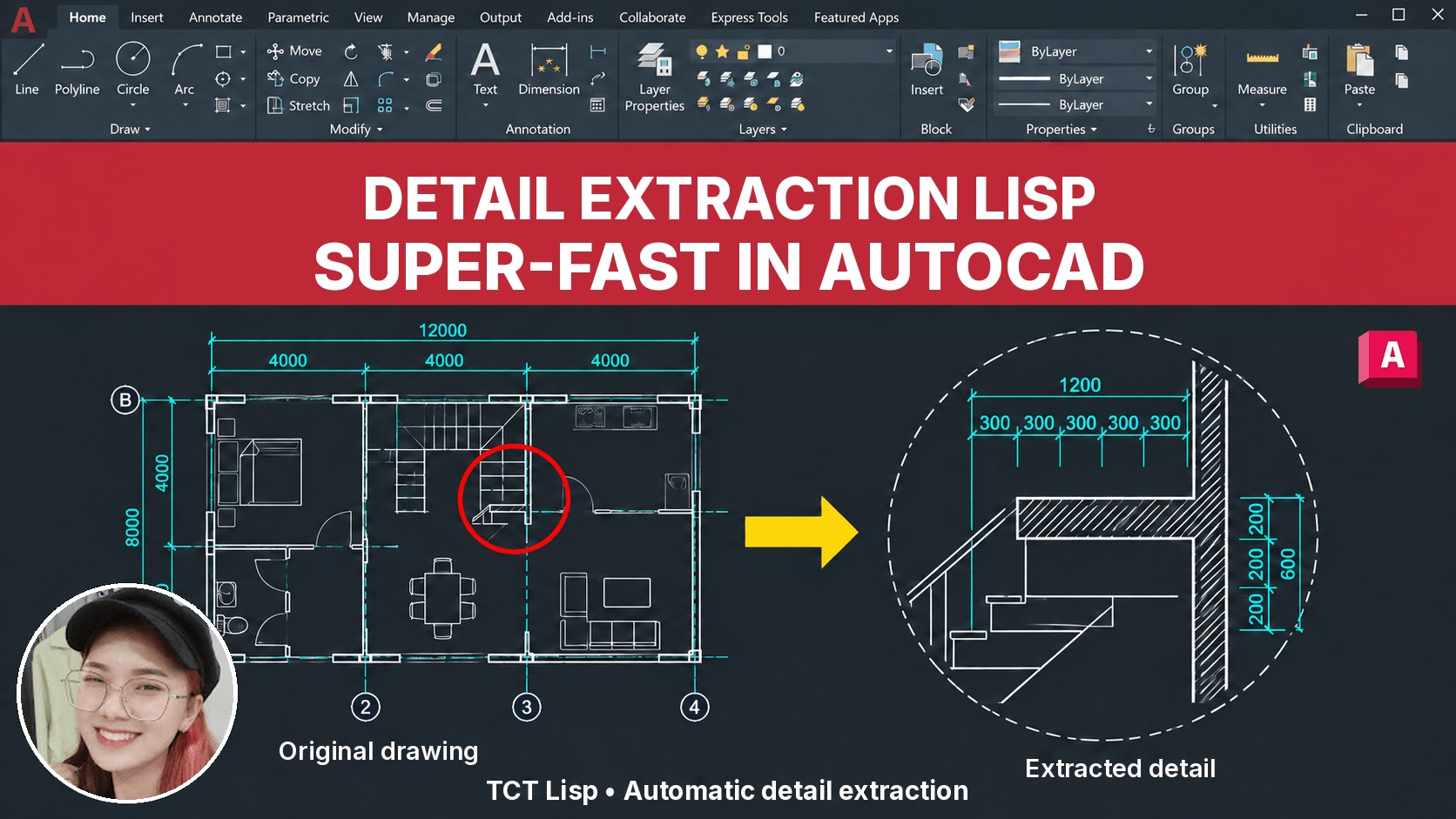 [TCT] Detail Extraction$25 $10View now
 [QD] Fast Dimensioning$25 $10View now
 BECOME A PROFESSIONAL AUTOCAD USER$109 $69View now
 [D2P] Batch Plot$25 $10View now
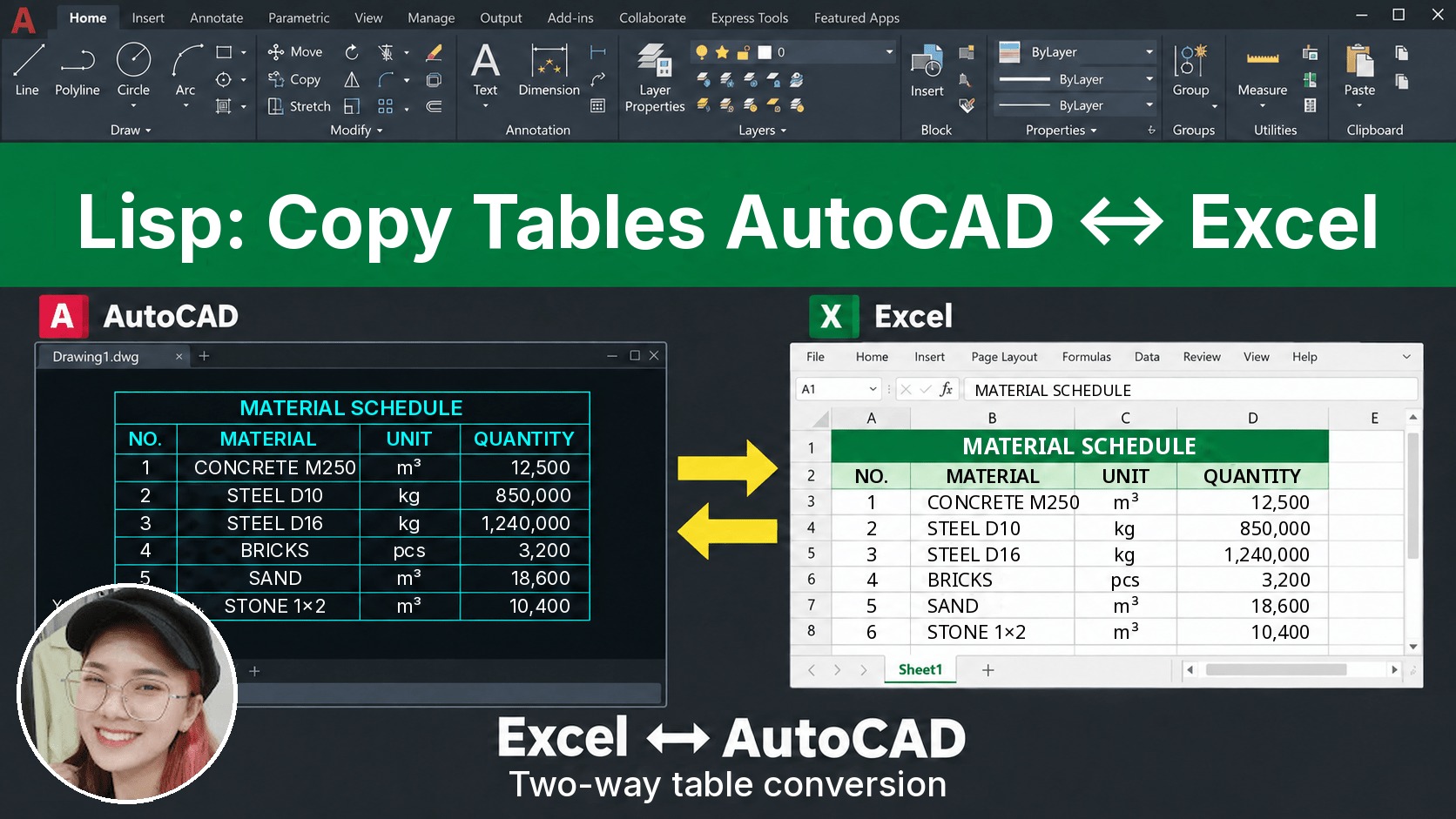 [D2X] Copy/Convert Tables Between AutoCAD & Excel$25 $10View now
_____________________________________
🔥 PRACTICAL PROFESSIONAL AUTOCAD COURSE A-Z:
Learn tips, tricks, lisp and the right mindset to draw fast and manage your drawings professionally. After finishing the course, you’ll be able to produce any drawing you want.
👉 Tuition: $69
👉 Course information: https://vuhienhau.com/en/course/become-a-cadman/
👉 Enroll via our Facebook Fanpage: https://facebook.com/VuHienAcademy or WhatsApp: +84359864135