Short answer: a VinaCAD license is tied to the account you bought it with. One VinaCAD Standard license works on 1 computer at a time. If 5 people in your office need it at the same time, buy 5 licenses. When you switch computers or reinstall Windows, just install VinaCAD and sign in with the account you bought it with.
1. How many computers can one license be used on?
One VinaCAD Standard license works on 1 computer at a time; you can’t share 1 account across several computers at once.
An office with 5 people drafting at the same time needs 5 licenses. For single purchases, code VUHIENHAU brings it down to $81/computer/year.
2. What if you switch computers?
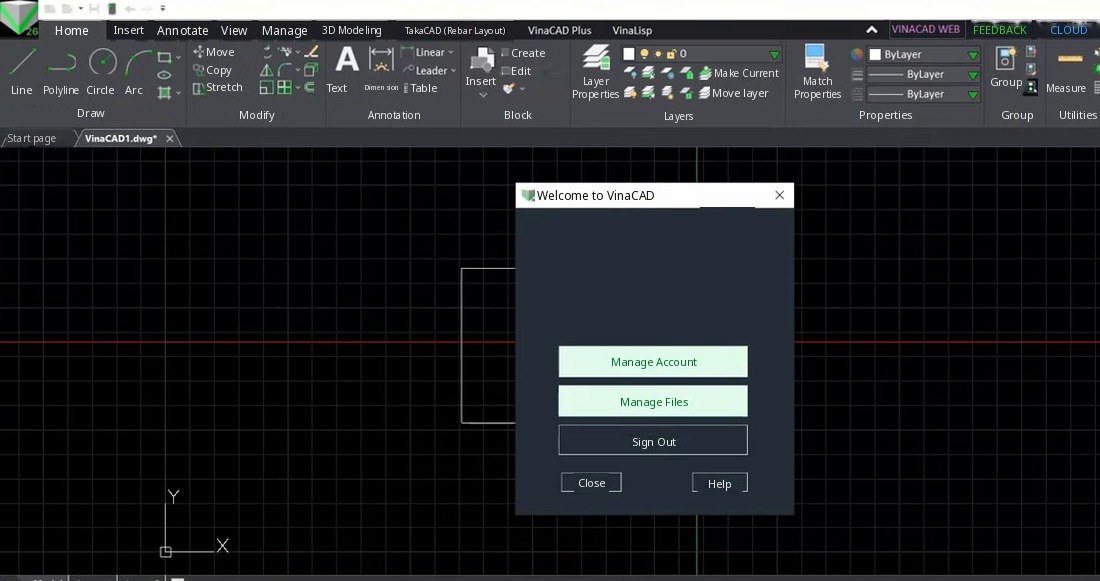
If you switch laptops or hand over to another computer, install VinaCAD on the new one and sign in with the account you bought it with. One license works on 1 computer at a time: sign in on the new computer and you use it there.
3. Do you lose the license when you reinstall Windows?
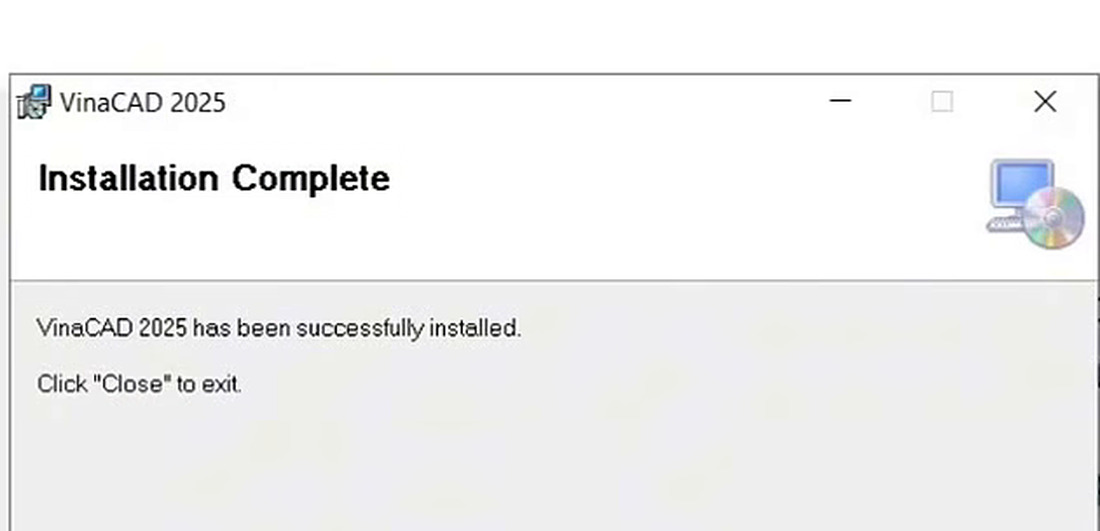
Reinstalling Windows doesn’t lose your license, because it’s tied to the account you bought it with. After reinstalling Windows, install VinaCAD and sign in with your account. Don’t install unknown files.
VinaCAD purchase link. Click this link to get the discount 👉 https://www.vina-cad.com/en/pricing/VINACAD&VINACAD_WEB&vinataka&TAKACAD?affiliateId=6ea544e5-01f3-4053-924a-e6d99731fdd9
The default price of the VinaCAD Standard plan without the code is $99/year. If you buy fewer than 10 licenses through the link or apply code VUHIENHAU, it comes down to $81/computer/year. To buy in bulk, message me on WhatsApp: +84359864135 for a quote.
4. Bulk VinaCAD pricing
Vu Hien – HAU is VinaCAD’s exclusive discount-code KOL, so buying in bulk through Vu Hien – HAU costs less.
The original price of the VinaCAD Standard plan is $99/license/year, with volume discounts when you buy through KOL Vu Hien – HAU.
| Number of licenses | Discount | Price/license/year | Example total/year |
| Fewer than 10 (1 computer) | 15% | $81 | $81 |
| Fewer than 10 (5 computers) | 15% | $81 | $405 |
| 10 to fewer than 20 (10 computers) | 17% | $82.17 | $821.70 |
| 20 to fewer than 50 (20 computers) | 20% | $79.20 | $1,584 |
| 50 to fewer than 100 (50 computers) | 23% | $76.23 | $3,811.50 |
| 100 or more (100 computers) | 25% | $74.25 | $7,425 |
If you’re buying 10 or more licenses, message me on WhatsApp at +84359864135 to lock in the right discount through KOL Vu Hien – HAU (VinaCAD’s exclusive discount-code KOL).
CONCLUSION
A VinaCAD license is tied to the account you bought it with. One VinaCAD Standard license works on 1 computer at a time. When you switch computers or reinstall Windows, just install VinaCAD and sign in with your account. To buy more licenses or buy in bulk, message me on WhatsApp at +84359864135 for a quote.
You May Also Like:
 VINACAD IN PRACTICE: A-Z$109 $69View now
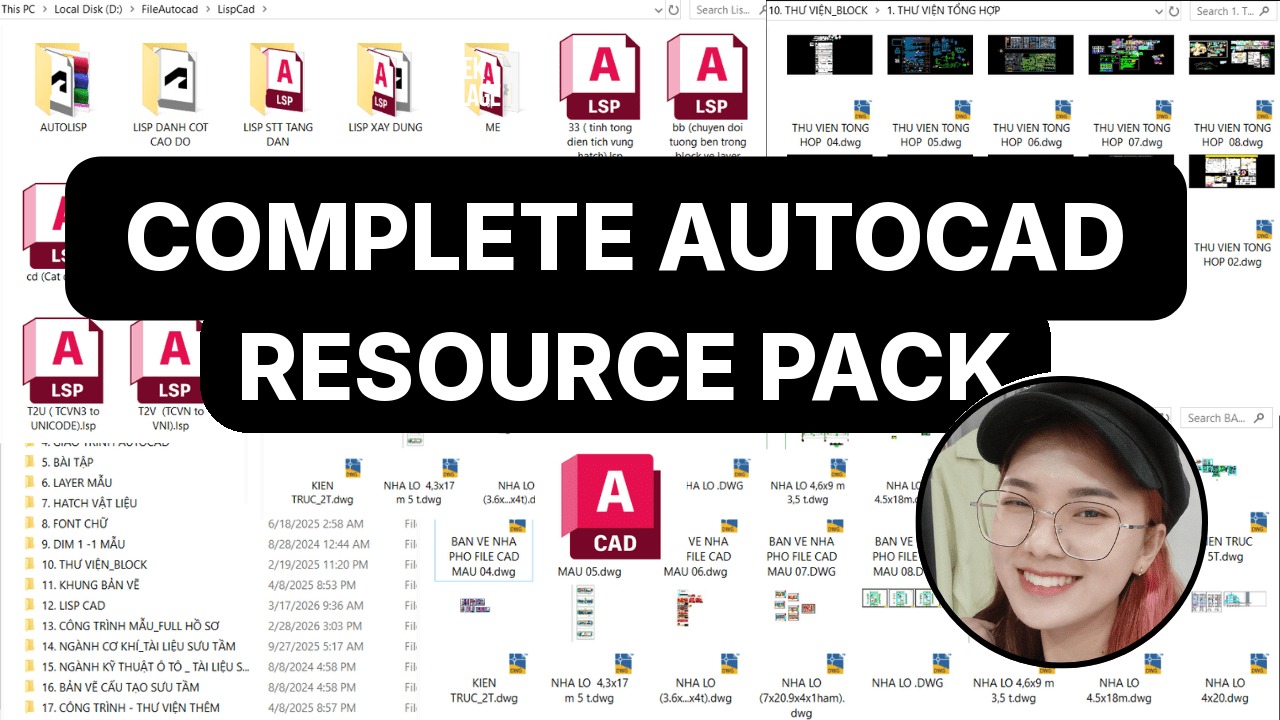 Complete AutoCAD Resource Pack$15View now
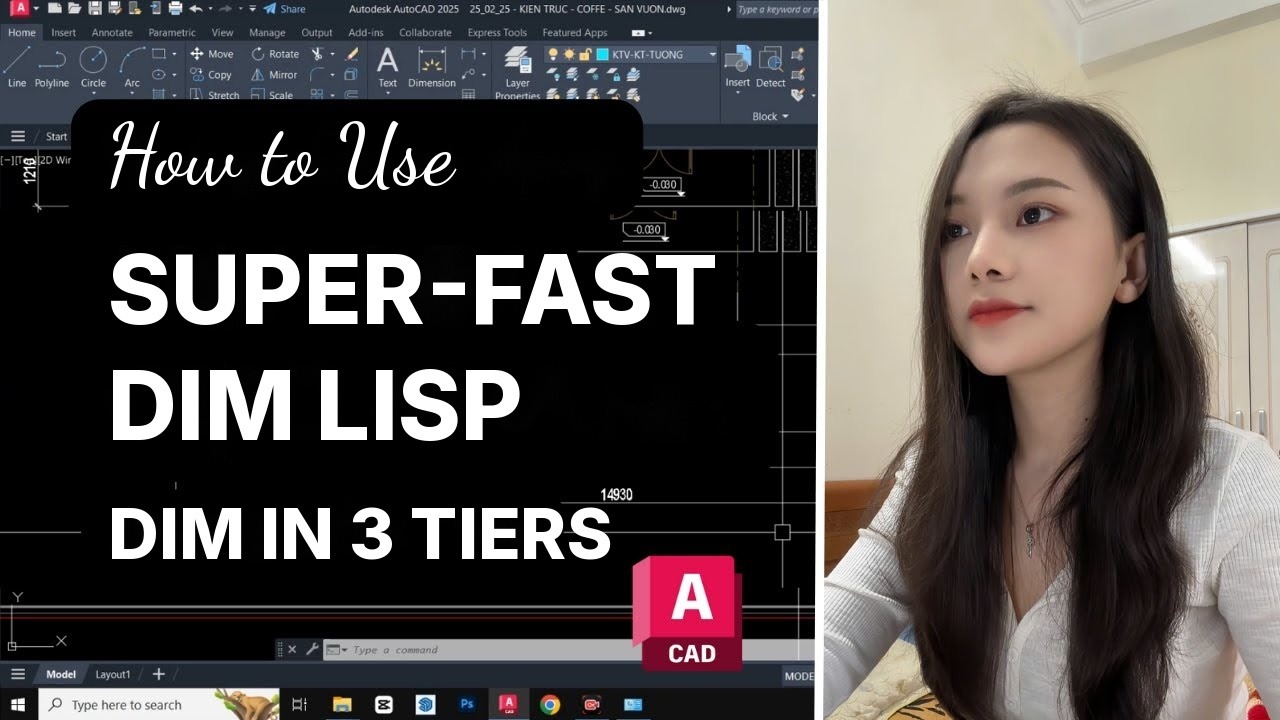 [QD] Fast Dimensioning$25 $10View now
 BECOME A PROFESSIONAL AUTOCAD USER$109 $69View now
 [D2P] Batch Plot$25 $10View now
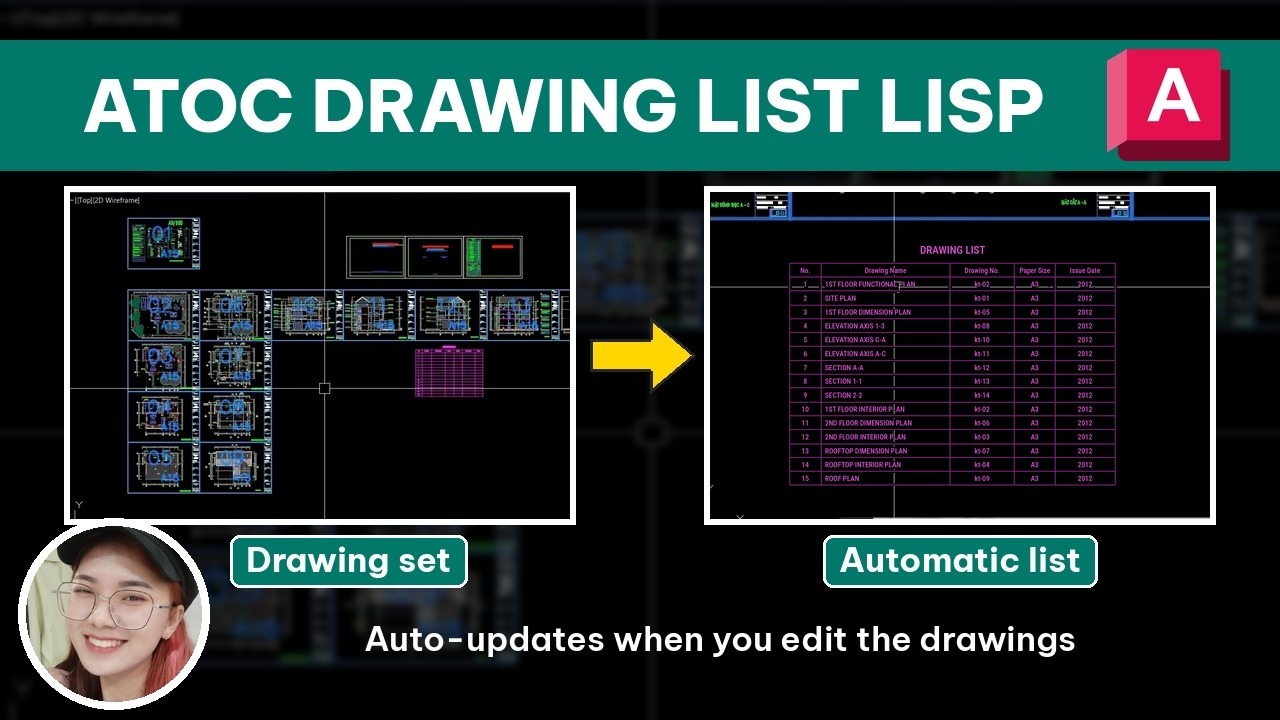 [ATOC] Auto Drawing List$25 $10View now
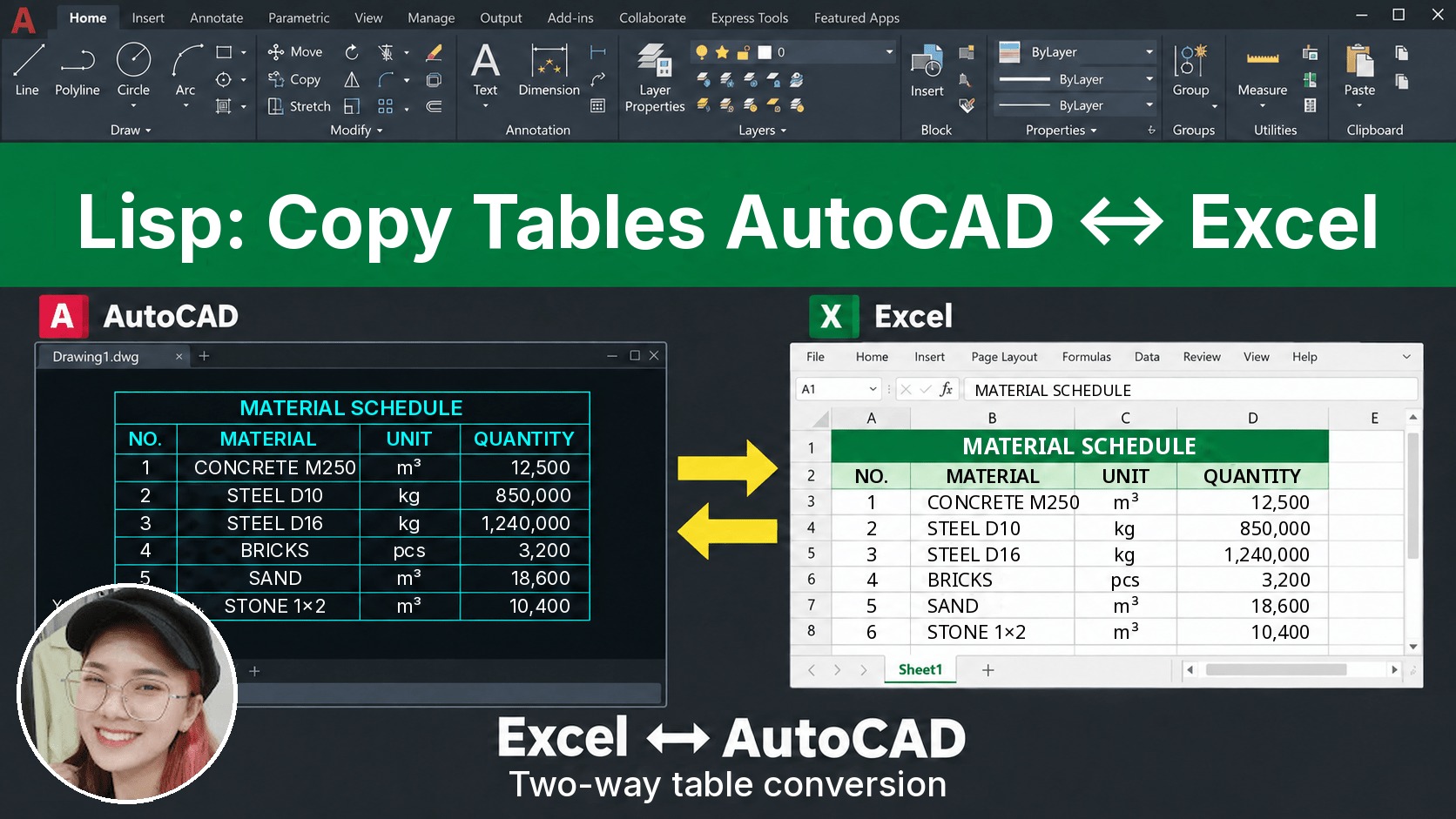 [D2X] Copy/Convert Tables Between AutoCAD & Excel$25 $10View now
_____________________________________
🔥 VINACAD IN PRACTICE COURSE A-Z:
Beyond showing you how to use VinaCAD professionally, the course also shows how to apply what you’ve learned to specific fields, so you can easily put it to work in your job.
👉 Tuition: $69
👉 Course information: https://vuhienhau.com/en/course/vinacad-a-z/
👉 Enroll via our Facebook Fanpage: https://facebook.com/VuHienAcademy or WhatsApp: +84359864135