
AutoCAD is the leading technical design software, widely used in architecture, construction, mechanical engineering and many other fields. This post walks you through downloading and installing the latest version of AutoCAD on your computer in a detailed and easy-to-understand way.
I. Create an Autodesk account
Go to the Autodesk homepage at: https://www.autodesk.com
Click the “Sign In” button. Then click “Create Account” to register an account


Fill in your information. Then click “Create Account“. You’ll receive a verification email from Autodesk. Open your Gmail, click “Verify Email” to confirm. Then tick the “Check this box…” box and click “Done“


That’s it, you’ve created your account successfully
II. Download AutoCAD
Click “Products“. Then click “Autocad“

Click “Download Free Trial” to download the free 15-day trial. Then click “Home Use” and click “Next, Choose Product“


Choose the AutoCAD version that suits you. Then click “Next, my info“. Fill in your information and click “Complete to submit“


After that, you’ll receive a confirmation email from Autodesk. Download it and install it.
I have a $69 AutoCAD course that teaches you from zero to proficient in AutoCAD. Check it out below. I also offer a discount on AutoCAD installation for students when they enroll in the course. Message me on WhatsApp for advice: +84359864135
Detailed video tutorial:
Good luck!
If you found this article helpful, you can support me by buying the Complete AutoCAD Resource Pack. It includes books, libraries, fonts, hatches, lisp, templates, sample projects, ISO standards and more, which I’ve put together and curated from my years of teaching and real-world work. Price: $15. Buy and pay at this link: 👉https://vuhienhau.com/en/san-pham/complete-autocad-resource-pack/
You May Also Like:
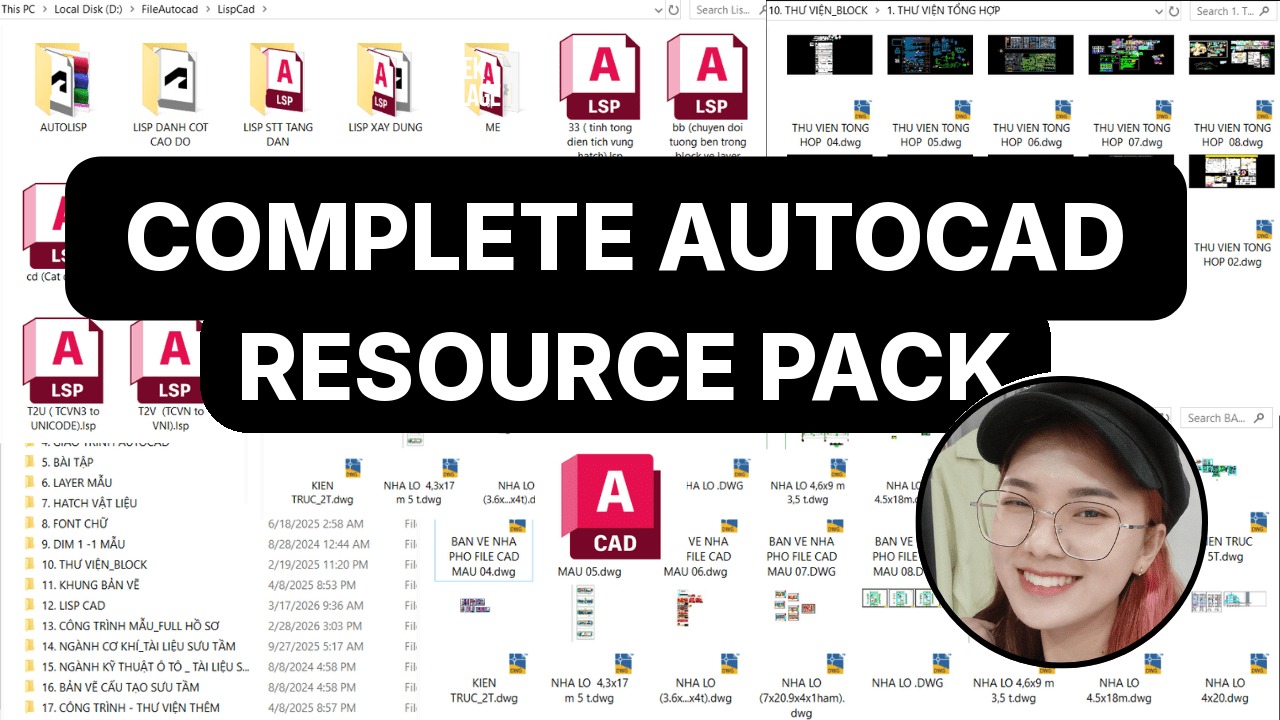 Complete AutoCAD Resource Pack$15View now
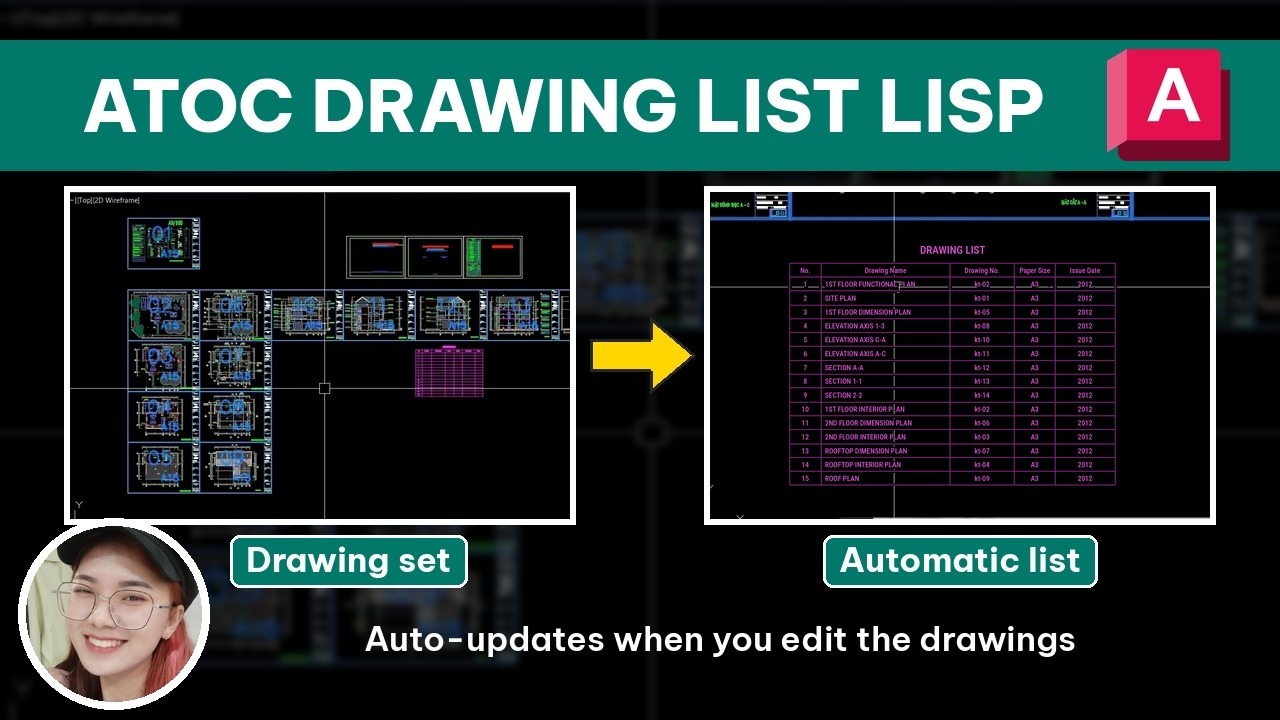 [ATOC] Auto Drawing List$25 $10View now
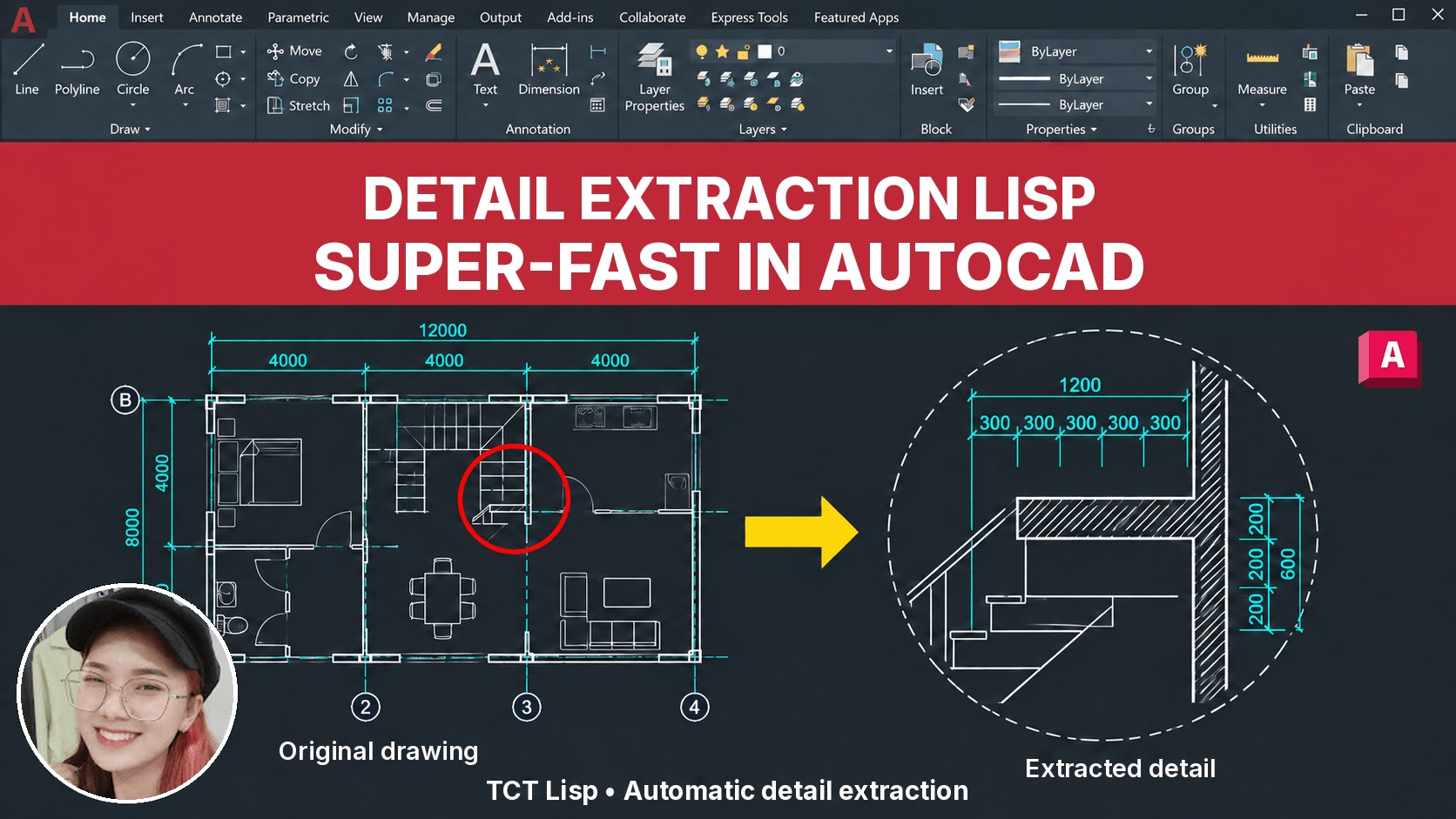 [TCT] Detail Extraction$25 $10View now
 [QD] Fast Dimensioning$25 $10View now
 BECOME A PROFESSIONAL AUTOCAD USER$109 $69View now
 [D2P] Batch Plot$25 $10View now
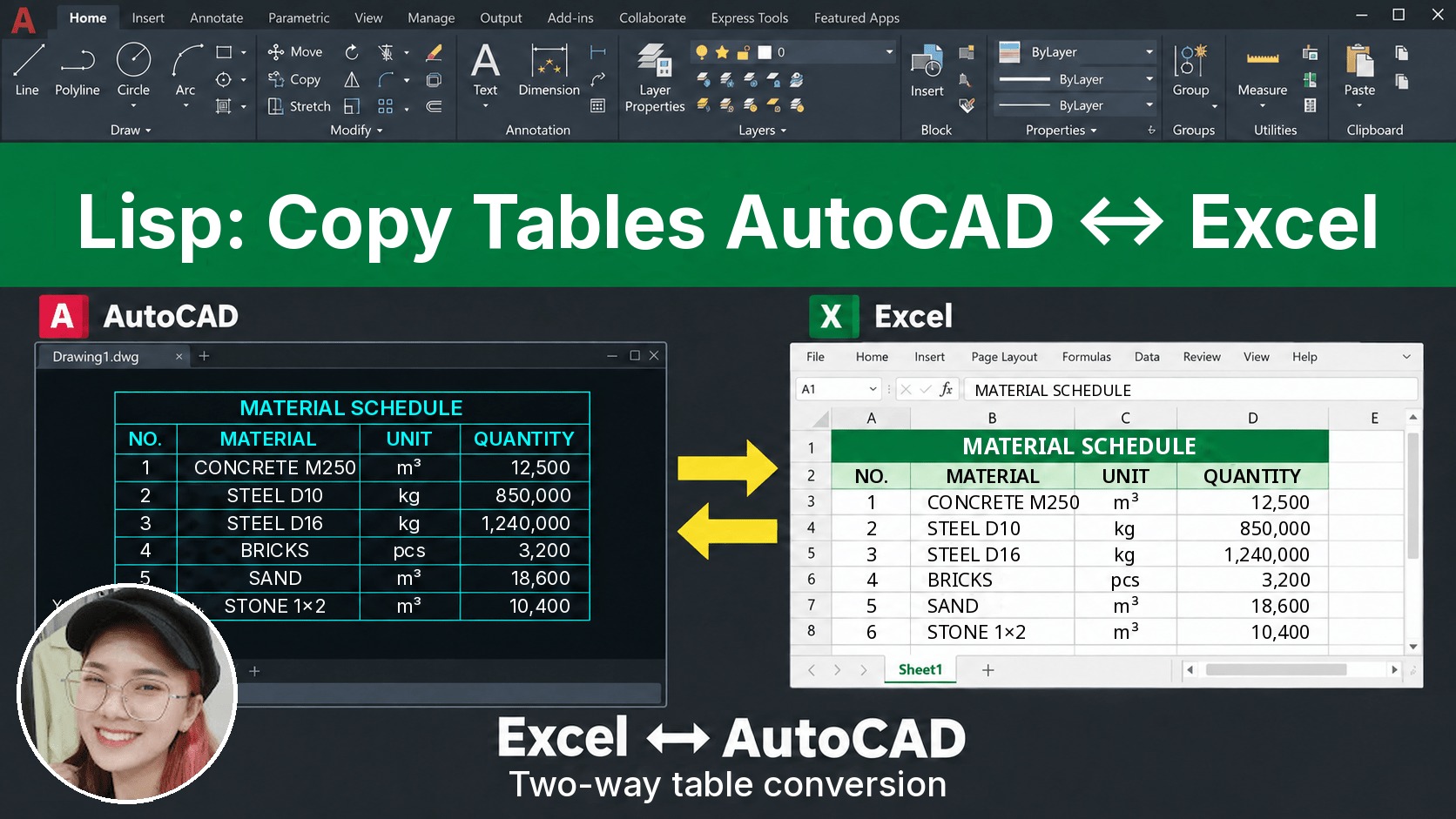 [D2X] Copy/Convert Tables Between AutoCAD & Excel$25 $10View now
_____________________________________
🔥 PRACTICAL PROFESSIONAL AUTOCAD COURSE A-Z:
Learn tips, tricks, lisp and the right mindset to draw fast and manage your drawings professionally. After finishing the course, you’ll be able to produce any drawing you want.
👉 Tuition: $69
👉 Course information: https://vuhienhau.com/en/course/become-a-cadman/
👉 Enroll via our Facebook Fanpage: https://facebook.com/VuHienAcademy or WhatsApp: +84359864135