The Drawing Translation lisp is a handy tool that quickly translates text objects in AutoCAD from a source language into a target language. It’s very useful for translating and working with foreign drawings.
The lisp was developed by the author HNP. It’s completely free to use and is widely used in the community.

Here’s how to download and use the Translation lisp in AutoCAD:
Download the Translation lisp:
Go to the following link to download the Drawing Translation lisp: Link
After downloading, you’ll have a Lisp file with the .lsp extension. Load the lisp, or drag and drop it into AutoCAD, to use it. If a dialog appears, remember to choose Always Load.
How to use:
Type the command TRANSLATETEXT → Enter → when a dialog appears, click Continue. Then a dialog appears as in the image below.

You’ll choose the source language (the Source language field). It’s currently set to Auto detect, which detects the language automatically.
And choose the language you want to translate into (the Target language field). For example, I chose to translate into Vietnamese (Vietnamese).

Then you’ll window-select the objects you want to translate → Enter.
Then wait about 5 minutes for the machine to translate. You’ll get the result shown below:
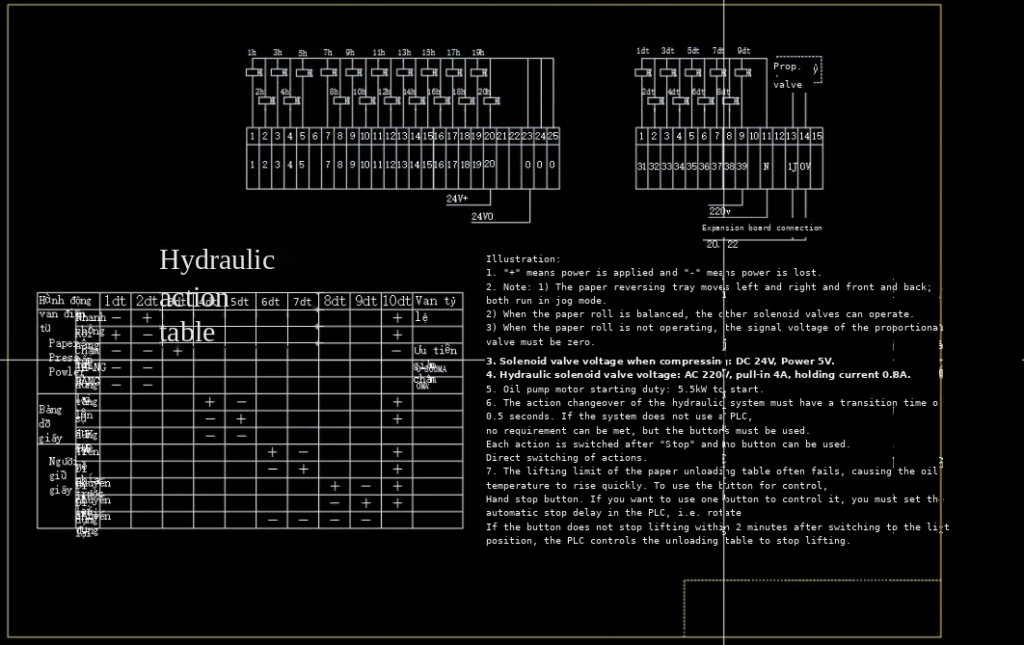
The text has been fully translated into Vietnamese. Because the language changed, some text spills out of its space. Just adjust it a little.
A few notes when using the Translation lisp:
- Because the lisp translates directly through Google Translate, your AutoCAD must have an Internet connection for it to work.
- The lisp only translates Unicode encoding, and other encodings can’t be translated. You can change the encoding. I’ll write another post about this.
Detailed video tutorial:
Good luck!
If you found this post helpful, you can support me by buying the AutoCAD Resource Pack, which has everything from libraries, fonts, hatches, lisp, templates, sample projects, ISO standards and more, up to a set of construction documentation for each work item built to TCVN (Vietnamese) standards that I’ve collected. Price: $15. Buy and pay at this link: https://vuhienhau.com/en/san-pham/complete-autocad-resource-pack/
You May Also Like:
 Complete AutoCAD Resource Pack$15View now
 [ATOC] Auto Drawing List$25 $10View now
 [TCT] Detail Extraction$25 $10View now
 [QD] Fast Dimensioning$25 $10View now
 BECOME A PROFESSIONAL AUTOCAD USER$109 $69View now
 [D2P] Batch Plot$25 $10View now
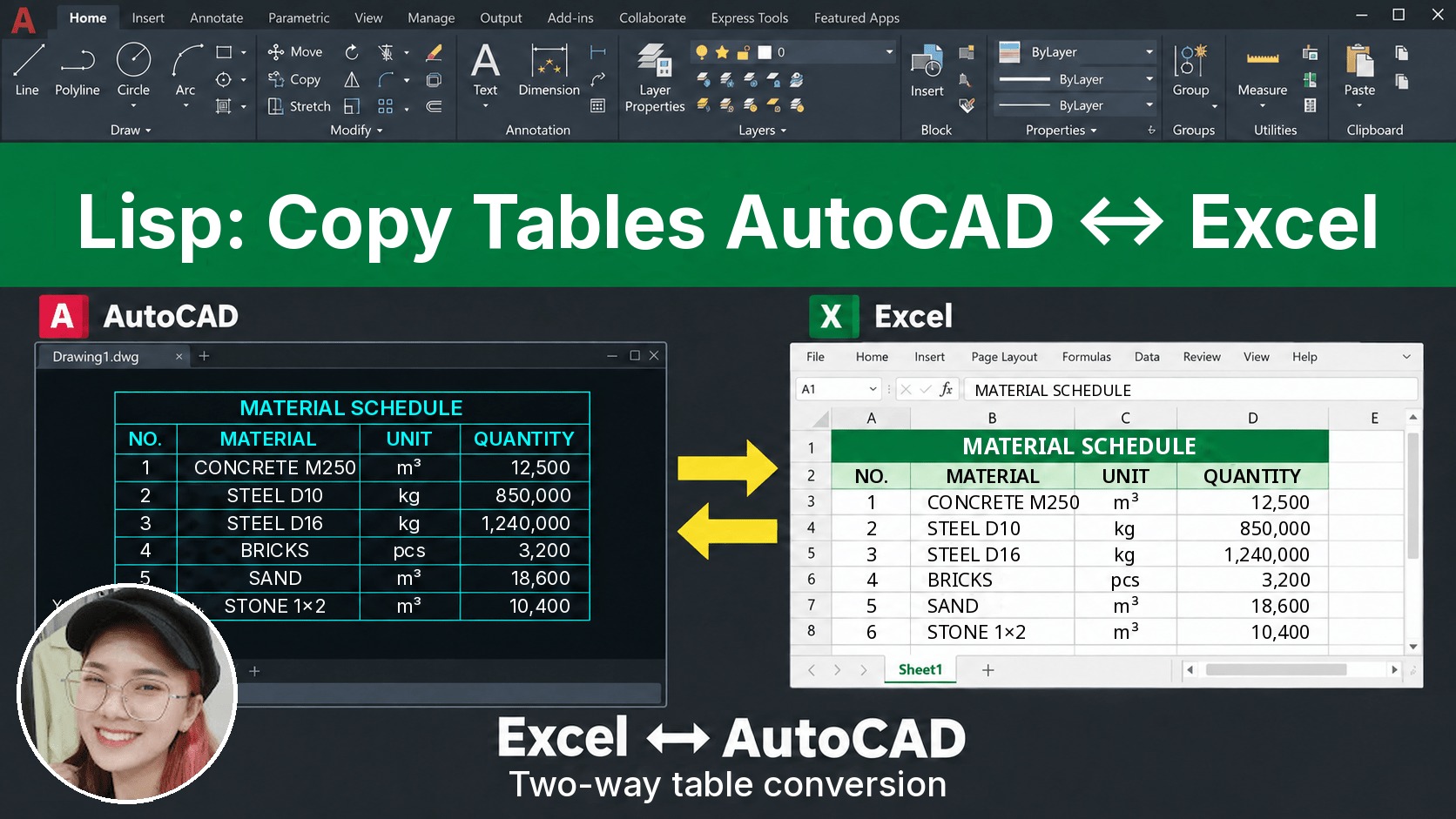 [D2X] Copy/Convert Tables Between AutoCAD & Excel$25 $10View now
_____________________________________
🔥 PRACTICAL PROFESSIONAL AUTOCAD COURSE A-Z:
Learn tips, tricks, lisp and the right mindset to draw fast and manage your drawings professionally. After finishing the course, you’ll be able to produce any drawing you want.
👉 Tuition: $69
👉 Course information: https://vuhienhau.com/en/course/become-a-cadman/
👉 Enroll via our Facebook Fanpage: https://facebook.com/VuHienAcademy or WhatsApp: +84359864135