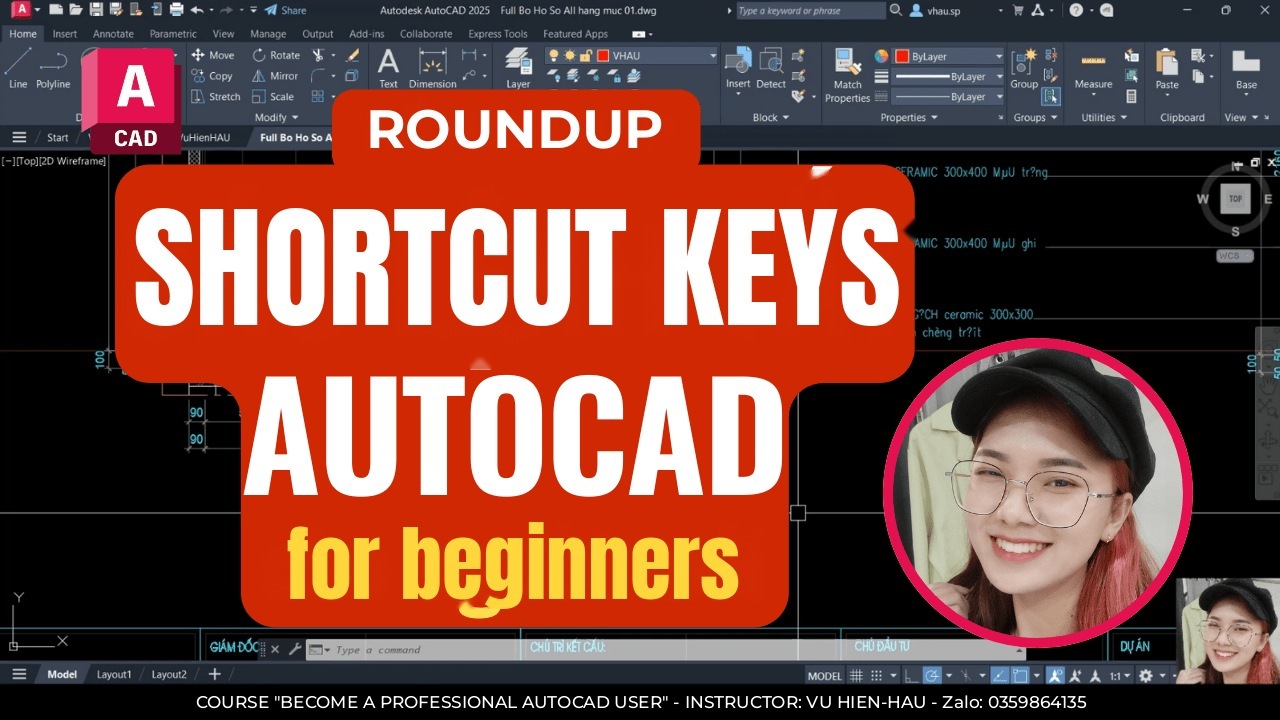
AutoCAD is the most widely used technical drafting software today in fields such as construction, mechanical engineering, interior design, MEP and more. For beginners, mastering the basic commands and shortcuts helps you work faster and more efficiently and avoids feeling lost when using the software.
This post is a complete roundup of the most basic AutoCAD commands with their shortcuts, to make them easy to learn, easy to remember and easy to apply.
1. Basic AutoCAD drawing commands (Draw)
| Command | Shortcut | Function |
|---|---|---|
| Line | L | Draw a straight line |
| Polyline | PL | Draw a polyline |
| Circle | C | Draw a circle |
| Arc | A | Draw an arc |
| Rectangle | REC | Draw a rectangle |
| Polygon | POL | Draw a regular polygon |
| Spline | SPL | Draw a curve |
2. AutoCAD modify commands (Modify)
| Command | Shortcut | Function |
|---|---|---|
| Move | M | Move objects |
| Copy | CO | Copy objects |
| Rotate | RO | Rotate objects |
| Scale | SC | Scale objects |
| Mirror | MI | Mirror |
| Trim | TR | Trim part of an object |
| Extend | EX | Extend an object |
| Offset | O | Offset (create a parallel copy of) an object |
| Fillet | F | Fillet (round a corner) |
3. Layer commands
| Command | Shortcut | Function |
|---|---|---|
| Layer | LA | Manage layers |
| Match Properties | MA | Copy properties |
| Isolate Layer | LAYISO | Hide all other layers |
| Unisolate Layer | LAYUNISO | Show the layers again |
| Layer Off | LAYOFF | Turn off the layer of the selected object |
| Layer On | LAYON | Turn all layers back on |
| Unlock All Layers | LAYULK | Unlock all layers |
4. Text – Hatch – Dim commands
| Command | Shortcut | Function |
|---|---|---|
| Text Style | ST | Manage text styles |
| Mtext | T | Write text |
| Hatch | H | Hatch materials |
| Dim Style | D | Manage dim styles |
| DimLinear | DLI | Linear dimension |
| DimAligned | DAL | Aligned (diagonal) dimension |
| DimRadius | DRA | Radius dimension |
I’ve compiled everything into one link, including libraries, fonts, hatches, error-fixing guides,…
Get it here 👉 Link
If you found this article helpful, you can support me by buying the Complete AutoCAD Resource Pack. It includes books, libraries, fonts, hatches, lisp, templates, sample projects, ISO standards and more, which I’ve put together and curated from my years of teaching and real-world work. Price: $15. Buy and pay at this link: 👉https://vuhienhau.com/en/san-pham/complete-autocad-resource-pack/
You May Also Like:
 Complete AutoCAD Resource Pack$15View now
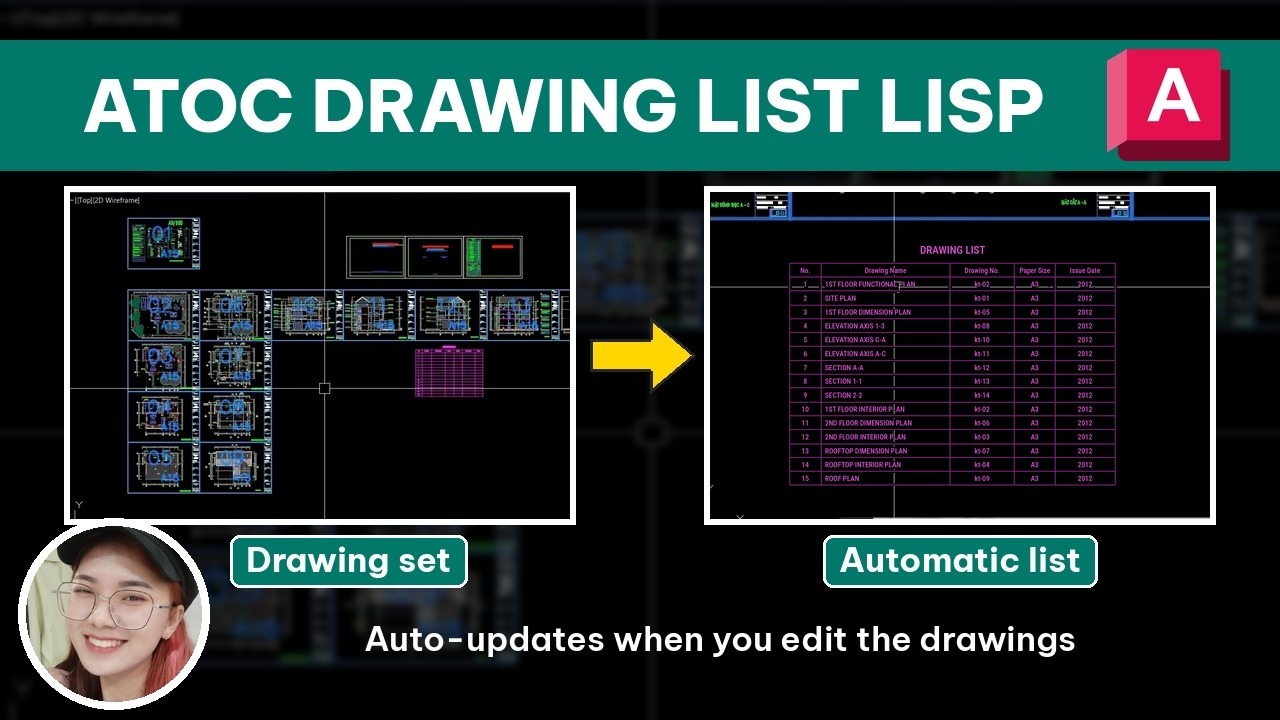 [ATOC] Auto Drawing List$25 $10View now
 [QD] Fast Dimensioning$25 $10View now
 [D2P] Batch Plot$25 $10View now
 BECOME A PROFESSIONAL AUTOCAD USER$109 $69View now
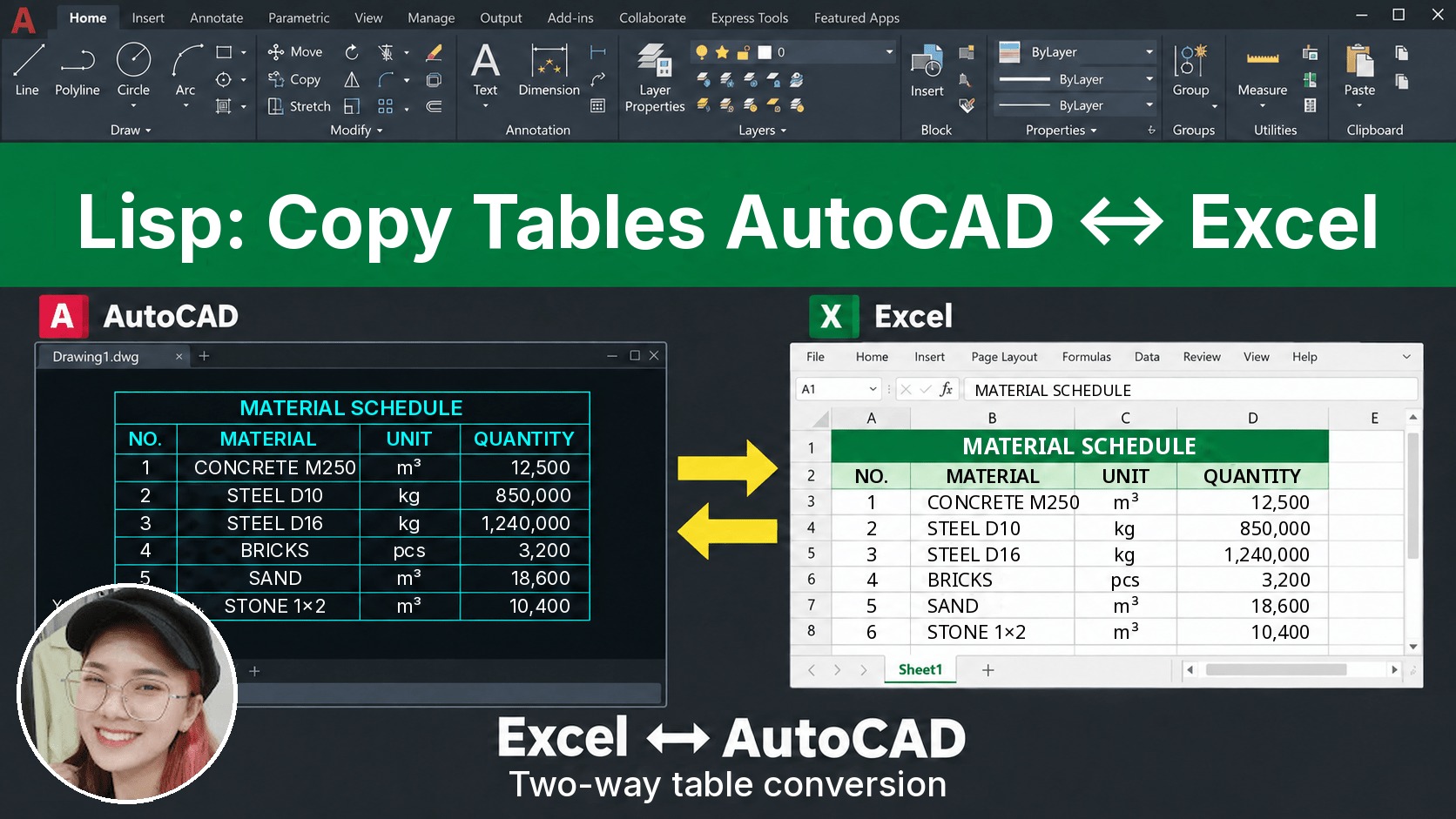 [D2X] Copy/Convert Tables Between AutoCAD & Excel$25 $10View now
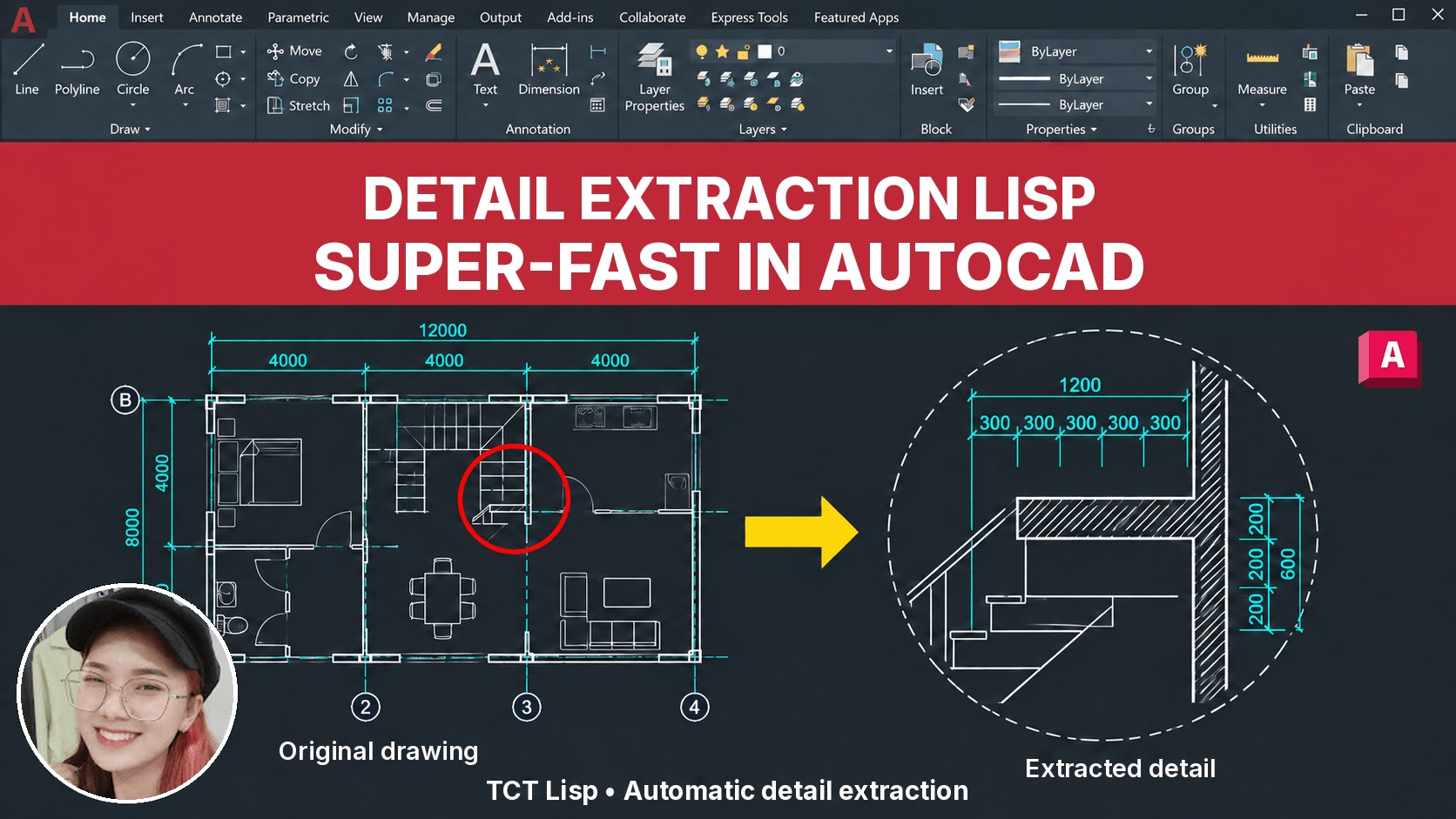 [TCT] Detail Extraction$25 $10View now
_____________________________________
🔥 PRACTICAL PROFESSIONAL AUTOCAD COURSE A-Z:
Learn tips, tricks, lisp and the right mindset to draw fast and manage your drawings professionally. After finishing the course, you’ll be able to produce any drawing you want.
👉 Tuition: $69
👉 Course information: https://vuhienhau.com/en/course/become-a-cadman/
👉 Enroll via our Facebook Fanpage: https://facebook.com/VuHienAcademy or WhatsApp: +84359864135