
Below is a roundup of useful AutoCAD lisps with download links and user guides. If you find this layout hard to read, see this spreadsheet instead; it also gathers the commonly used commands plus a library of fonts and hatches: 👉Link
This table includes both free and paid lisps. For the paid lisps I put the price next to them; if there’s no price, the lisp is free. The paid lisps have many great features and don’t give errors when you use them. I recommend buying them for a better experience and faster work.
| No. | Lisp name / Function | Command | Download link | User guide |
| 1 | Automatic elevation-marking lisp | CAODO | Link | |
| 2 | Incremental auto-numbering lisp | CA – CAA | Link | |
| 3. DRAWING TRANSLATION | Drawing translation lisp | TRANSLATETEXT | Link | |
| 4 | Lisp to offset to both sides with a custom distance | OO | Link | |
| 5 | One-direction scale lisp | 1SC | Link | |
| 6. DIM LISPS | DIM Break lisp & DIM line positioning lisp | CD – BD | Link | |
| 7 | FAST DIM LISP (paid: $10) | QD | Review video: Link | https://vuhienhau.com/en/san-pham/qd-fast-dimensioning/ |
| 8. QUICK PLOT LISPS | BATCH PLOT LISP (paid: $10) | D2P | Review video: Link | https://vuhienhau.com/en/san-pham/d2p-batch-plot/ |
| 9. DRAWING LIST LISPS | DRAWING LIST LISP (paid: $10) | ATOC | Review video: Link | https://vuhienhau.com/en/san-pham/atoc-auto-drawing-list/ |
| 10. GOOGLE MAPS IMAGES | Insert Google Maps images at the correct VN2000 coordinates | IRT | Link |
If you found this article helpful, you can support me by buying the Complete AutoCAD Resource Pack. It includes books, libraries, fonts, hatches, lisp, templates, sample projects, ISO standards and more, which I’ve put together and curated from my years of teaching and real-world work. Price: $15. Buy and pay at this link: 👉https://vuhienhau.com/en/san-pham/complete-autocad-resource-pack/
You May Also Like:
 Complete AutoCAD Resource Pack$15View now
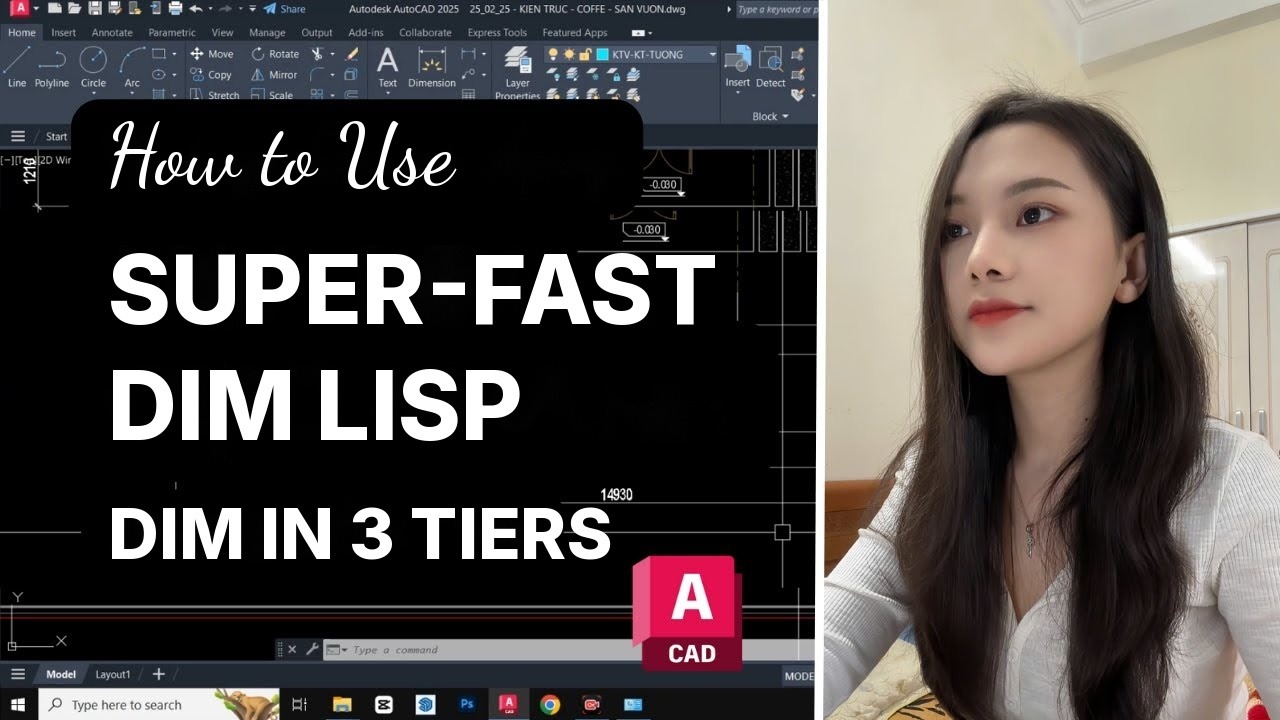 [QD] Fast Dimensioning$25 $10View now
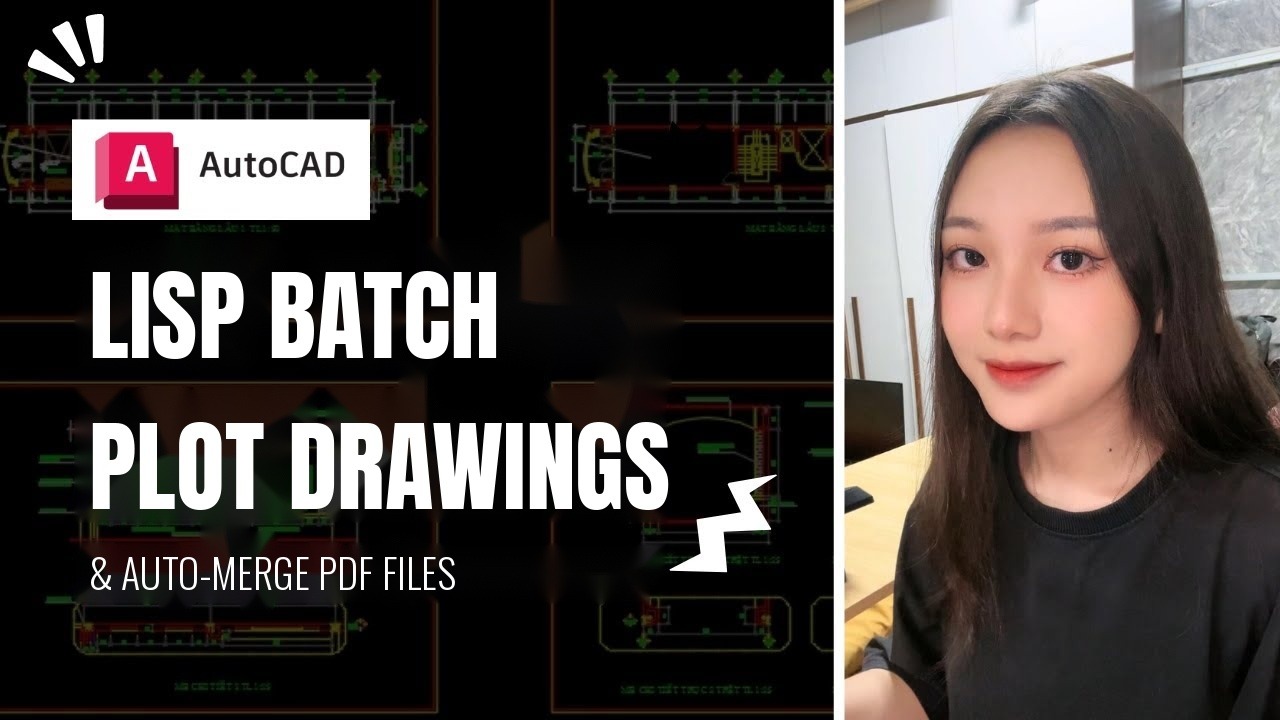 [D2P] Batch Plot$25 $10View now
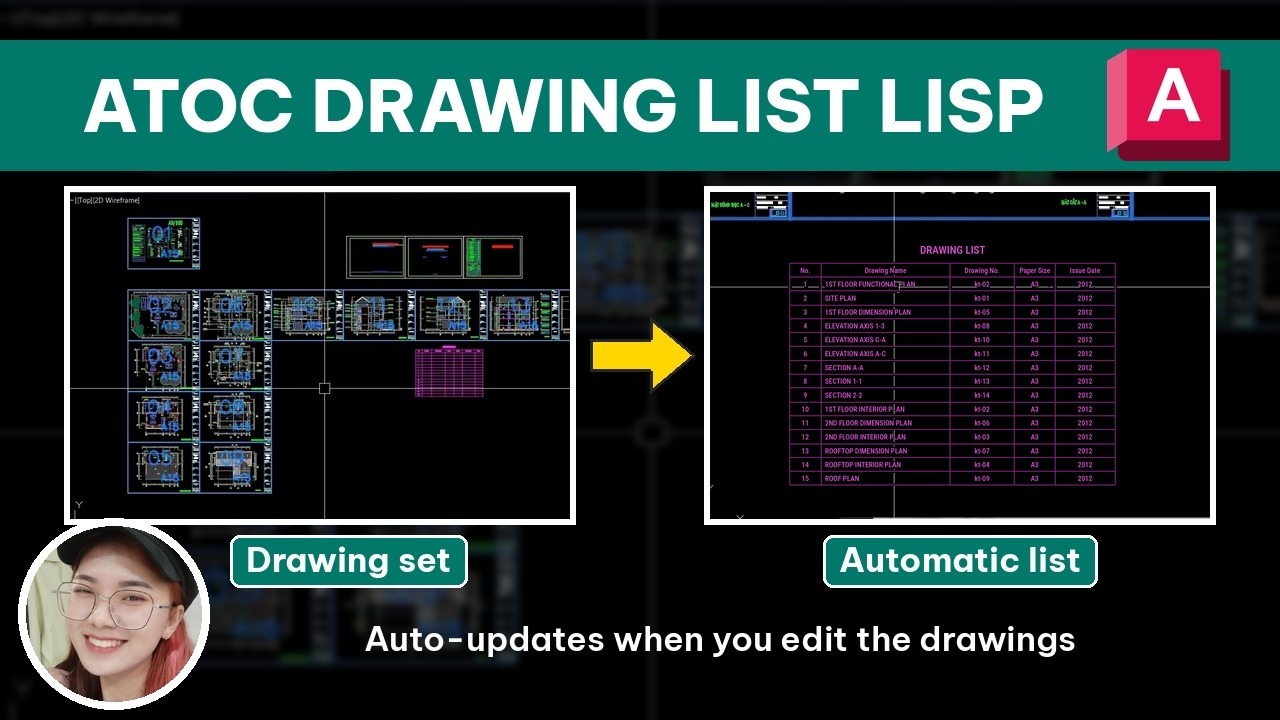 [ATOC] Auto Drawing List$25 $10View now
 BECOME A PROFESSIONAL AUTOCAD USER$109 $69View now
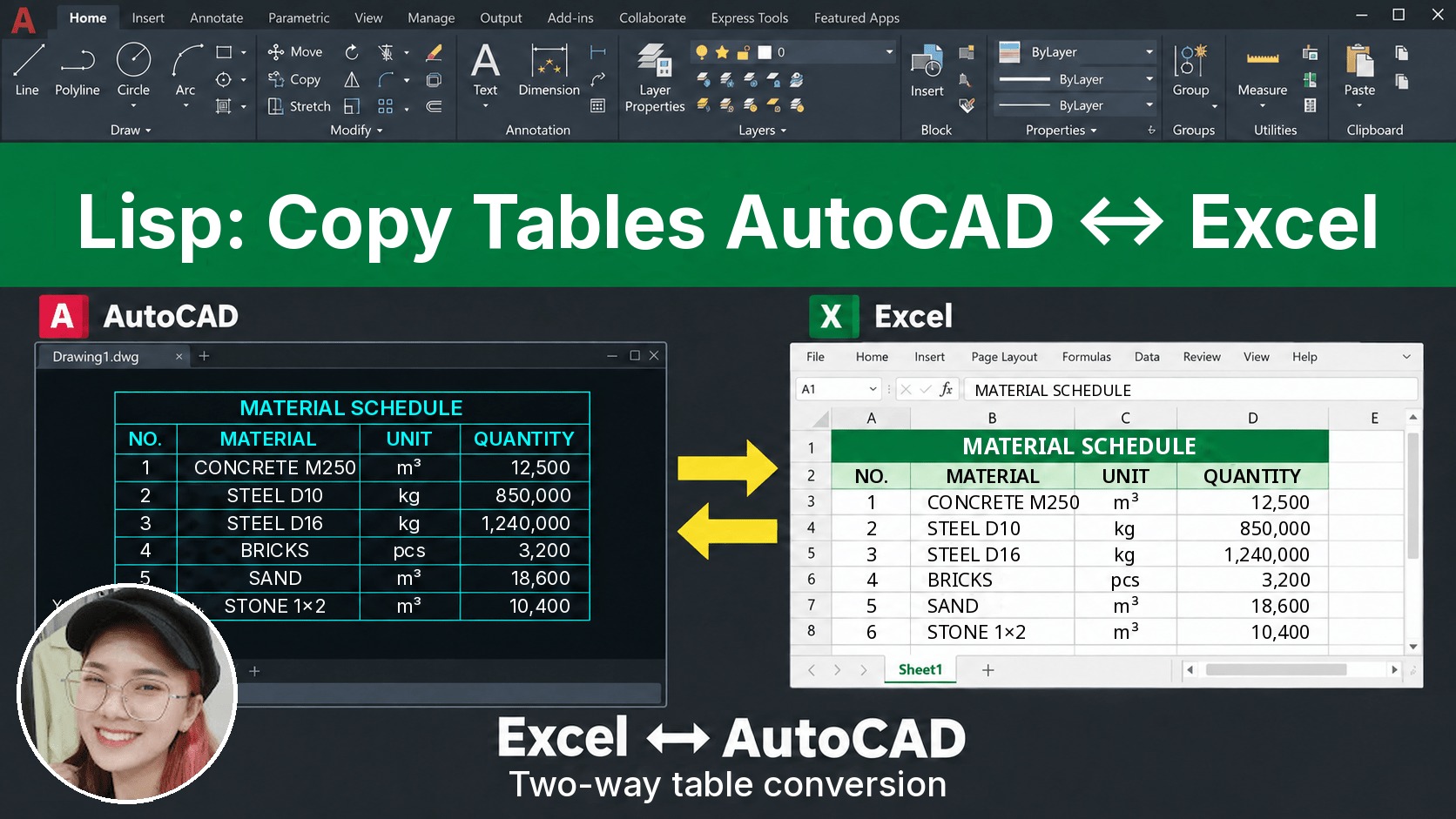 [D2X] Copy/Convert Tables Between AutoCAD & Excel$25 $10View now
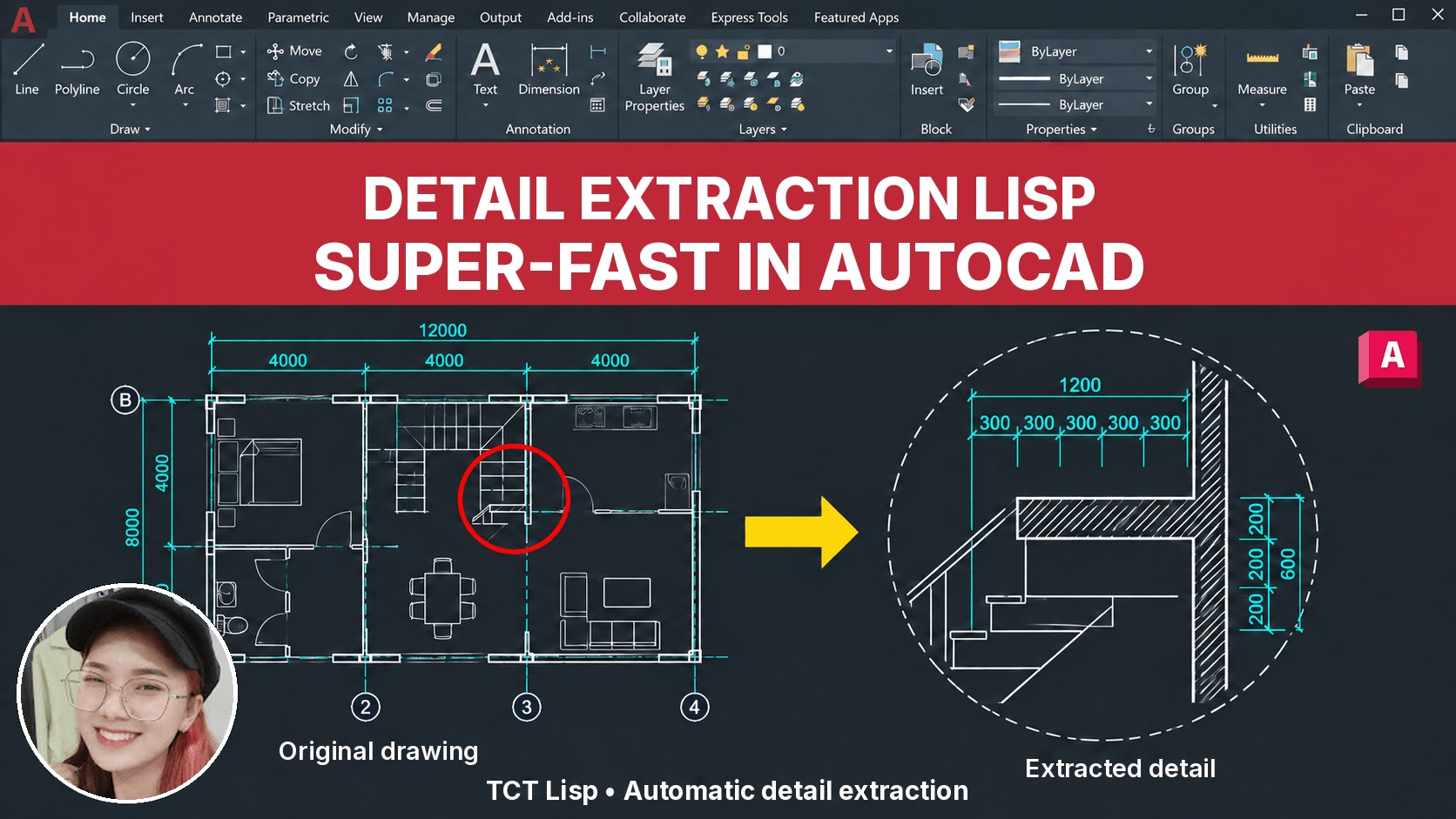 [TCT] Detail Extraction$25 $10View now
_____________________________________
🔥 PRACTICAL PROFESSIONAL AUTOCAD COURSE A-Z:
Learn tips, tricks, lisp and the right mindset to draw fast and manage your drawings professionally. After finishing the course, you’ll be able to produce any drawing you want.
👉 Tuition: $69
👉 Course information: https://vuhienhau.com/en/course/become-a-cadman/
👉 Enroll via our Facebook Fanpage: https://facebook.com/VuHienAcademy or WhatsApp: +84359864135