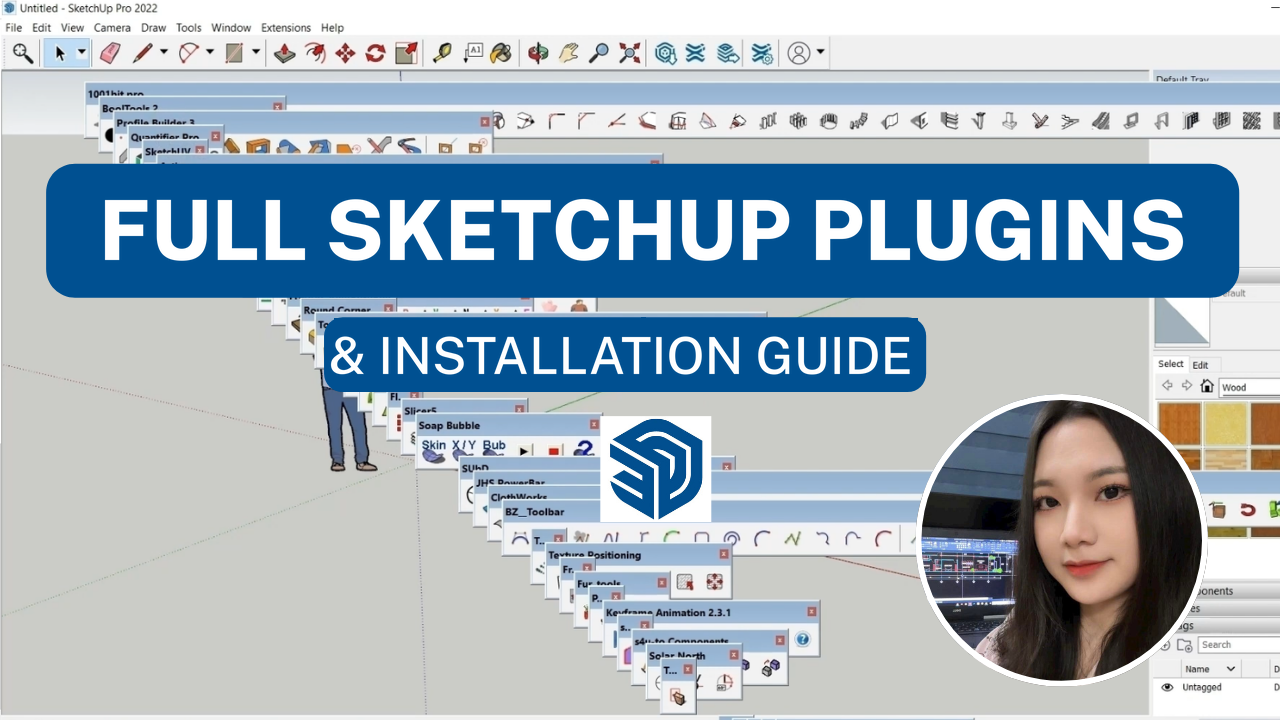
Below is a roundup of useful SketchUp plugins with download links and user guides. Most of the plugins in this table are free: just install them and you can use them right away.
Download link for all the plugins below:
https://drive.google.com/drive/folders/1rSX3EBXNFylY3L-GZqKzQzdCAOd8_UeD?usp=sharing
| No. | Plugin name | What it does | Download link | How to use |
| 1 | Door_lintel_v3x | Quickly draw/cut door openings | Link | |
| 2. AutoCAD | Paste from AutoCAD | Quickly paste CAD files into SketchUp | Link | |
| 3 | Fixlt 101 | Removes stray edges and repairs faulty faces | Link | |
| 4 | Last Touch | Hides the mesh lines of objects | Link | |
| 5 | Skimp | Reduces the mesh of objects | Link | |
| 6. Dimensioning | Dim Ray | Dimensions the points a line passes through + overall dimension | Link | |
| 7 | Auto Dimension | Adds overall length/width/height dimensions of an object | Link | |
| 8 | Dimension Tools | Continuous dimensions & overall dimensions | Link | |
| 9 | Material Replacer | Replaces material textures in bulk | Link | |
| 10 | Curic Align | Centers objects relative to each other. Quickly puts objects onto a plane | Link | |
| 11 | Round Corner | Chamfers or rounds the edges of an object | Link |
Video: how to install the plugins:
If you’d like a course on using plugins to model quickly, check out my SketchUp course below:
_____________________________________
🔥 SKETCHUP IN PRACTICE: 3D MODELING COURSE:
Learn to use plugins hands-on to model gates, doors, railings, CNC patterns, townhouses, villas, and interior furniture such as wardrobes, kitchen cabinets, shelving…
👉 Tuition: $109 $69
👉 Course information: https://vuhienhau.com/en/course/sketchup-3d/
👉 Enroll via our Facebook Fanpage: https://facebook.com/VuHienAcademy or WhatsApp: +84359864135